
Introduction - Sales Orders
A sales order is a confirmed commitment to supply.

It sits between agreement and billing, and it is the document that fulfilment works from. If you sell physical goods, this is where your warehouse and your accounts finally talk to each other.
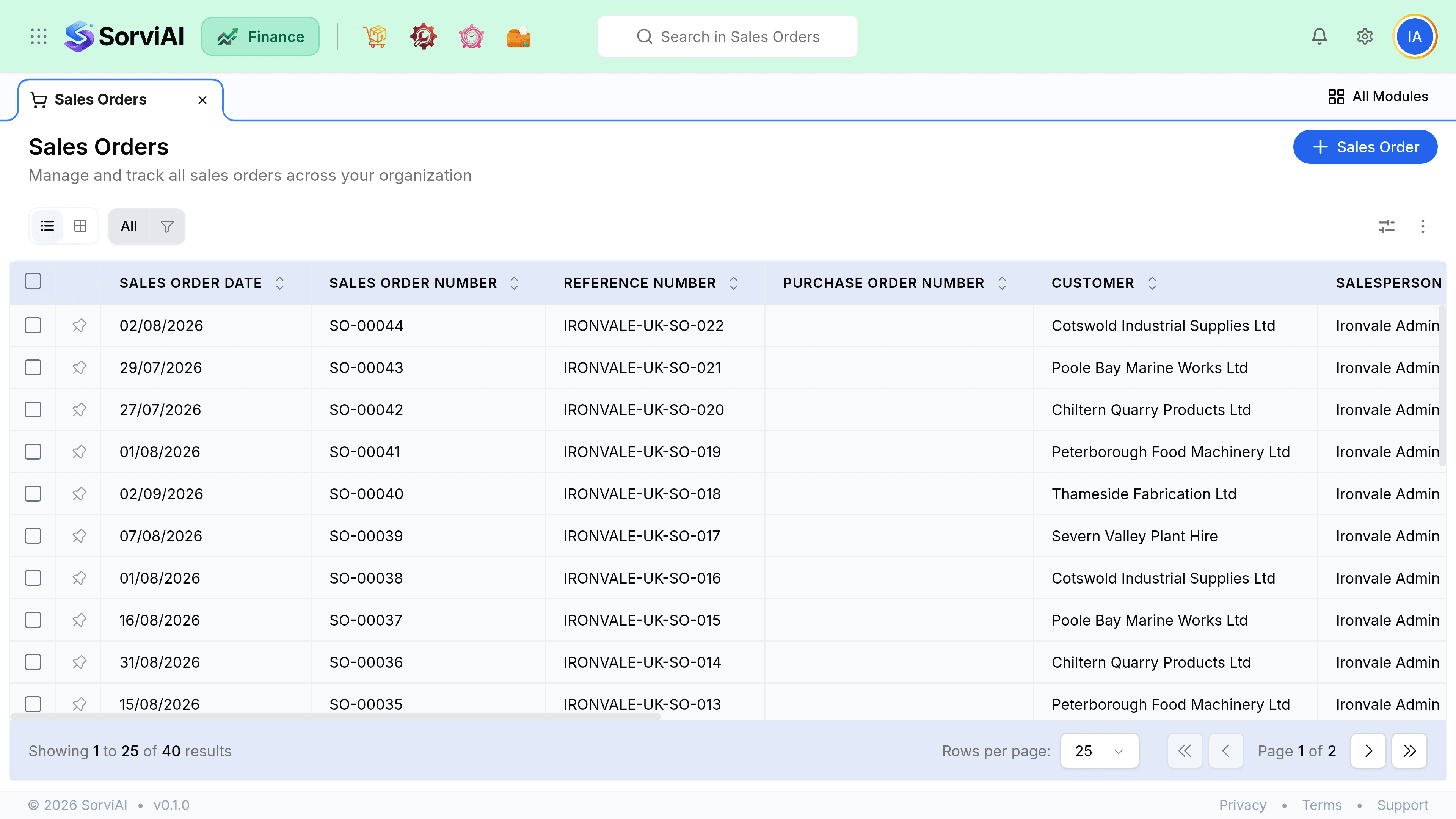
Why bother with a sales order
Because delivery and billing rarely happen at the same moment. A sales order lets you ship half an order today, invoice for what shipped, and keep the remainder open without losing track of what was promised. Skip it and you are managing that split in your head.
- ConfirmOrder committed
- PicklistWarehouse pulls stock
- PackageBoxed and labelled
- ShipmentStock leaves
- InvoiceCustomer billed
What it does and does not do
- Records the commitmentyes
- What you agreed to supply, at what price, to which address, by when.
- Shows demand to Inventoryyes
- Confirmed orders appear in the fulfilment queue and against stock as demand.
- Reserves stockno
- Nothing is held. Two confirmed orders can both be waiting for the same unit.
- Posts to your booksno
- Your profit and loss does not move until an invoice is raised.
How an order closes
An order closes on its own once every line is shipped and invoiced. Close it manually when the customer walks away from the balance, so it stops appearing in your open fulfilment queue. Closing short does not credit anything, because nothing was billed for the undelivered part.