
Record an Expense
Five fields and a file.
The one that matters is the account, because that is the line it lands on in your profit and loss, and the one people skip is the receipt, which is the one they need six months later.
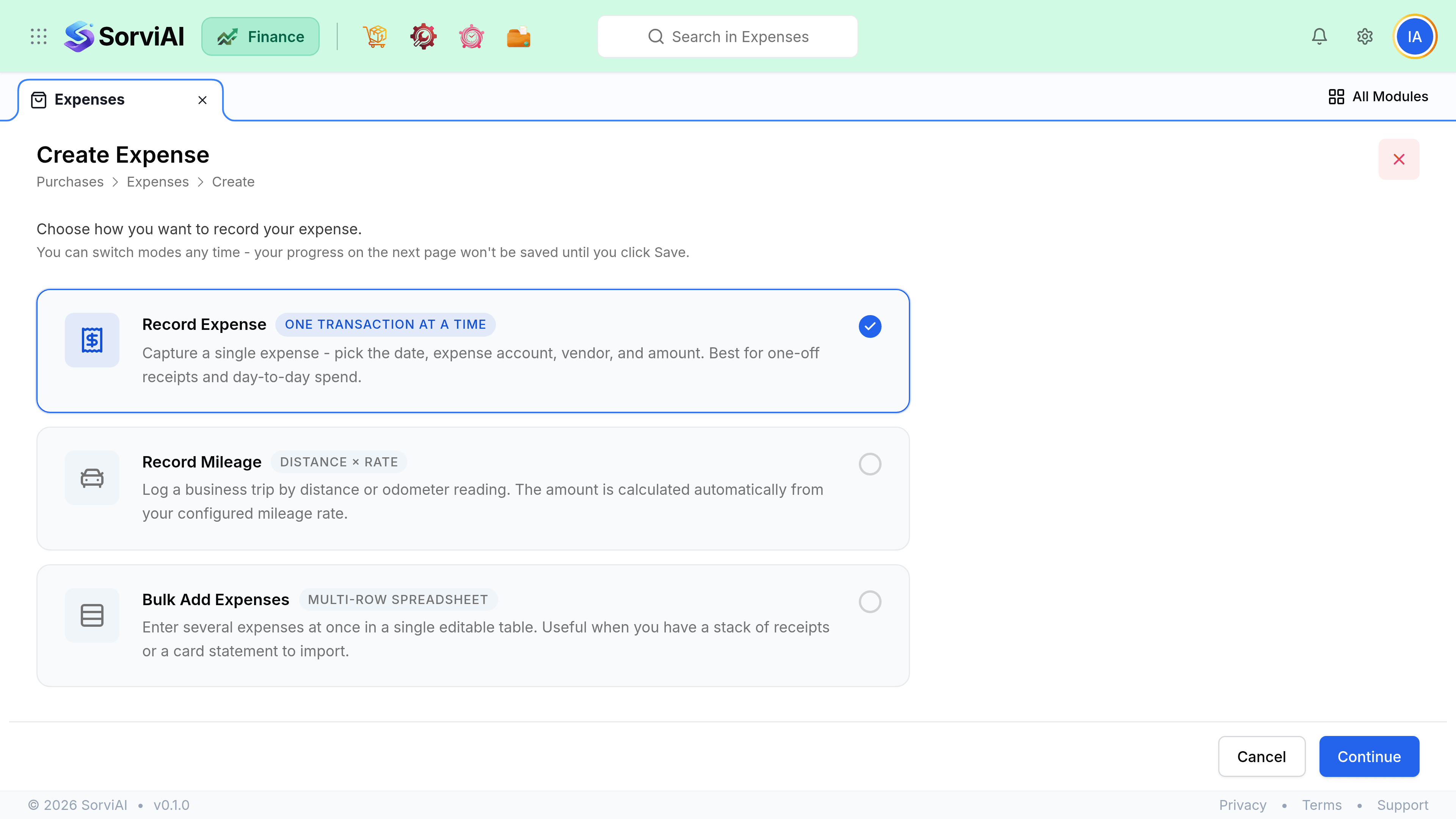
Record it
Choose the date and amount
The date the money actually left, which is what your cash reporting uses.
Pick the expense account
This is the line it appears on in your profit and loss. If a vendor default exists, it is filled in already.
Choose the paid-through account
Which card, bank or cash account the money left from. This is what your reconciliation matches.
Set the vendor, if there is one
Optional. Add it when you want spend grouped by supplier.
Attach the receipt
It lands in Documents and stays linked to the expense.
Mark it billable, if a customer will pay it
Billable expenses can be pulled onto that customer's next invoice.
Splitting one receipt
One expense can carry several lines, each with its own account, amount and tax rate. A hotel bill split between accommodation and meals is the usual case, and it is worth doing because the two are often treated differently for tax.
| Receipt | Lines |
|---|---|
| Hotel with dinner | Accommodation, and Meals and entertainment |
| Fuel and a car wash | Motor fuel, and Motor running costs |
| Office supplies with one personal item | Office supplies, and Drawings or Director loan |
| A mixed grocery run for the office | Staff welfare, and anything else on its own line |
Tax on an expense
Tax is set per line, not per document, because a single receipt can mix rates. Only record recoverable tax where you actually hold a valid receipt, since it is the receipt rather than the entry that your tax authority will want to see.
- The vendor's tax treatment sets the default, and the line can override it.
- An expense with no tax line is treated as zero-rated rather than as tax inclusive.
- Recoverable tax appears in your Tax Summary for the filing period the expense date falls in.