
Introduction - Journal Entries
A journal entry posts directly to your accounts without an invoice, bill or payment behind it.

It is the most powerful thing in SorviAI Finance and the easiest to misuse, because it bypasses every check the ordinary documents give you.
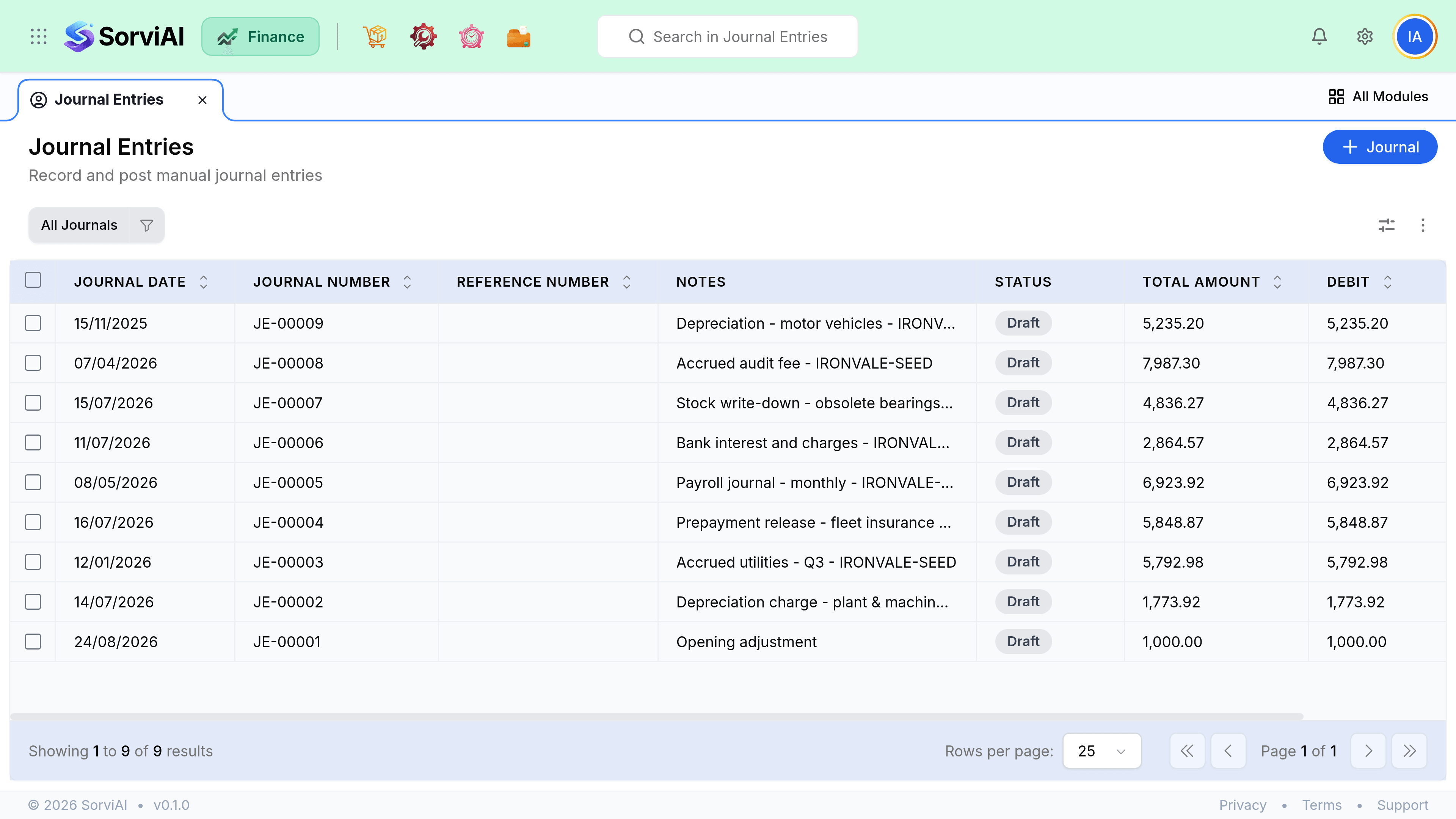
When a journal is the right answer
Rarely. Most things that look like they need a journal actually have a proper document, and using that document gives you an audit trail, a counterparty and a tax treatment for free.
| Situation | Journal? | Better route |
|---|---|---|
| Depreciation for the month | Yes | No document exists for it |
| Accruals and prepayments at period end | Yes | Adjusting entries are exactly this |
| Correcting a misposted account | Yes | When the original cannot be edited |
| Opening balances at go-live | Yes | Standard practice |
| A customer paid an invoice | No | Record a customer payment |
| A supplier billed you | No | Enter a bill |
| Writing off stock | No | Stock adjustment, which also moves quantity |
| Writing off a bad debt | Yes | No document reverses a debt you still believe was owed |
What a journal cannot do
- It cannot move stock quantities. Value without units leaves your valuation and your count disagreeing.
- It cannot carry a customer or vendor, so it never appears in an ageing report.
- It cannot be unbalanced. That guardrail stays.
- It cannot post into a closed period, which is the other guardrail.