
Create a Vendor Credit
Raise it against the original bill so the lines, prices and tax rates come with it.
A standalone credit is possible and should be rare, because nothing in it says what it corrected.
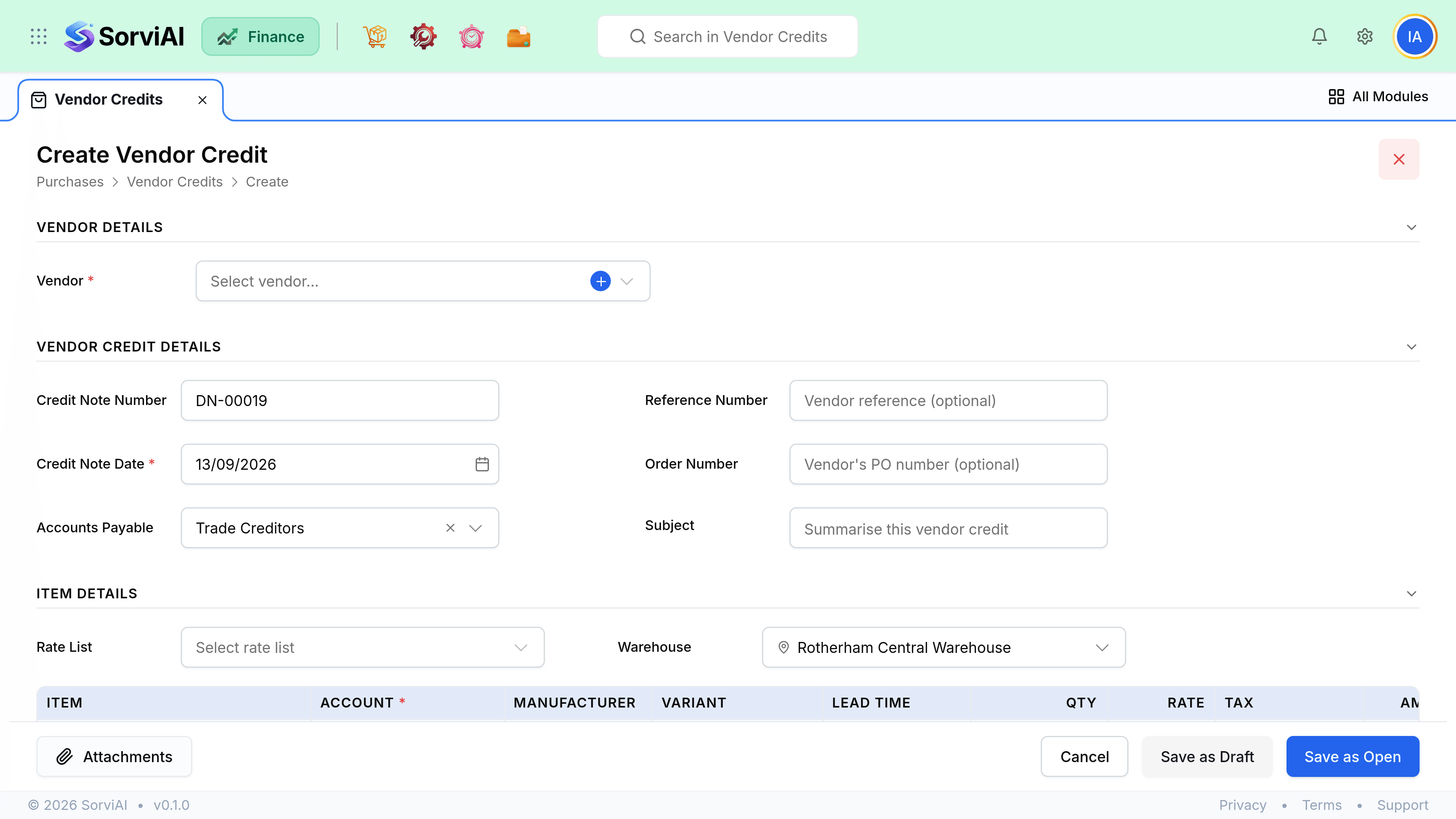
Record a credit
Raise it against the original bill
This copies the lines and keeps the credit tied to what it corrects.
Trim to what is being credited
Reduce quantities or remove lines so it covers only the disputed part.
Enter their credit note number
As with bills, their reference is the one you will quote when querying it.
Check the tax
Purchase tax is credited in proportion, which matters for your tax return.
Save
The credit becomes available to apply against bills.
Common reasons
| Reason | Also needs |
|---|---|
| Overcharged on price | Nothing. Value only. |
| Short delivery already billed | Nothing, if the receive was recorded correctly. |
| Goods returned | A stock adjustment or transfer out in Inventory. |
| Damaged on arrival | A decision on the damaged stock you are holding. |
| Agreed rebate or discount | Nothing. Often a standalone credit. |