
Edit, Merge and Retire
What you can change once an account has transactions, how to combine two accounts that should always have been one, and why retiring beats deleting every time.
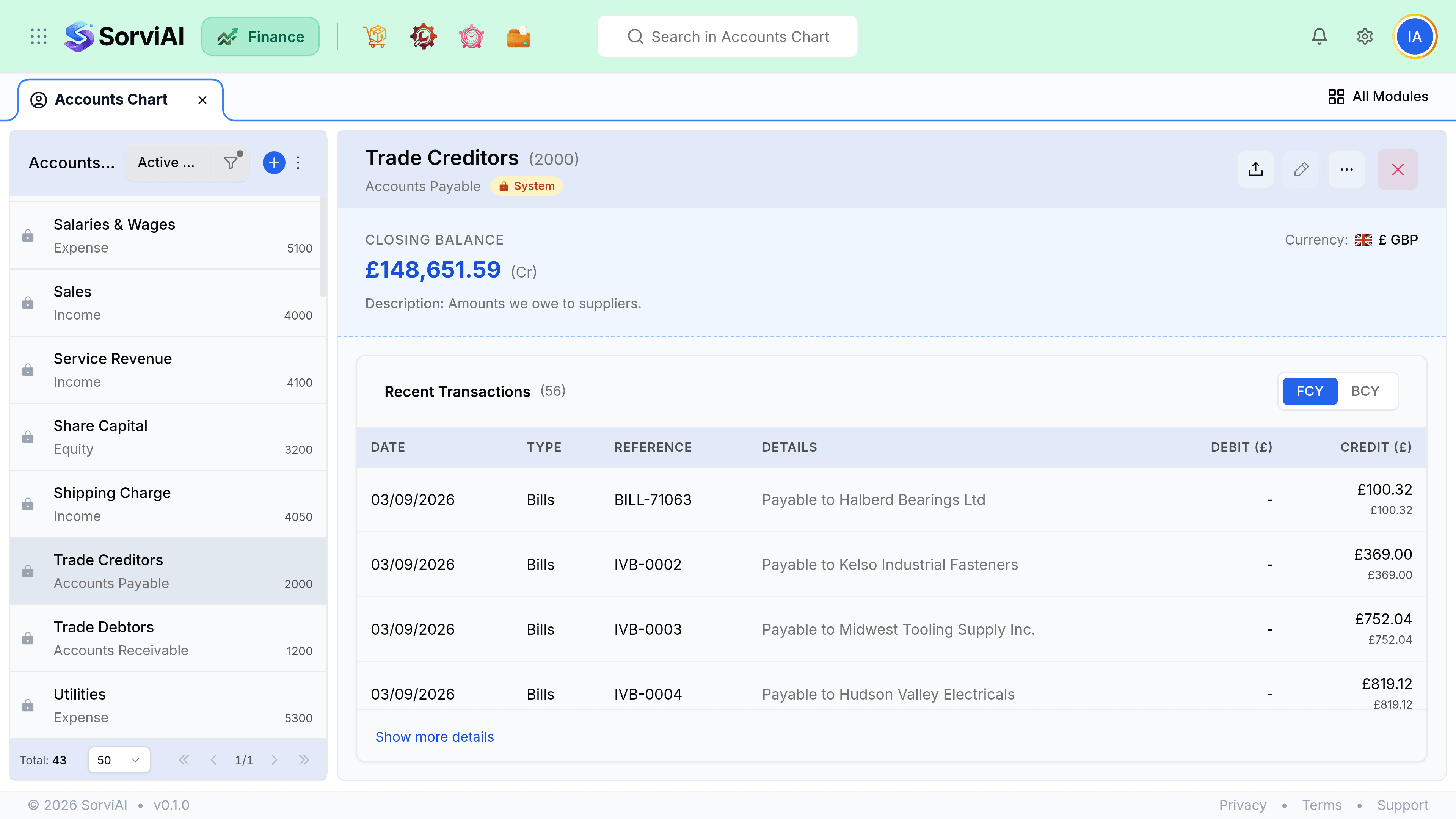
What stays editable
| Field | After transactions exist |
|---|---|
| Name | Editable. Reports use the current name throughout. |
| Code | Editable. It is ordering, not identity. |
| Parent | Editable. Reports regroup immediately. |
| Include in VAT Return | Editable. Decides whether the balance reaches a return. |
| Type | Treat as fixed. Changing it moves history between reports. |
| Deletion | Refused in three cases; see below. Deactivate instead. |
Merging two accounts
Decide which account survives
Usually the one with more history, or the one people already code to.
Journal the balance across
Debit one, credit the other, dated in an open period.
Check anything that points at the old account
Item defaults, vendor defaults, expense categories, preferences.
Retire the empty account
So nobody codes to it again.
Retiring
A retired account disappears from every picker while keeping its history and its balance. Retire an account you no longer use, and check first that nothing still defaults to it, because a default pointing at a retired account is an error somebody will hit at the worst moment.
- Check item income and expense accounts.
- Check vendor and expense defaults.
- Check Finance preferences for default accounts.
- A retired account with a balance still appears on reports, which is correct.