
Create a Recurring Expense
Enter the expense once, choose the rhythm, decide when it stops.
The start date is doing more work than it looks, because it sets both the first generation and the day of the cycle thereafter.
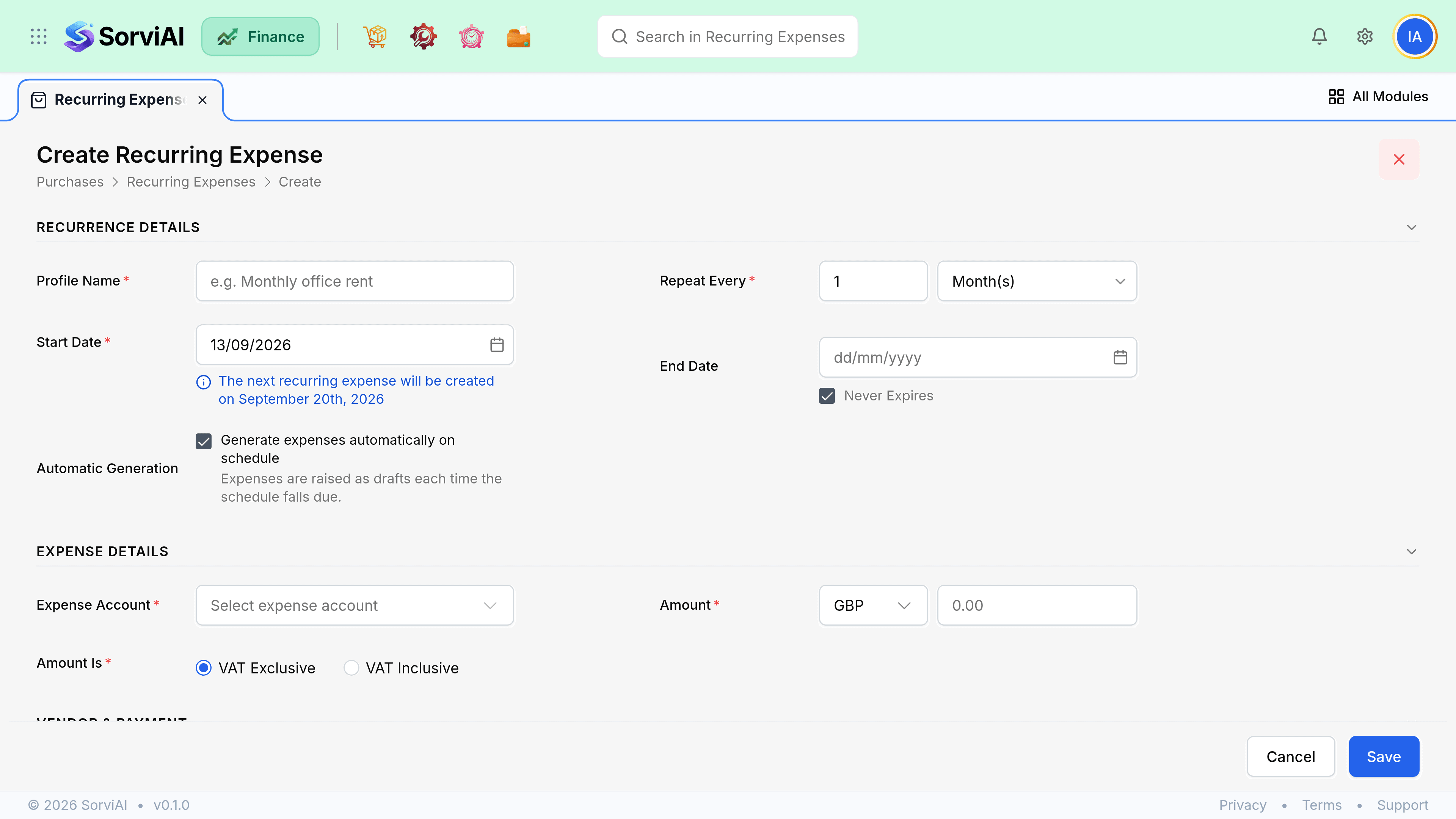
Set up a profile
Enter the expense as normal
Account, amount, vendor and tax, exactly as a one-off.
Choose the frequency and start date
Weekly, monthly, quarterly or yearly. The start date sets the cycle day.
Set an end condition
A date, a number of cycles, or open-ended for a rolling subscription.
Activate it
Generation begins on the next scheduled date. A draft profile generates nothing.
Dates and edge cases
| Case | What happens |
|---|---|
| Monthly, starting the 31st | Falls back to the last day of shorter months. Never skips. |
| Start date in the past | Missed cycles generate at once on activation. |
| Cycle lands on a weekend | Generates anyway. The calendar does not care. |
| End date passed while stopped | The profile expires and does not restart. |