
Pick and Complete
Record what was actually picked, including when it is less than the list asked for.
A short pick is information; a list marked complete to clear the screen is a lie that surfaces at the packing bench.
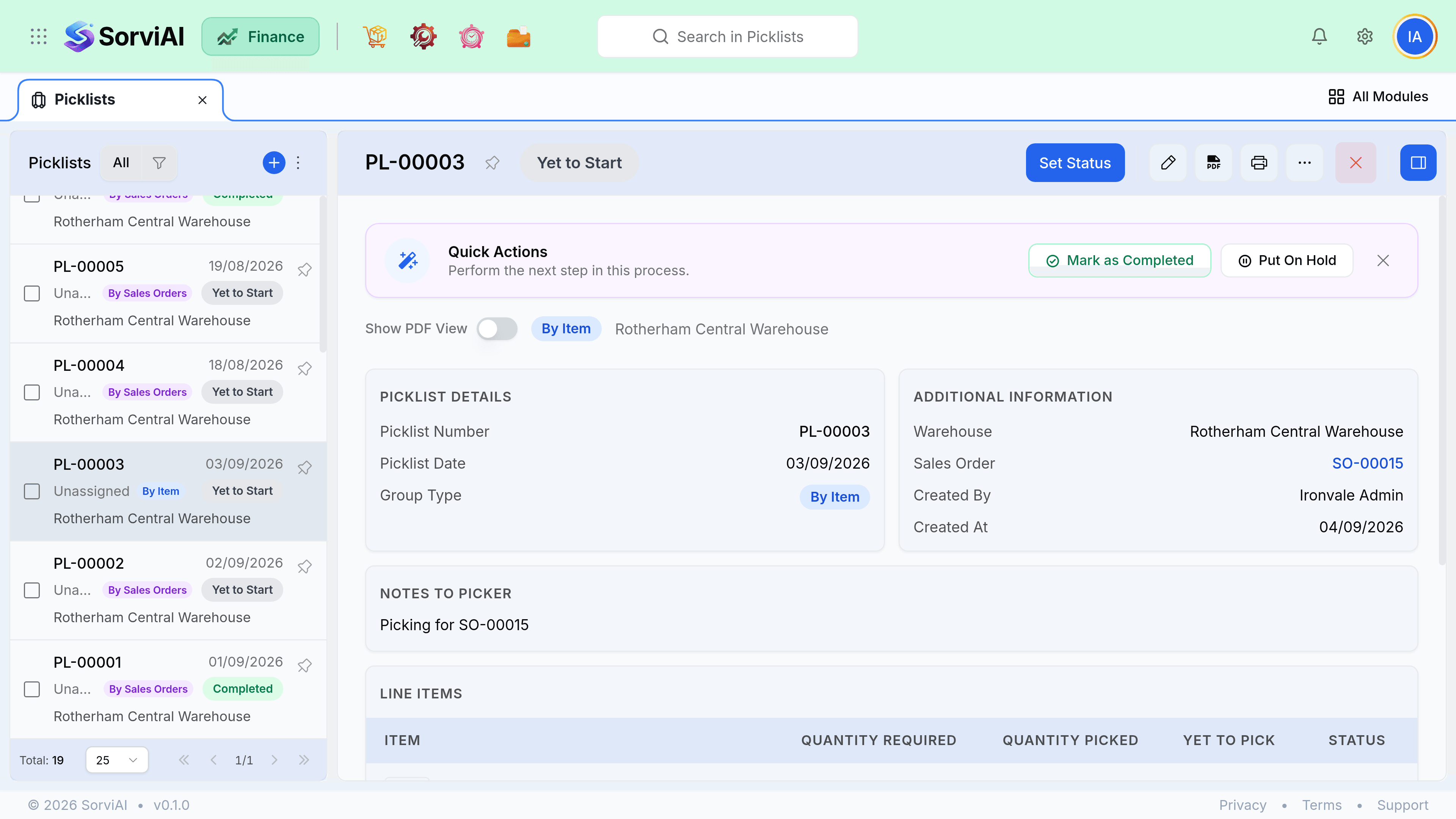
Recording the pick
Open the picklist
Or work from the printed sheet and enter it afterwards.
Enter picked quantities per line
What came off the shelf, not what the list asked for.
Complete it
The picklist moves to Picked, or Short if anything was under.
Short picks
When the shelf has fewer units than the list says, record what was actually picked. The shortfall stays on the sales order as outstanding, and the difference between system and shelf is a stock adjustment question, not a picking one.
- Record the true picked quantity. Never mark a line complete to clear the screen.
- A repeated short pick on one item means the stock figure is wrong. Investigate with a count.
- The unpicked balance stays on the order and can go on a later picklist.
- Short picking does not adjust stock. Fix the figure with an adjustment once you have counted.
Putting one aside
There is no cancel. A picklist you no longer want goes On Hold, which pauses it and leaves everything on it intact, or it is deleted outright. Nothing moved either way, so nothing needs reversing.
- On Hold is right when priorities changed mid-shift and you will come back to it.
- Delete is right when the batch was generated wrongly and should never have existed.