
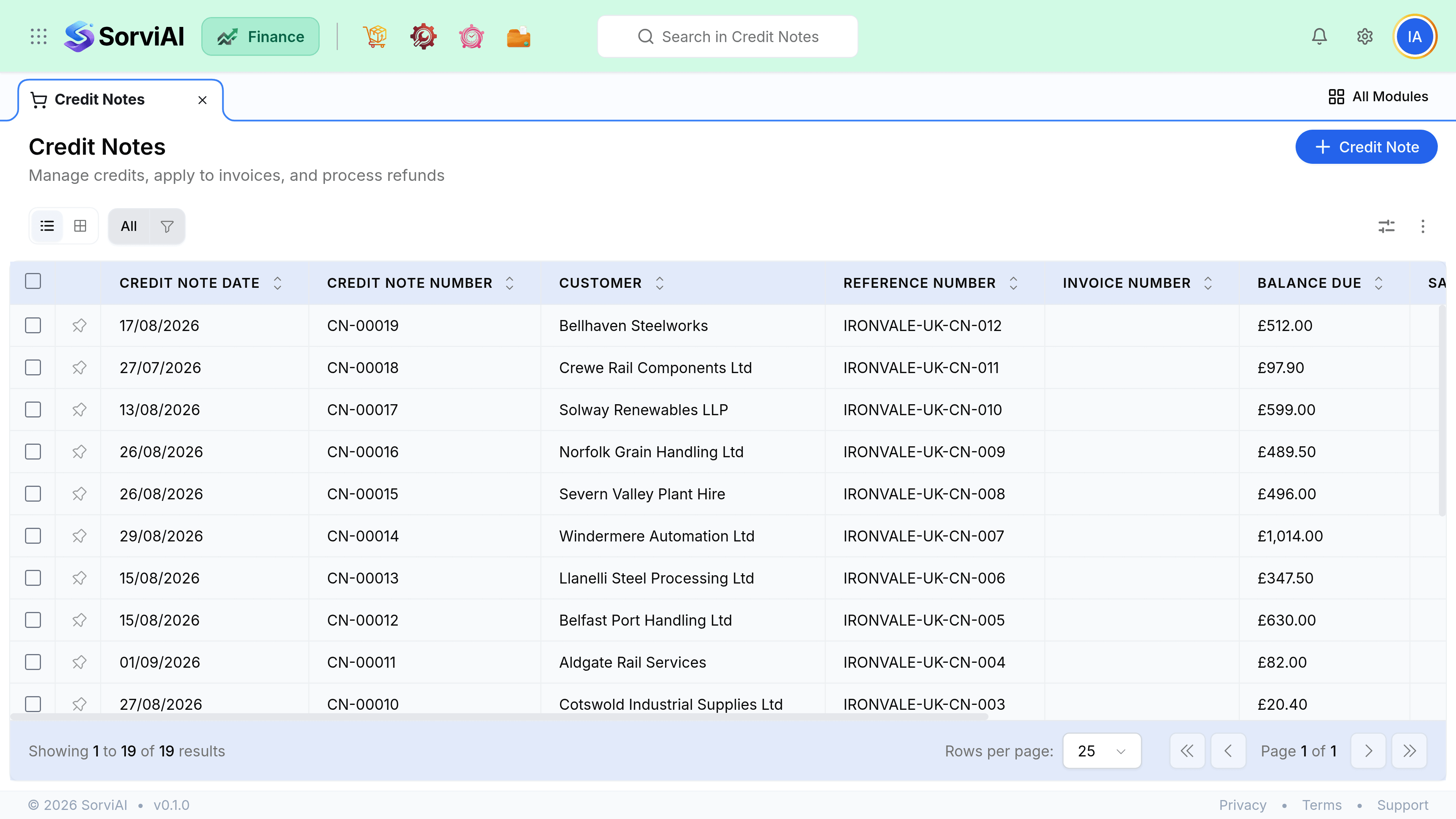
Introduction - Credit Notes
A credit note reverses value on an invoice that has already been sent.

It is the correct answer to almost every question that starts "I need to change an invoice but it has gone out", because it corrects the amount without breaking the numbering sequence auditors rely on.
When to credit
| Situation | Right action |
|---|---|
| Invoice is still a draft | Just edit it. No credit note needed. |
| Invoice sent, wrong amount | Credit note for the difference, or full credit plus a new invoice. |
| Invoice sent, entirely wrong | Void it if nothing was paid, otherwise credit it in full. |
| Goods came back | Raise a Return, which produces the credit for you. |
| Customer will not pay a valid invoice | That is a bad debt, not a credit note. Handle it in Accountant. |
What crediting actually does
A credit note reverses revenue and tax in the period it is dated, not in the period of the invoice it corrects. That is why a credit raised in April against a March invoice moves revenue between two months rather than restating March.
- Invoice sentRevenue and tax posted
- Credit noteValue reversed, dated today
- Apply or refundOffset, or money back
Credit note against return
The question is only ever whether physical goods are coming back. A credit note moves value. A return moves value and stock, and produces the credit note itself. Raising a credit note for goods that came back leaves your stock figures wrong.