
How Finance works
The two document chains everything else hangs off, what actually reaches the ledger, and why a record is never copied between screens.
Finance is not thirty unrelated screens. It is two chains, one for money coming in and one for money going out, plus the accounting that sits underneath both.
Highlights
- Two chains, sales and purchases, each running from an agreement to a payment.
- Each step carries its lines forward, so nothing is retyped and the two documents cannot disagree.
- Draft posts nothing. A document only reaches the ledger when it leaves draft.
- One record, many screens. A customer is not copied into Inventory; it is the same row.
- Reports read, never write. Nothing in Reports can change a figure.
Money coming in
- QuoteWhat you offered
- Sales OrderWhat they committed to
- InvoiceWhat you are charging
- Customer PaymentWhat they paid
Not every sale uses all four. A quote is worth raising when the price is still being agreed, and a sales order when there is a gap between agreeing and delivering. When there is neither, raise the invoice directly.
If goods physically move, fulfilment sits inside that chain rather than beside it.
- ConfirmOrder committed
- PicklistWarehouse pulls stock
- PackageBoxed and labelled
- ShipmentStock leaves
- InvoiceCustomer billed
Money going out
- Purchase OrderWhat you agreed to buy
- Purchase ReceiveWhat actually arrived
- BillWhat they charged you
- Vendor PaymentWhat you paid
The purchase receive is the step people skip, and it is the one that earns its keep: it records what arrived, which is how a short delivery is caught before you pay for the full order rather than after.
When something goes the other way
Neither chain is edited backwards once a document is out. Corrections get their own record, which is what keeps an audit trail intact.
| What happened | What you raise | Against |
|---|---|---|
| You over-invoiced a customer | Credit Note | The invoice |
| A customer sent goods back | Return | The sales order. A return cannot be raised against an invoice. |
| A vendor over-billed you | Vendor Credit | The bill |
| Stock does not match the count | Stock Adjustment | The item |
| Something needs correcting in the ledger directly | Journal Entry | The accounts |
What reaches the ledger
Nothing you are still drafting. This is the single most useful rule in the product, and the one behind most "why is this figure wrong" questions.
Draft
- NoAppears in receivables or payables
- NoCounted in a report
- YesEditable in full
- YesDeletable
Open or sent
- YesAppears in receivables or payables
- YesCounted in a report
- NoEditable in full
- NoDeletable
One set of records, several apps
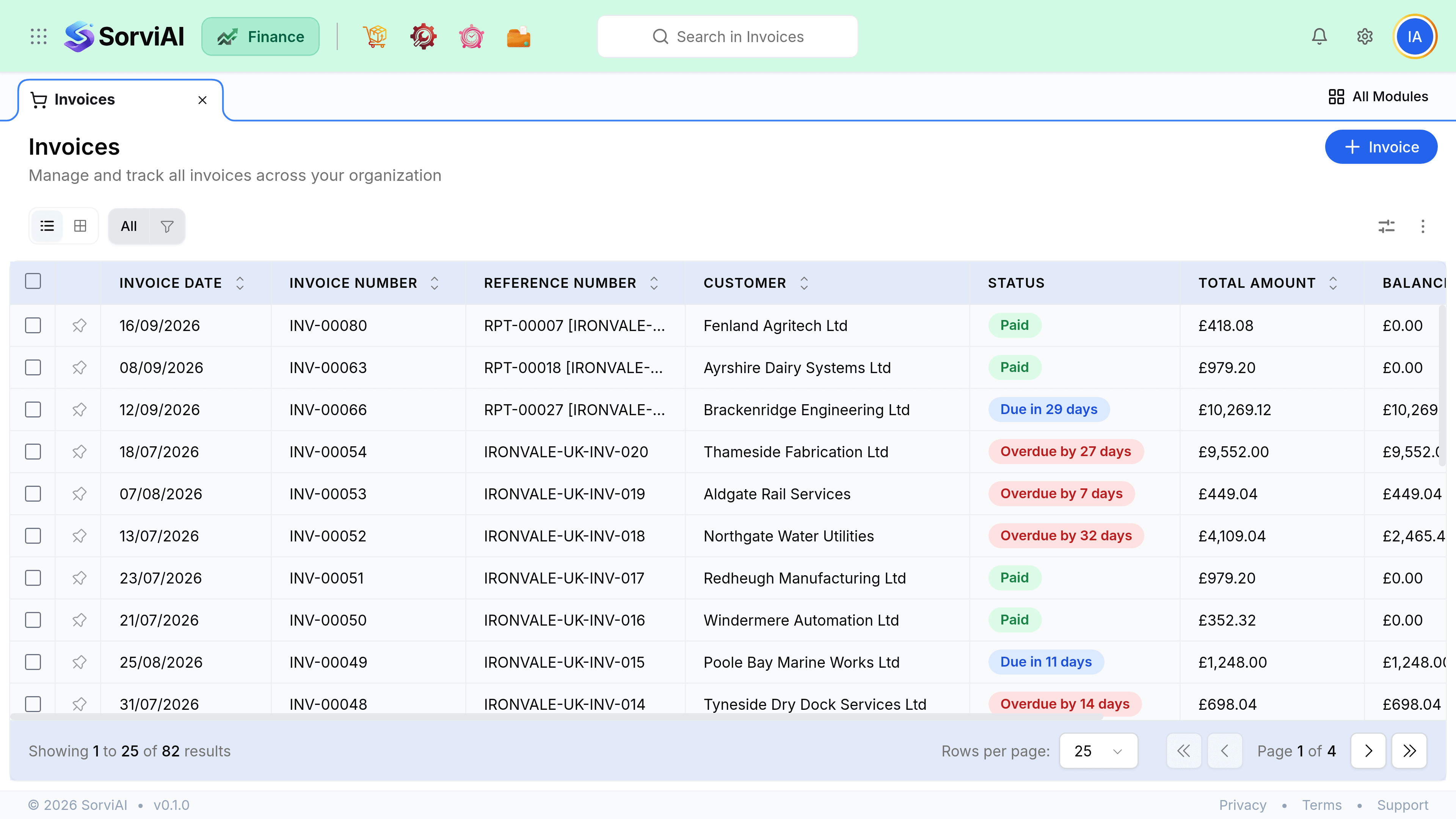
Finance shares its records with the rest of the SorviAI suite rather than keeping its own copies. An item created in Inventory is the item you invoice; a customer created in Finance is the customer a repair ticket is raised for.
- Items
- Shared with Inventory and Repairs. Stock levels are one number, wherever you look at them.
- Customers and vendors
- Shared across the suite, including the customer and vendor portals.
- Documents
- A file attached to a bill in Finance is the same file, not a second upload.