
Introduction - Rate Lists
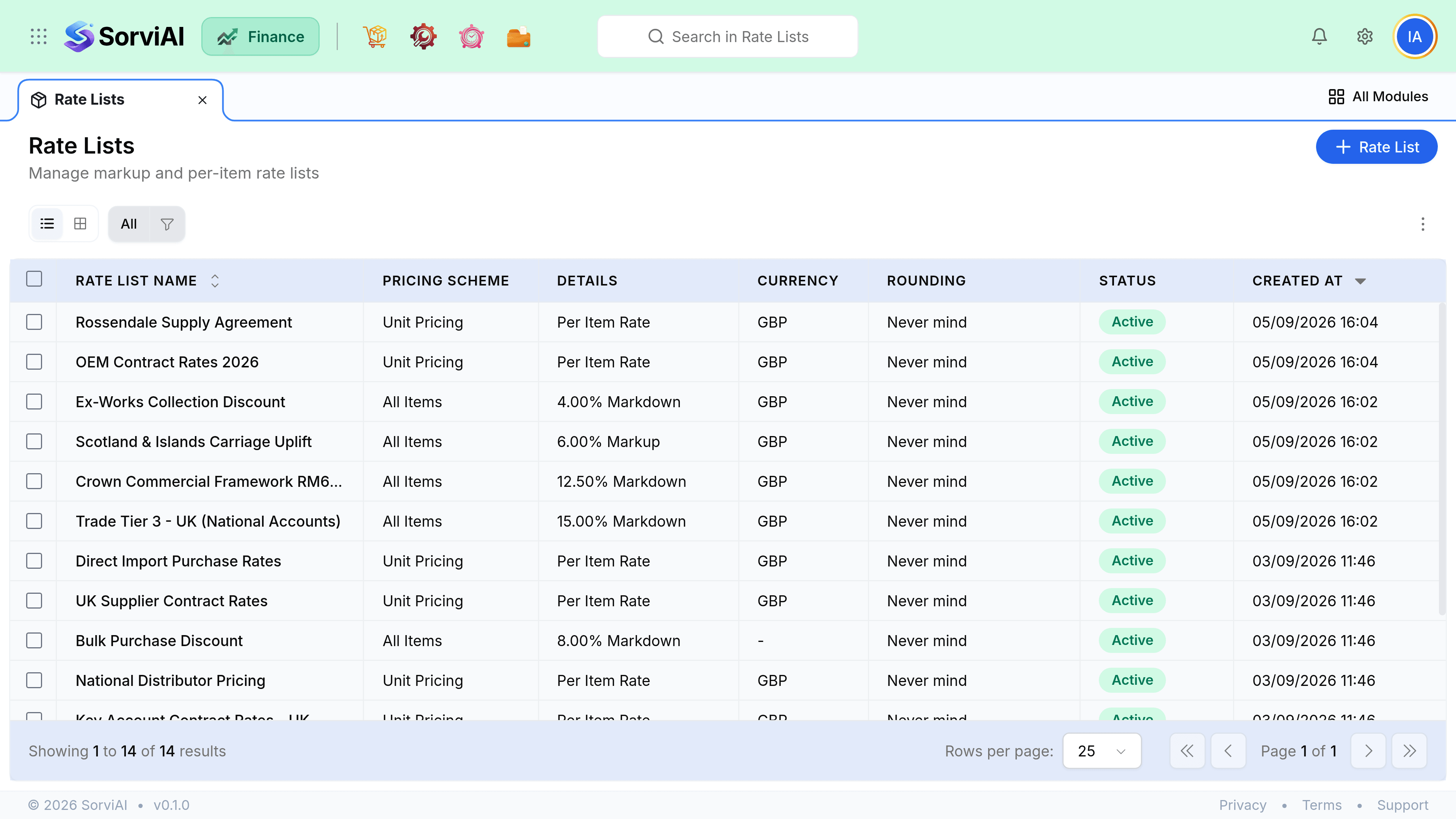
A rate list is a named set of prices that overrides an item's standard selling price.

Attach one to a customer and every quote, sales order and invoice for them picks it up automatically, with no one remembering to apply a discount by hand.
Two kinds of list
Percentage
Adjust everything by one figure
- YesOne rule covers your whole catalogue
- YesNew items are covered automatically
- YesRight for trade or volume discounts
- NoCannot set an exact price on one item
Fixed price
Name the price per item
- YesExact control, item by item
- YesRight for negotiated contract pricing
- NoNew items are not covered until added
- NoMore to maintain
How a price is decided
When a line is added to a sales document, the price resolves in this order. The first rule that applies wins.
- Manual overrideSomeone typed a price
- Rate listFrom the customer or document
- Item selling priceThe standard fallback
What rate lists do not do
- They do not affect purchase prices. Costs come from the item or the purchase order.
- They do not change documents already raised. Only new lines pick up a change.
- They do not price a variant through its parent. Every variant needs its own entry on a fixed-price list.
- They are not a discount field. A document discount is a separate thing and the two combine.