
Receive a Transfer
Receiving completes the movement and makes the stock available again at the destination.
Until somebody does it, the units are invisible to both sites, which is the most common cause of a phantom stockout.
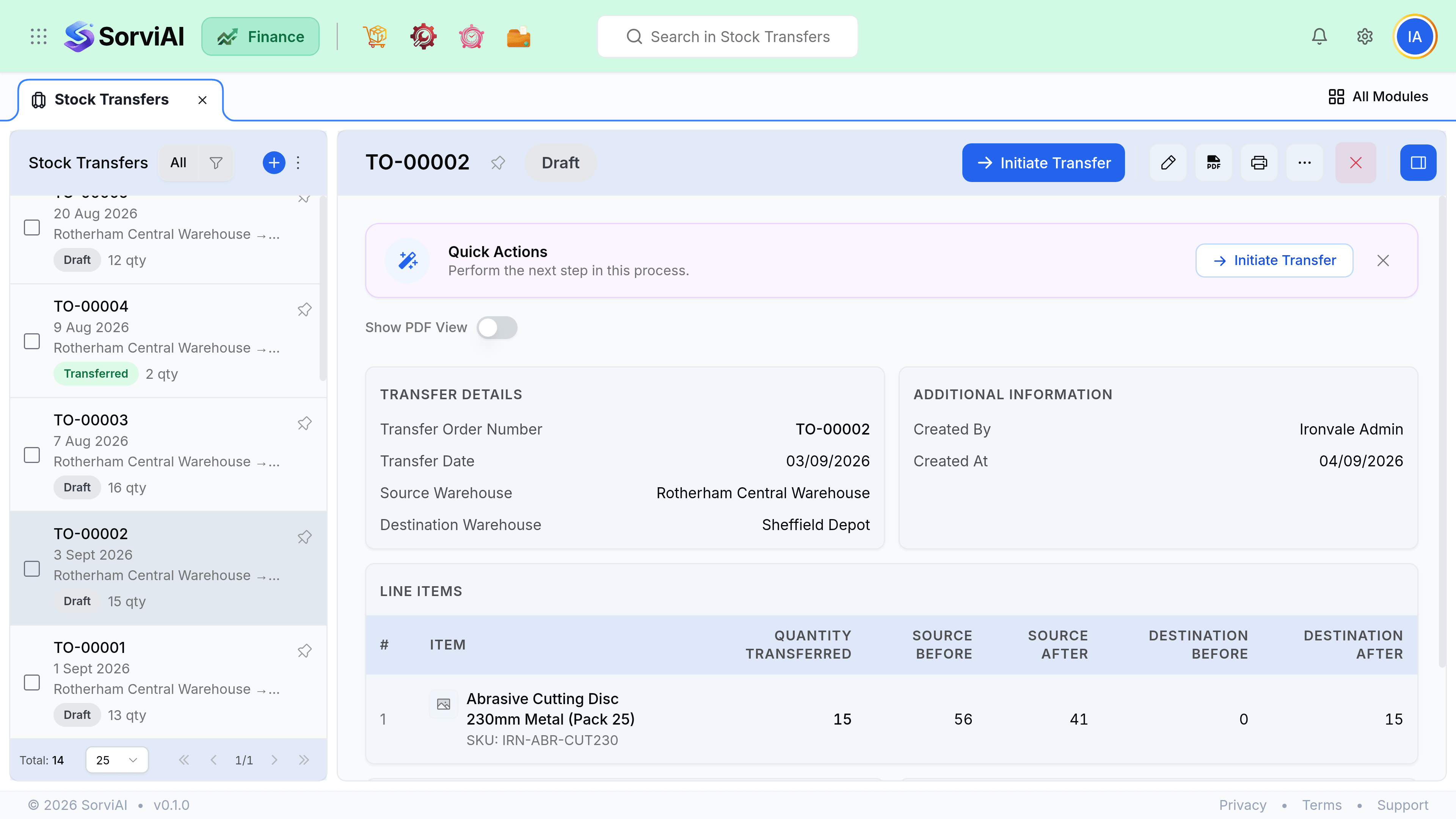
Receive it
Open the transfer at the destination
From the transfers list, filtered to in transit.
Count what arrived
Against the transfer note that travelled with the goods.
Enter the received quantities
What is on the pallet, not what the note says.
Save
Stock becomes available at the destination and the transfer completes.
Shortfalls in transit
If fewer units arrive than were despatched, receive what arrived. The difference stays in transit rather than vanishing, which is deliberate: it is a real question about where your goods went, and it should stay open until somebody answers it.
| Outcome | What to do |
|---|---|
| The rest turns up later | Receive it. The transfer completes. |
| It was miscounted at despatch | Receive the true amount and adjust the source. |
| It was lost or stolen | Write off the in-transit balance with an adjustment and a reason. |
| It was damaged in transit | Receive it as damaged, then decide: claim, repair or write off. |
Transfers left open
Filter the transfers list to in transit and sort by despatch date. Anything older than the journey takes is either sitting unreceived on a loading bay or has gone missing. Both are worth a phone call and neither will surface any other way.