
Create an Invoice
Raise an invoice, add lines and check the totals.
Raise an invoice when there is nothing left to agree and nothing left to ship. If either is still true, start from a quote or a sales order instead and convert it, so the lines carry across rather than being retyped.
Go to Invoices in the sidebar, then select New.
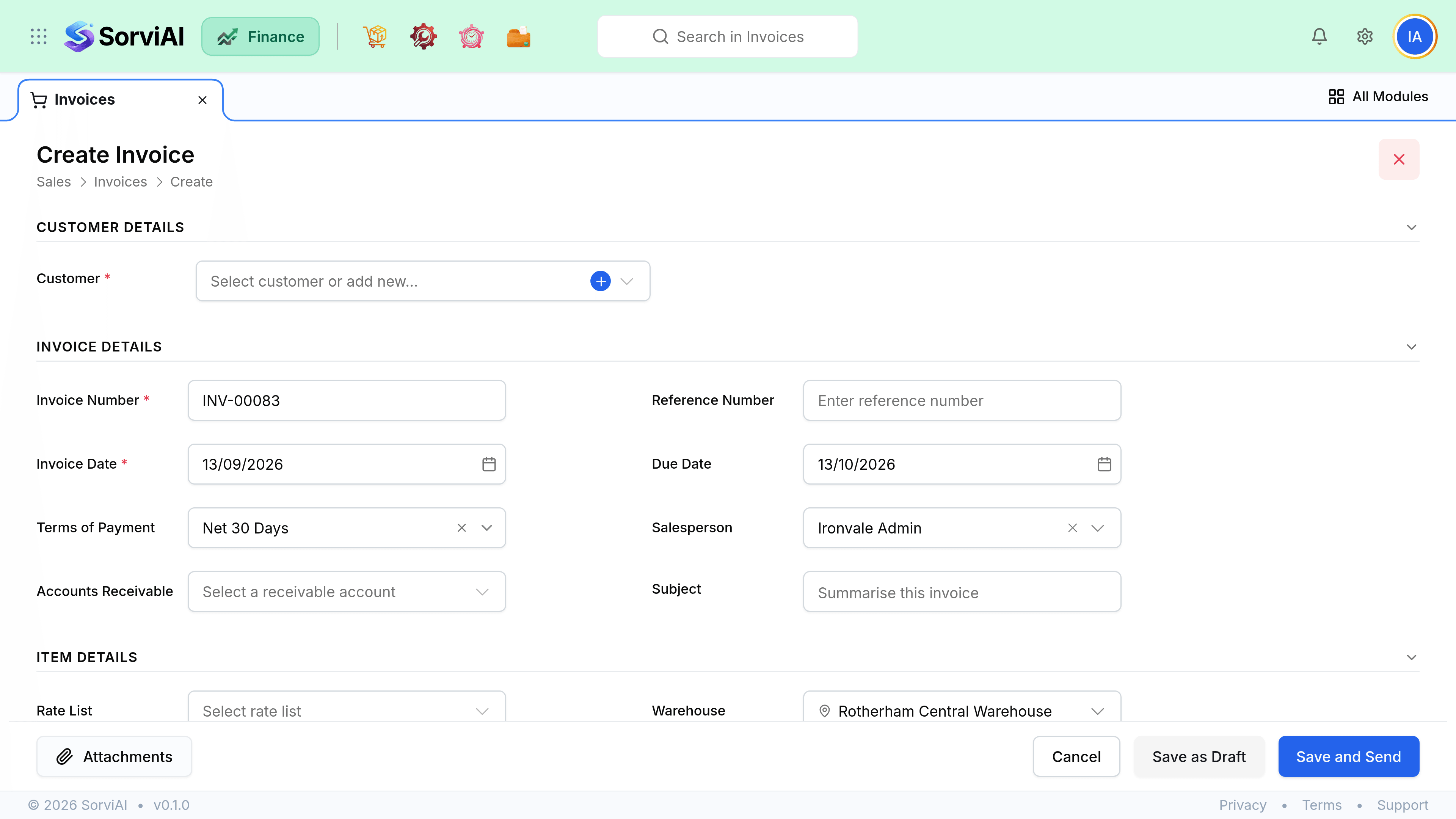
In Customer, choose who you are billing. Their terms fill in the due date.

Add a line per item. Quantity times rate fills the amount; tax follows the item and the customer.
Check the totals, then select Save.