
Create a Credit Note
Start from the invoice, not from a blank form.
Opening the credit from the invoice copies its lines, its prices and its tax rates, which removes the most common source of error in this whole module.
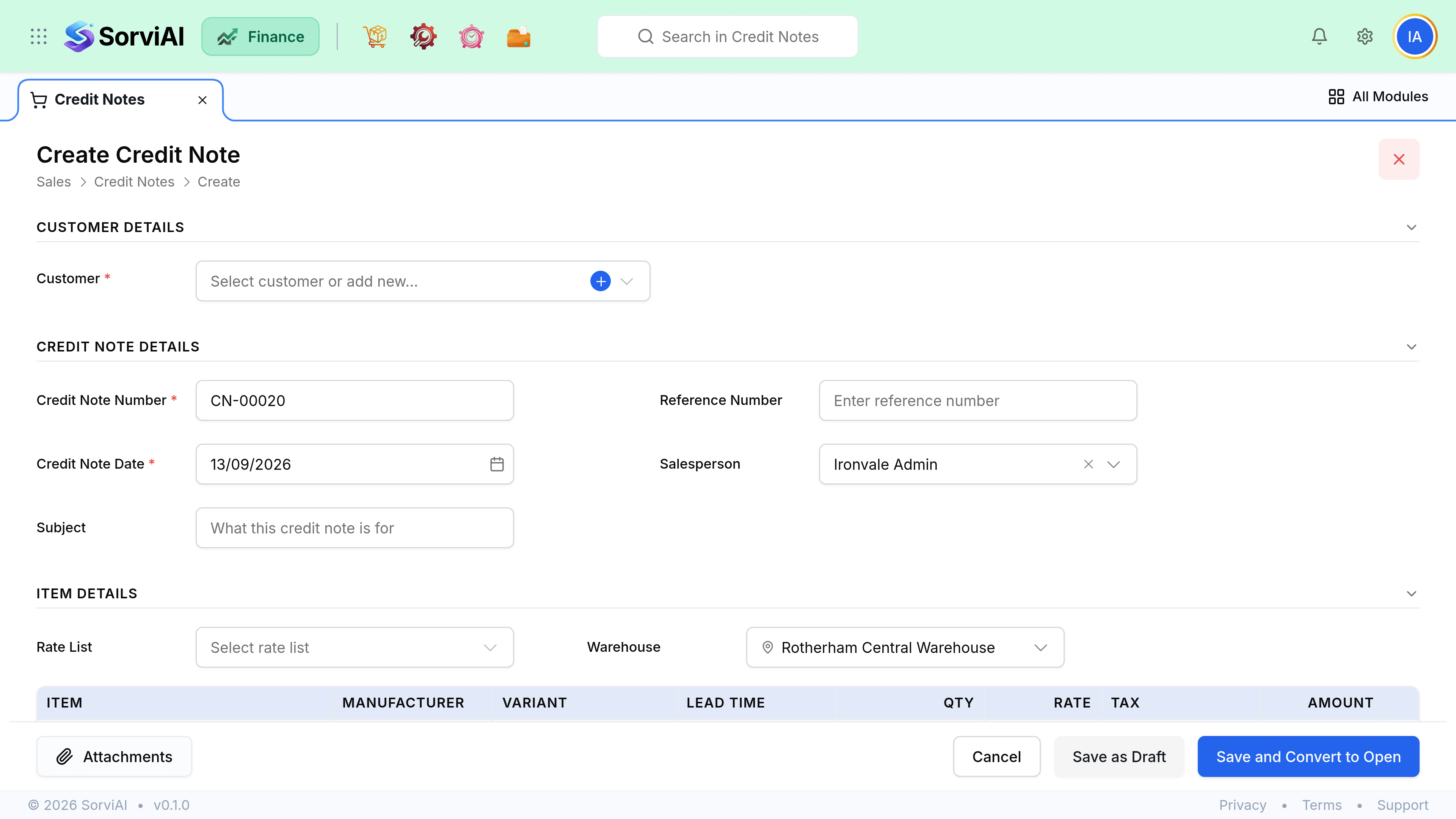
Raise it
Open the invoice and choose Credit Note
Its lines, quantities, prices and tax rates copy across, which is far safer than retyping them.
Trim to what is actually being credited
Remove lines or reduce quantities so the credit covers only the disputed part.
Check the tax
Tax is credited in proportion. If you credit half the value, half the tax comes back too.
Check the date
The credit posts in the period it is dated, not the period of the original invoice.
Issue it
The credit becomes available to apply or refund.
Standalone credits
A credit note can be raised without an invoice behind it, for a goodwill gesture or a settlement. It is allowed, and it should be rare. A standalone credit has nothing to reference, so nobody reading your books later can tell what it corrected.
- Always fill in the reason and reference. Without them the entry is unexplainable in six months.
- A standalone credit still needs an account and a tax treatment, and neither is inherited.
- It cannot exceed anything, because there is no invoice to cap it. That is a reason to be careful, not a feature.
Partial credits
| You are crediting | How to build it |
|---|---|
| One line of several | Delete the other lines from the copied credit. |
| Some units of a line | Reduce the quantity on that line. |
| A price difference | Keep the quantity, reduce the rate to the difference. |
| A percentage off everything | Apply a document discount, or credit each line proportionally. |
| Tax only | Rare, and usually a sign the invoice tax treatment was wrong. Fix the treatment first. |