
Notifications
Desktop notifications, the sound they arrive with, and the three kinds of notification you can turn off. These settings are yours alone.
Notifications is the one screen in Finance settings that changes nothing for anybody else. It is your own preference for how and when Finance interrupts you, and a colleague's answer can be different.
Go to SettingsFinanceNotifications. Two tabs: General and Notification Types.
General
Desktop and Sound holds two switches.
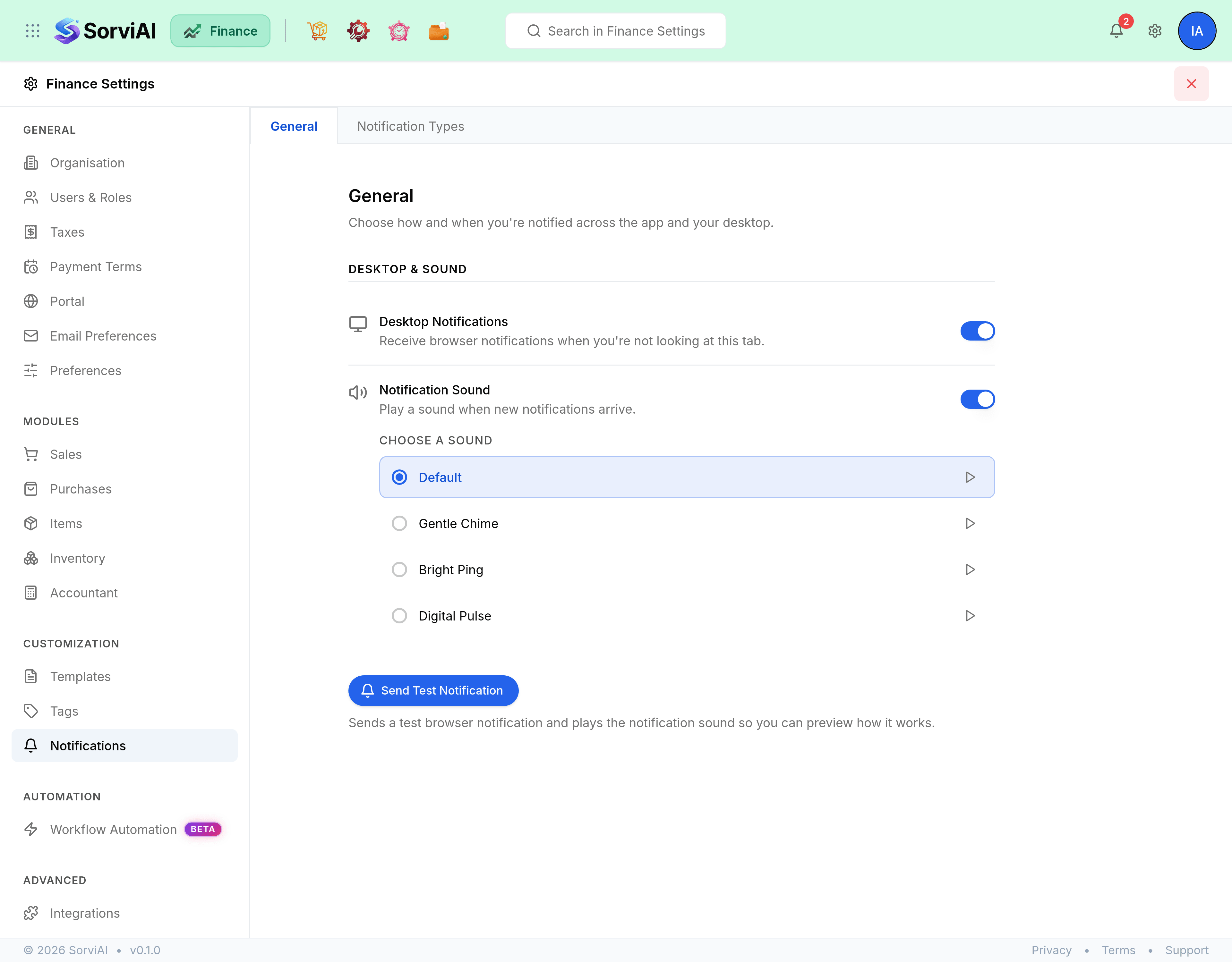
| Field | What it does |
|---|---|
| Desktop Notifications | Browser notifications when you are not looking at this tab. Your browser has to allow them as well. |
| Notification Sound | Plays a sound when a new notification arrives. Turning it on offers four sounds: Default, Gentle Chime, Bright Ping and Digital Pulse, each with a play control. |
| Send Test Notification | Sends a test browser notification and plays the sound, so you can check both without waiting for something to happen. |
Notification Types
Three switches, one per kind of notification.
- Mentions
- When somebody @mentions you in a comment.
- Workflow Rules
- Notifications raised by the automated workflow rules your organisation has built.
- System
- System notifications and portal updates.