
How Worklink works
The three people Worklink is built for, and the path one working day takes through it.
Almost every screen in Worklink exists three times over: once for your own record, once for the people who report to you, and once for the whole organisation. Knowing which of the three you are looking at explains most of the menu.
The three people it is built for
- An employee
- Sees their own day and nobody else's: check in and out, apply for leave, read their balance, finish assigned training.
- A team lead
- Sees the same screens for the people who report to them, gathered under Teams, and decides the requests those people raise.
- An administrator
- Sees the organisation: every record at every site, the approval queues, the roster, and the reports over all of it.
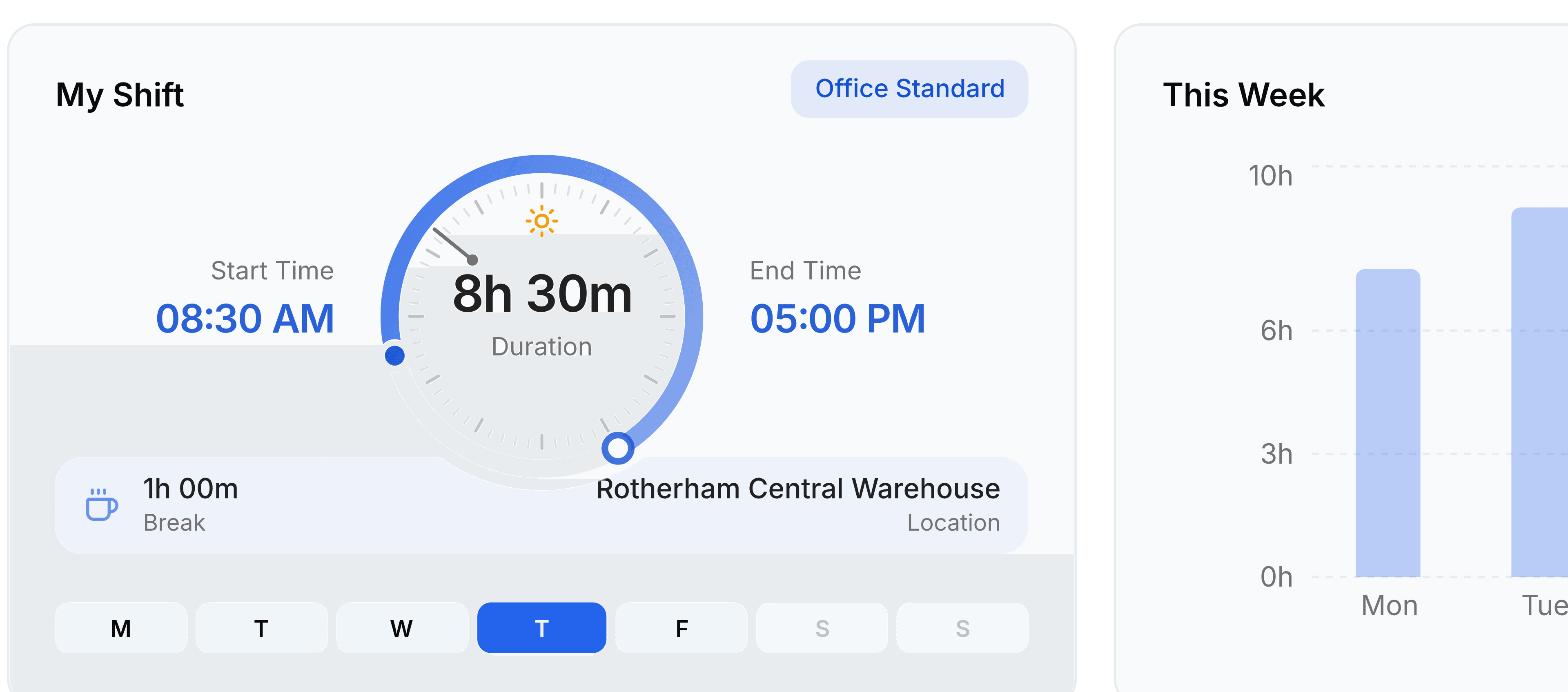
What one working day passes through
- ExpectedA shift says when this person is due in, and for how long.
- Checked inThe day opens on My Attendance and the clock starts.
- WorkedHours build up against the shift, breaks included.
- ClosedChecking out fixes the row: hours worked, late or not, overtime or not.
- CorrectedA missed press goes back as a regularization rather than a quiet edit.
- CountedThe finished row feeds Presence, the dashboard and every report.
The record everything hangs off
An employee record is the hook. A shift is assigned to it, an attendance row is written against it, a leave request is deducted from its balance, and a report groups by the department and designation it carries. Get the roster right and the rest of Worklink has something to be about; leave it thin and every screen downstream looks emptier than the organisation really is.
| If you want | Look at | Because |
|---|---|---|
| Who works here | Employees | One record per person, with their department, job title and site |
| What somebody worked | Attendance records | One row per person per day, measured against their shift |
| Who is in right now | Presence | The same rows read live, rather than after the fact |
| Who is off, and who owes a decision | Leaves and Approvals | A request carries its own status until somebody decides it |
| What the month came to | Reports | The rows above, grouped and totalled rather than listed |
Nothing is quietly overwritten
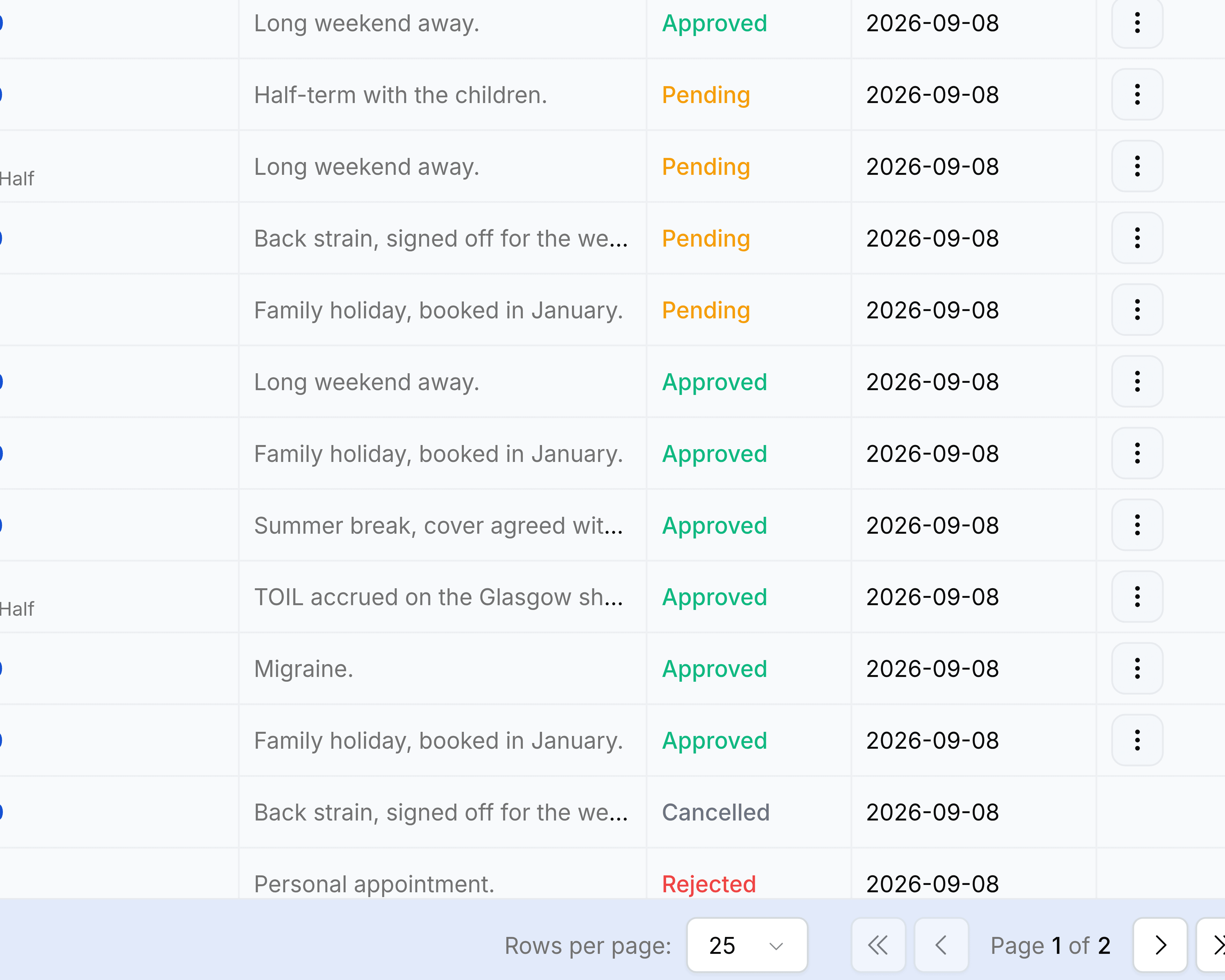
A wrong attendance row is not edited into a right one. It is challenged: the employee raises a regularization, somebody decides it, and the decision is what changes the row. The same is true of leave, which moves through its own statuses rather than appearing and disappearing. That is what makes an attendance report worth putting in front of a payroll run.