
Run a Report
Set the period and the scope, and know which report needs an explicit run.
Four of the five reports render as you change their controls. One does not, and knowing which saves a minute of staring at an unchanged screen.
Set the period and the depot

Open the report from the hub.
Set the date range. Each report opens on a sensible default, and they are not the same default: Attendance opens on the current month, Leave on the whole calendar year.
Set the depot in the location picker. Everything on the report is scoped to it.
Employee Report needs a person first
Open Employee Report. It shows an empty panel until you choose somebody, which is the screen working rather than failing.
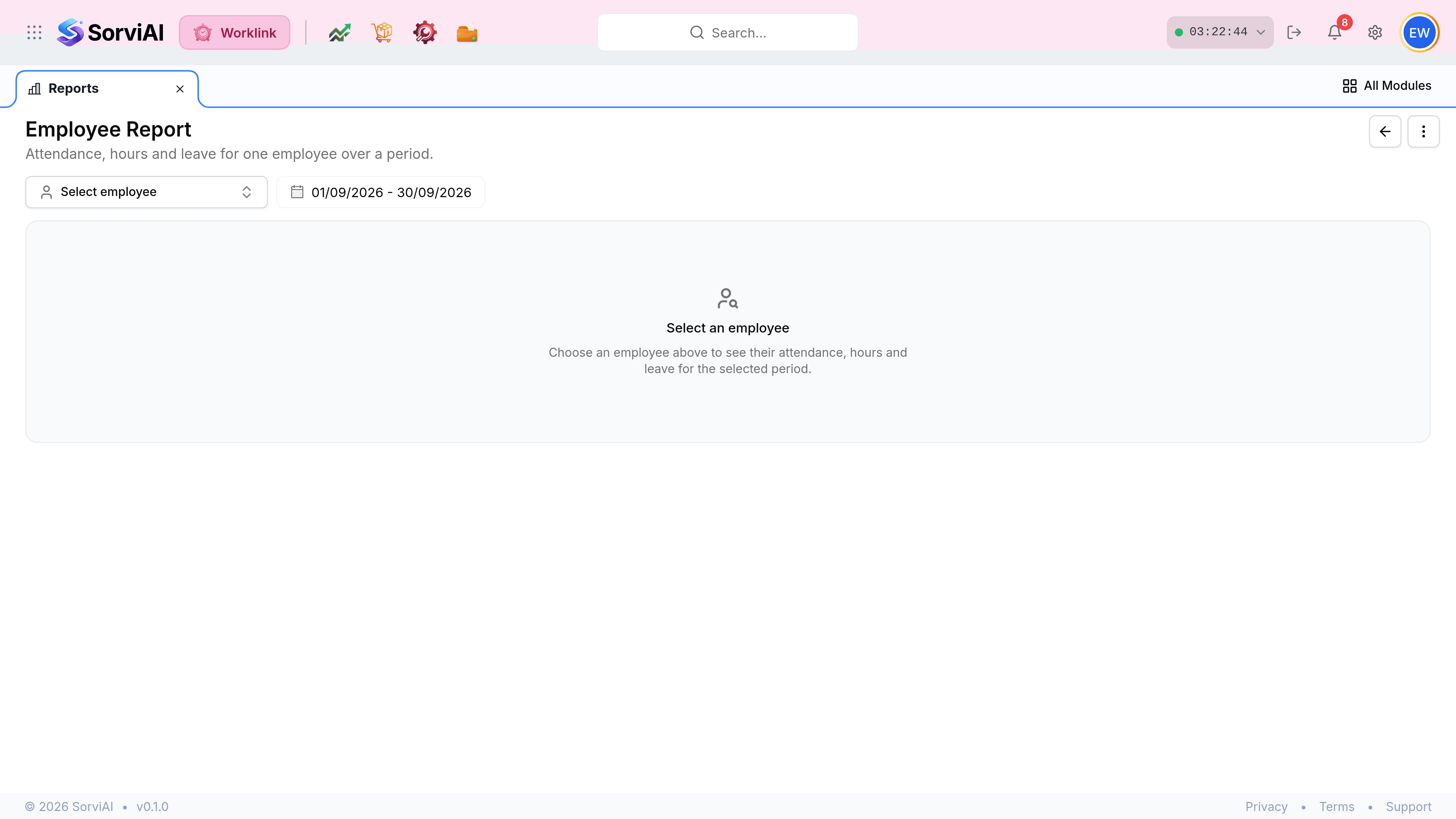
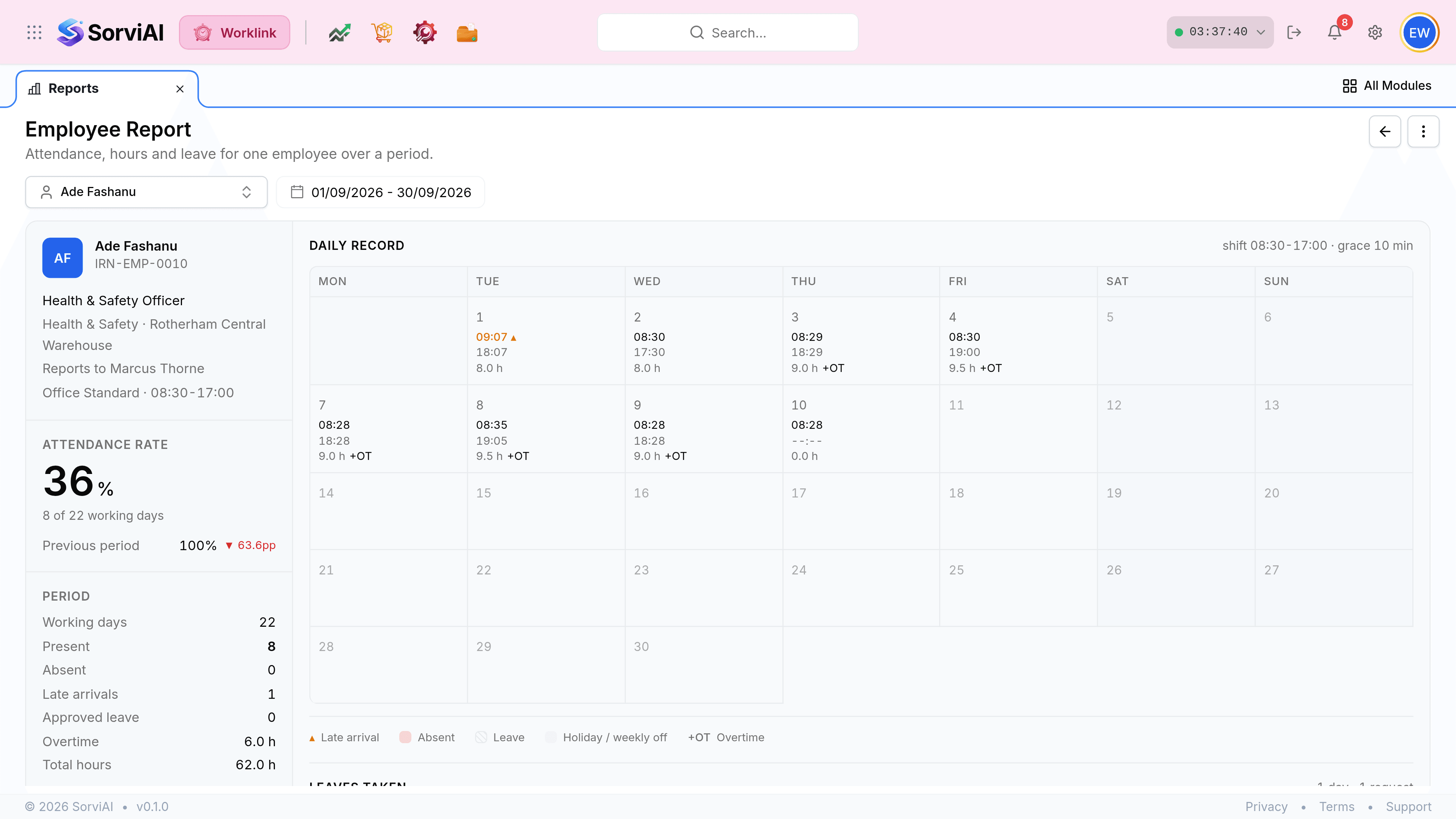
Pick the employee. The whole report builds from that one choice plus the period.
Activity Logs is the one you have to run

Select Filters and narrow the trail before running it. The audit log is large, and an unfiltered run over a wide period is slow for no benefit.
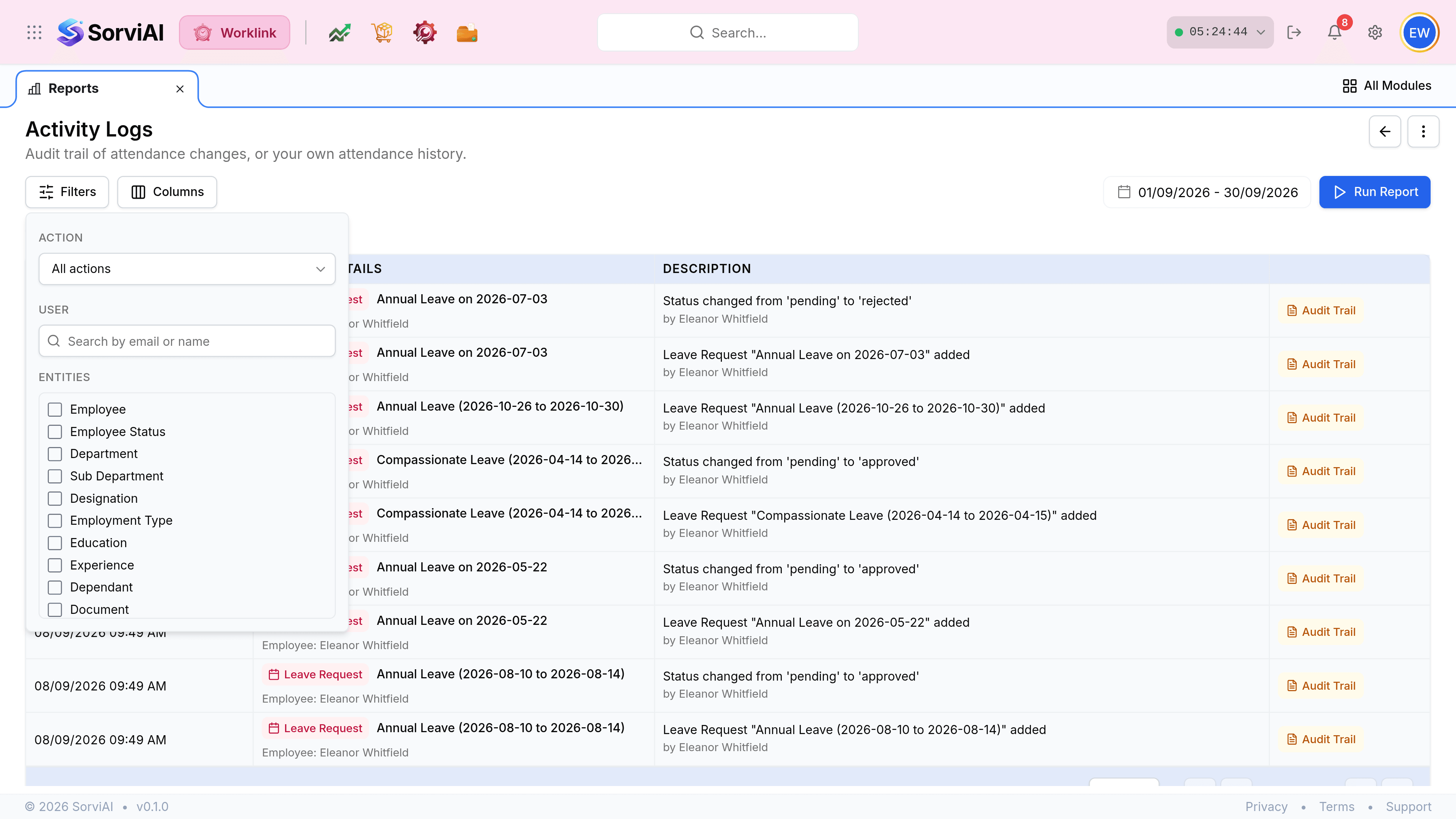
Set the date range, then select Run Report. Nothing changes until you do.
Remove a filter with the cross on its chip, then run it again.