
Add a Department
Create a department, give it a head, and set up the teams inside it.
Only the name is required, but the head is the field that matters most, because approvals route through it.
Select Add Department on the Departments screen.
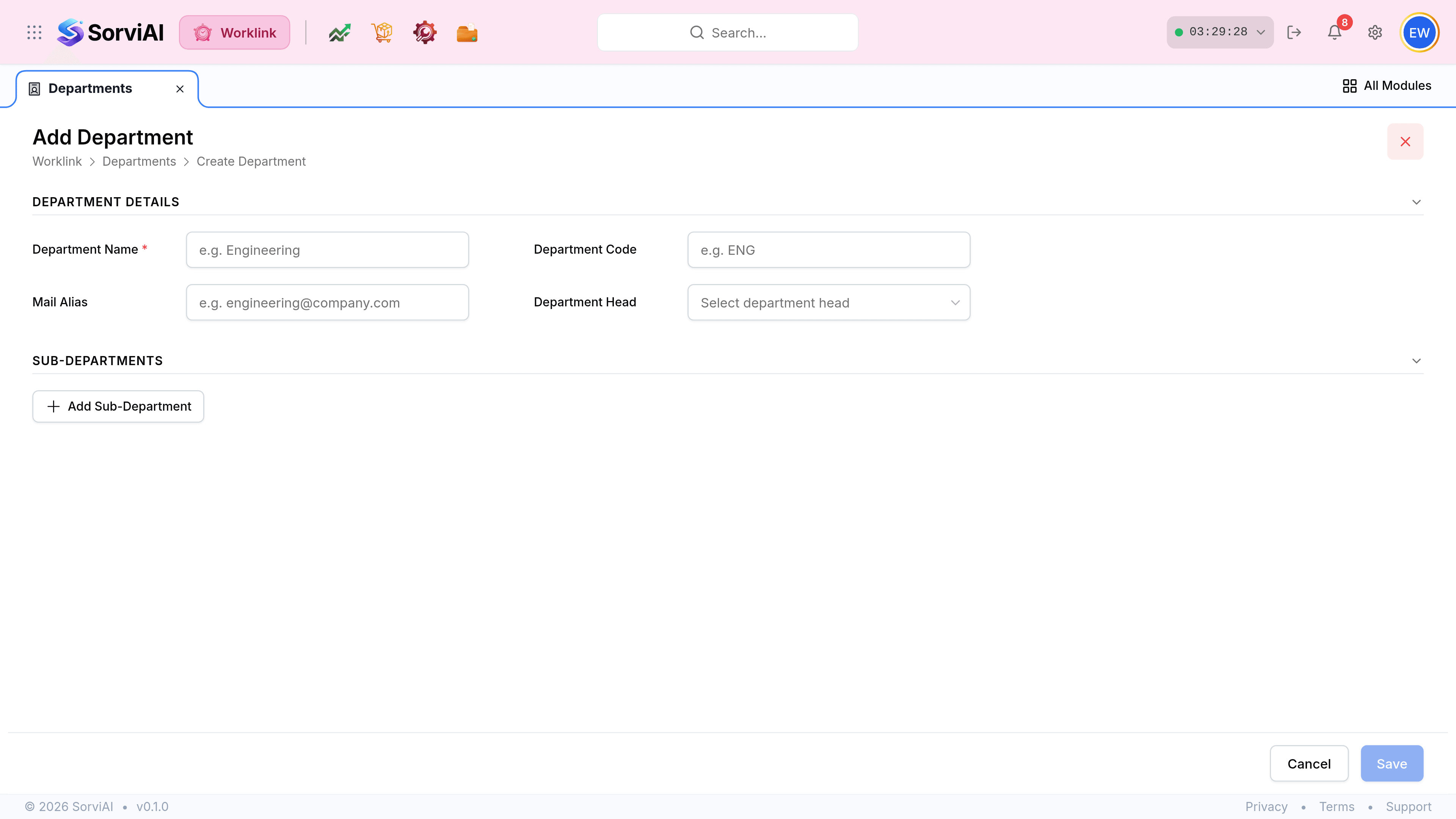
Enter the Department Name. It is the only required field.
Add a Department Code, a short form such as ENG. It is what appears where the full name will not fit.
Choose the Department Head from the list of employees. Leave approvals for this department route to whoever you pick.
Add sub-departments with Add Sub-Department if the team divides further, then Save.
The fields
| Field | What it does |
|---|---|
| Department NameRequired | What the department is called everywhere it appears. Required. |
| Department Code | A short reference, three or four letters. Shown in the Code column and in tight layouts. |
| Mail Alias | A shared address for the team, such as [email protected]. Displayed on the department page as a link. |
| Department Head | The employee who runs it, and the default approver for its people. |
| Sub-departments | Teams inside the department. Each becomes a filter pill on the department page. |