Skip to the article

The Employee Record

The seven tabs on a person, what each one holds, and the activity feed beside them.

Opening somebody from the roster gives you a three-pane screen: the rest of the roster on the left, the person in the middle, and everything that has happened to them on the right.
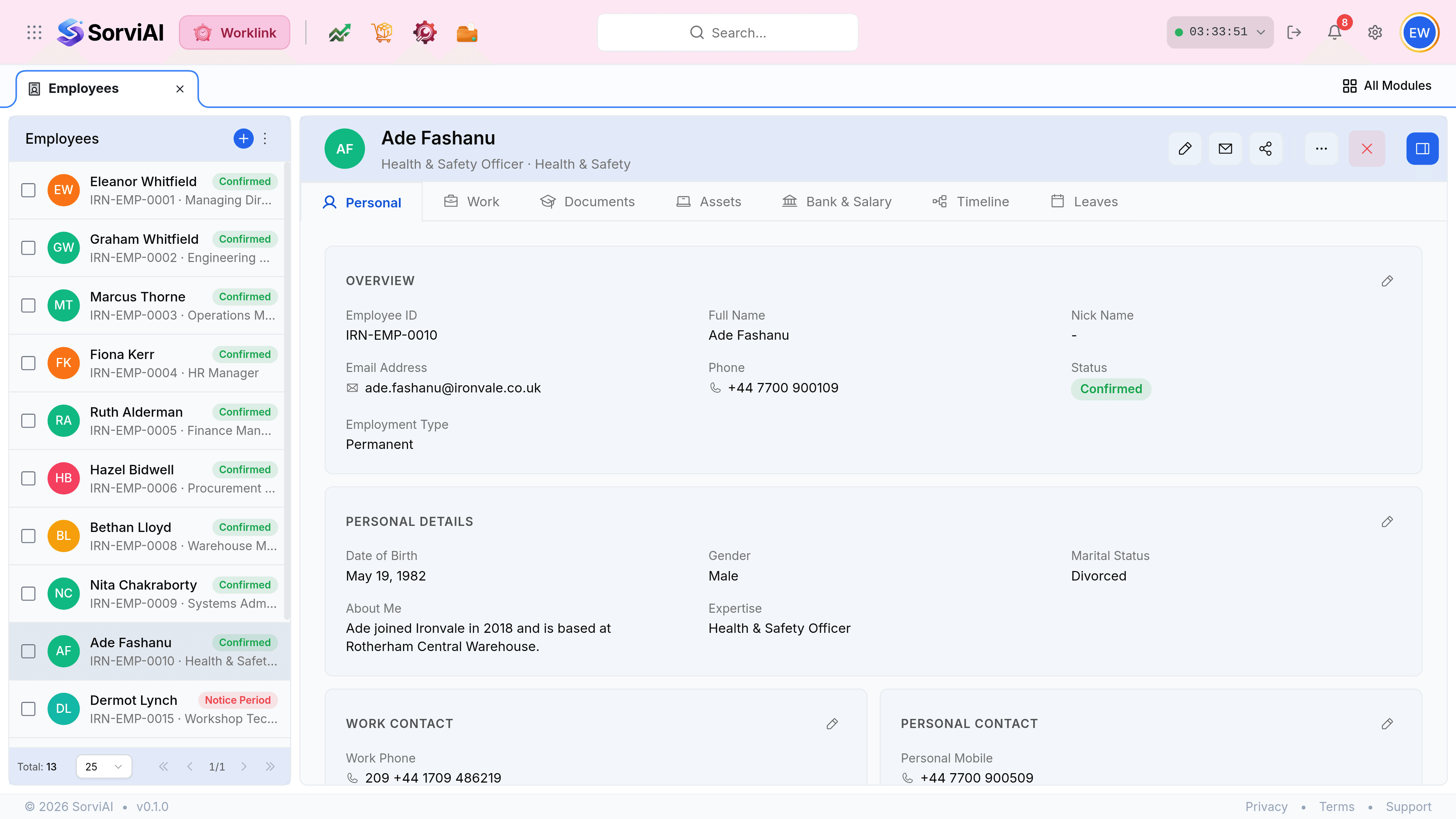
An employee record for Ade Fashanu, Health and Safety Officer. A mini-list of employees runs down the left with a total of 30. The centre pane carries the name, Edit, Email and Share buttons, and tabs reading Personal, Work, Documents, Assets, Finance, Timeline and Leaves. An Overview card shows employee ID, full name, email, phone, a Confirmed status chip and employment type, above Personal Details, Work Contact and Personal Contact cards. An Activity Panel on the right is headed Last 6 months with filter chips and a feed of uploads, certificates and training assignments.
Three panes at once. The left list keeps its place, so stepping through a department does not mean going back.

The tabs

The tab row on an employee record: Personal selected in blue, then Work, Documents, Assets, Bank and Salary, Timeline and Leaves, each with a small icon.
Seven tabs. Personal opens first, and it is the only one most people ever need.
TabHoldsWho tends to use it
PersonalIdentity, date of birth, and the work and personal contact blocks.Everyone.
WorkEmployment terms, department, designation and reporting line.HR and managers.
DocumentsContracts, right-to-work checks and anything else filed against the person.HR.
AssetsEquipment issued to them, and what is outstanding when they leave.IT and facilities.
FinancePay-related details held against the record.Payroll.
TimelineThe employment history as a sequence of events.Anyone reconstructing what happened.
LeavesTheir requests and balances, without leaving the record.Managers.

The Overview card

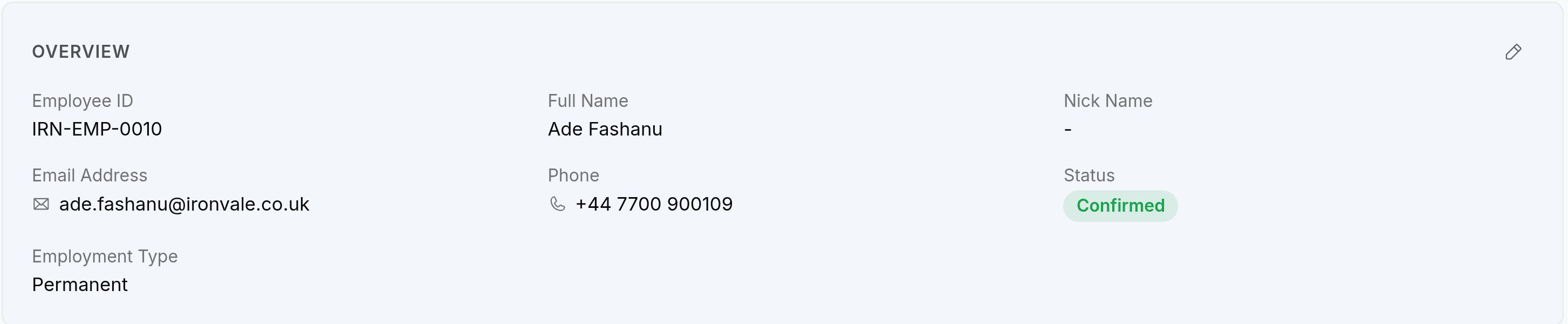
The Overview card on an employee record, showing Employee ID IRN-EMP-0010, Full Name Ade Fashanu, Nick Name shown as a dash, Email Address ade.fashanu@ironvale.co.uk, Phone +44 7700 900109, a green Confirmed status chip and Employment Type Permanent. A pencil icon sits at the top right of the card.
Every card carries its own pencil, so a correction edits one block rather than opening the whole record.

The activity panel

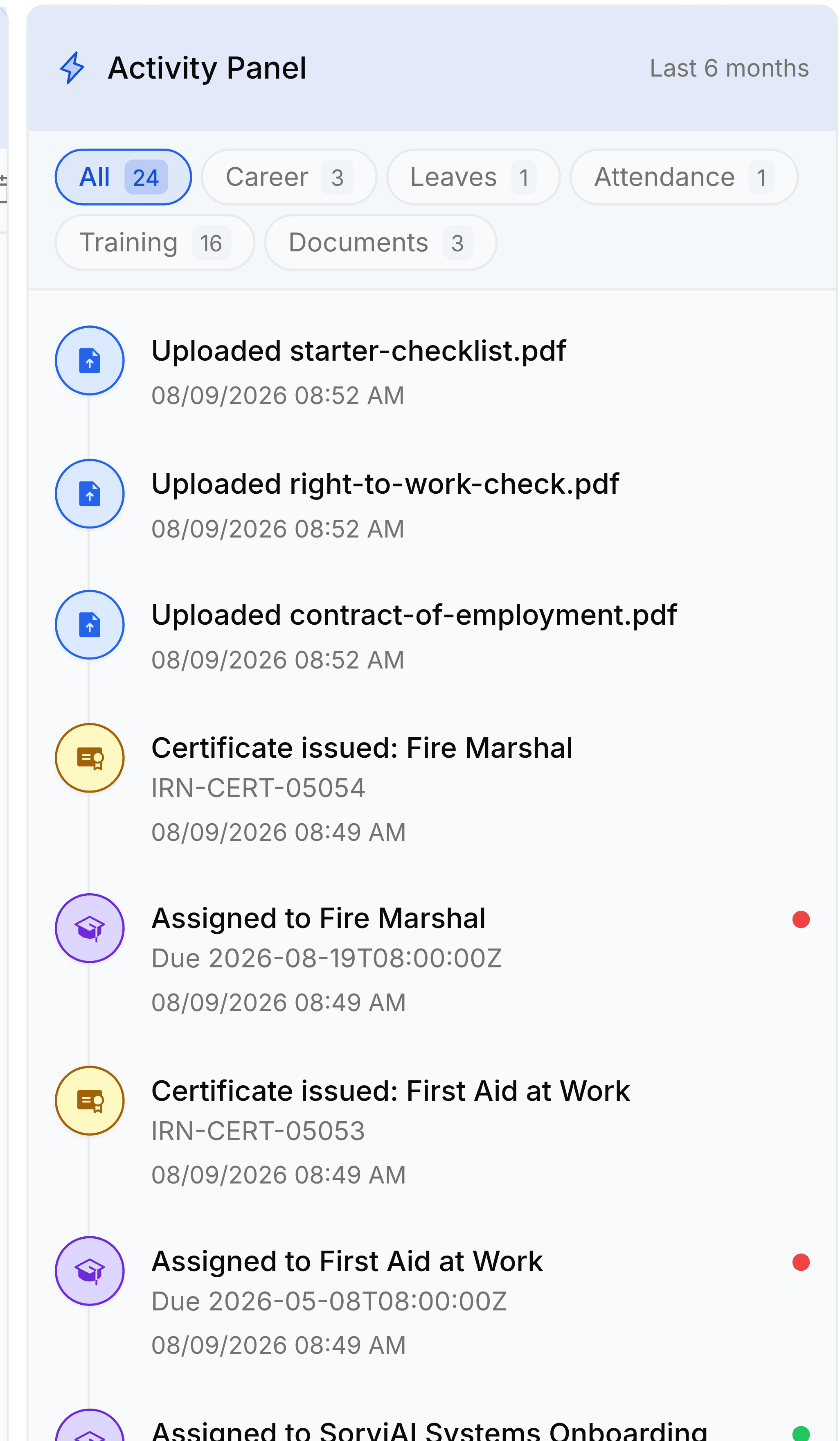
The Activity Panel on an employee record, headed Activity Panel with Last 6 months at the right. Filter chips read All 24, Career 3, Leaves 1, Attendance 1, Training 17 and Documents 3. The feed below lists uploaded documents, a certificate issued for Fire Marshal, and several training assignments with their due dates and timestamps.
Six months by default, filtered by kind. The counts on the chips are what is in the window, not the lifetime totals.
Activity panel filters
FieldWhat it does
AllEverything in the window, newest first.
CareerJoining, confirmation, promotions and any change to the employment itself.
LeavesRequests raised and decided.
AttendanceCorrections and anything that changed a record.
TrainingAssignments, completions and certificates. Usually the busiest of the six.
DocumentsFiles uploaded against the person.

Was this document helpful?