
Assign a Designation
Give a job title to one person or to many, and what happens to the title they held before.
A person holds one designation, so assigning a new one replaces the old one rather than adding to it. That single fact is the whole difference from assigning a department.
Open the designation and select Assign.
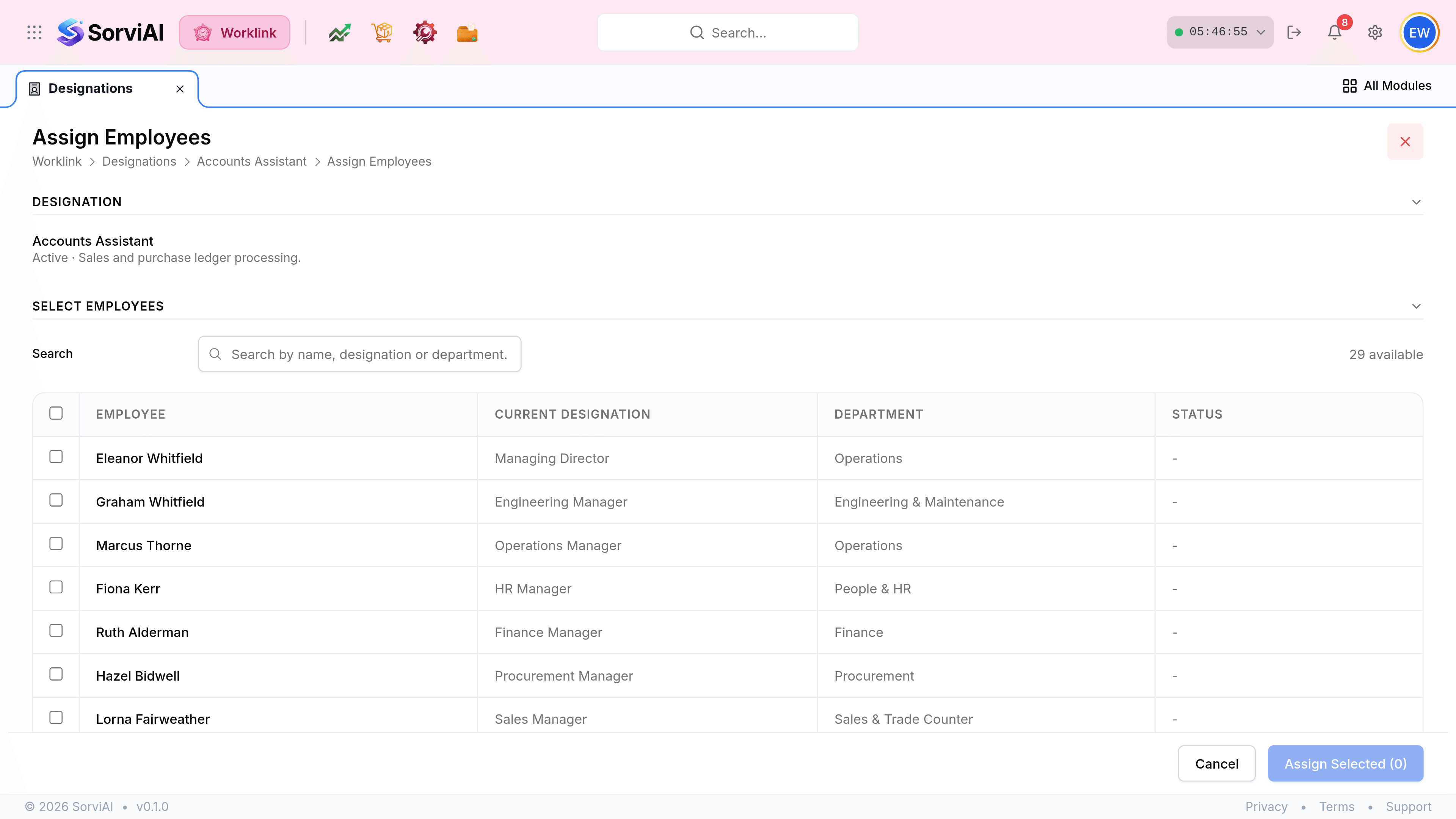
Read the Current Designation column before ticking anybody. It is what you are about to overwrite.
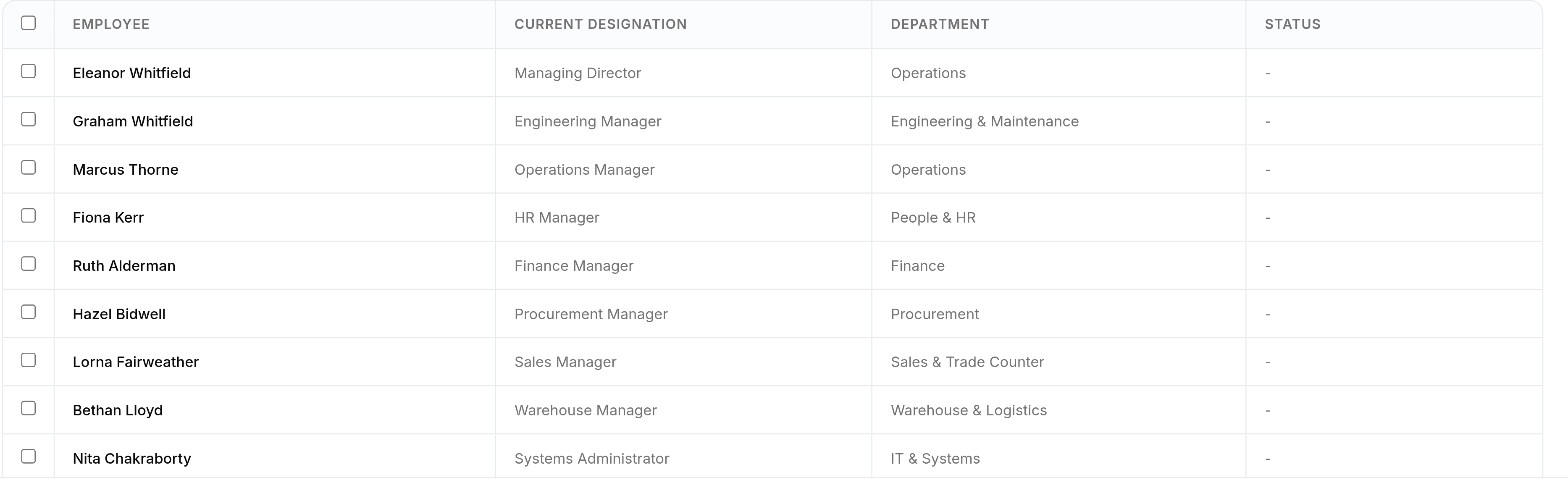
Tick the people and select Assign Selected. The count on the button is your last check.
Departments and designations assign differently
Assigning a designation
one at a time
- YesReplaces whatever title they held.
- NoNo member or primary choice; there is only one slot.
- YesThe Current Designation column warns you what is being replaced.
Assigning a department
one or many
- YesAdds a department without removing another.
- YesOffers Add as member or Set as primary.
- YesPeople already in it are greyed out rather than replaced.
What changes once it is assigned
| Where | Effect |
|---|---|
| The employee roster | The Designation column shows the new title. |
| The designation list | The Employees count moves between the old title and the new. |
| Department pages | The member table shows the new title against the person. |
| Their activity panel | A Career entry records the change and when it happened. |