
Introduction - Reports
Five reports over your attendance and leave data, and which question each one answers.
Worklink does not have a report builder. It has five reports, each a saved question over the attendance and leave records the rest of the app produces, and the skill is picking the right one rather than configuring anything.
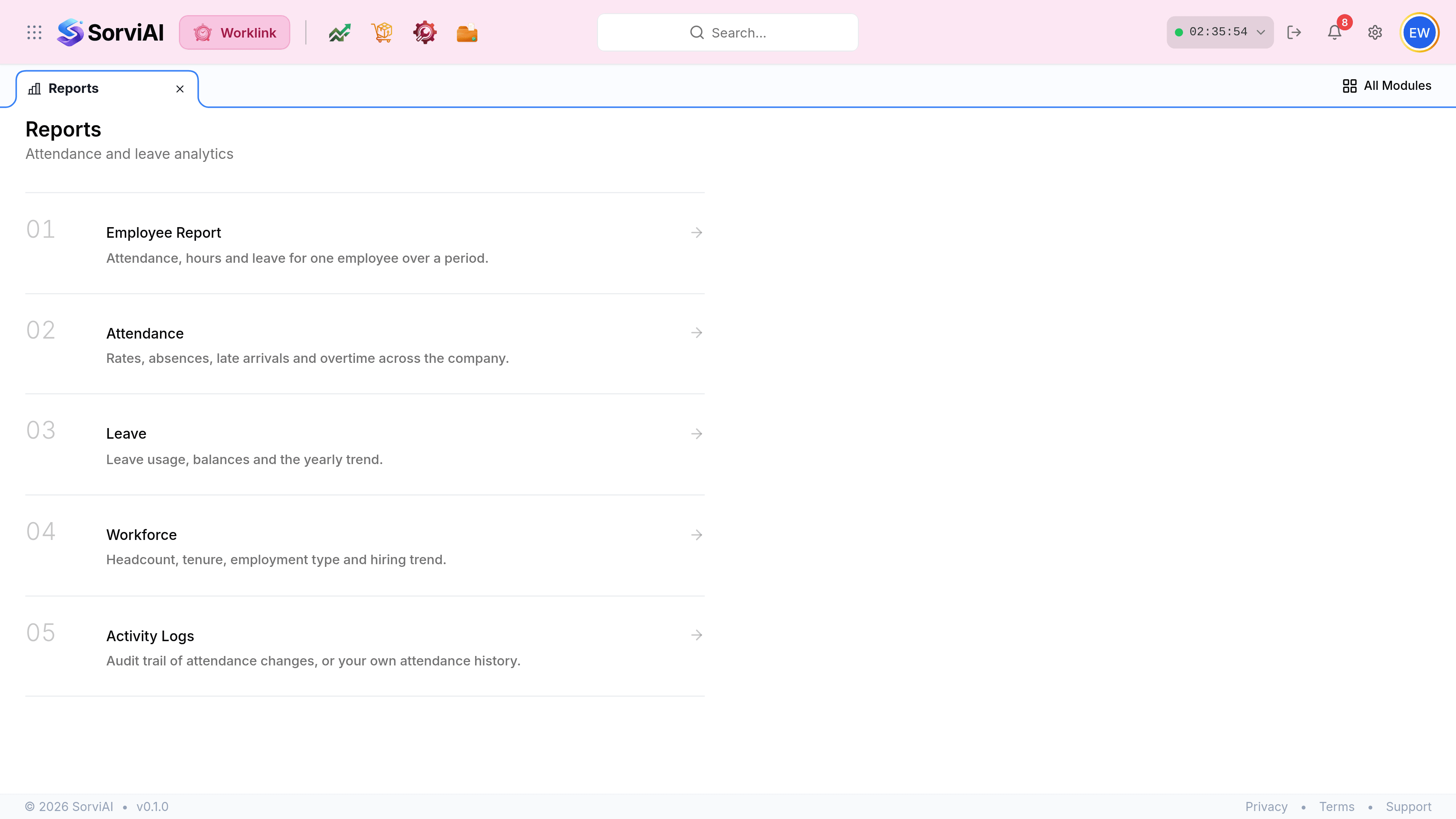
Which report answers which question
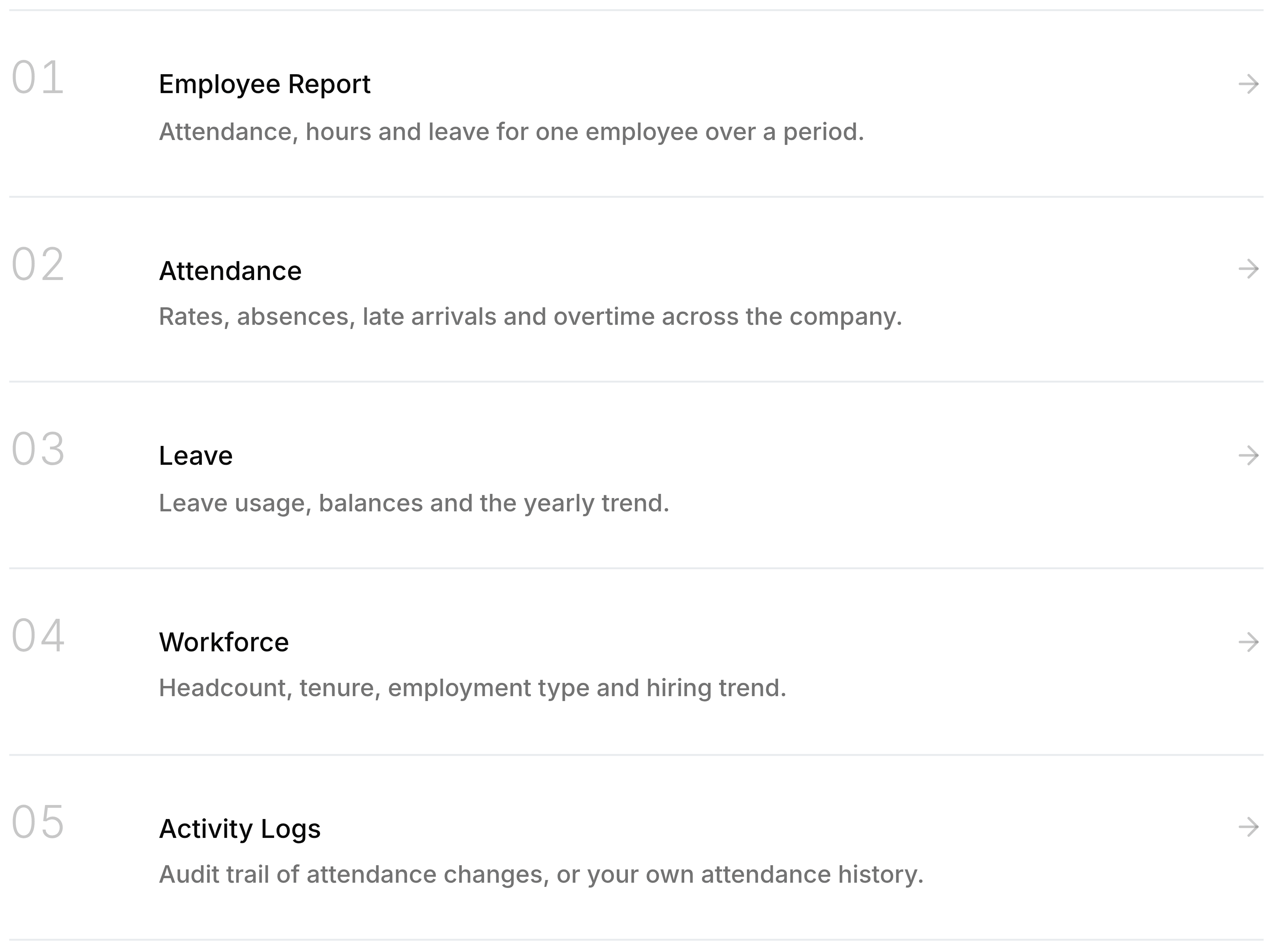
| Report | Answers | Scope |
|---|---|---|
| Employee Report | How has this one person's month gone? | One employee, one period. |
| Attendance | How is the whole company attending? | Every employee at a depot, one period. |
| Leave | Who is using their entitlement, and when? | A year, by department. |
| Workforce | Who works here, and how has that changed? | A point in time, no period at all. |
| Activity Logs | Who changed what, and when? | An audit trail rather than a measurement. |
They differ in what they take, not just what they show
The controls at the top of each report are the quickest way to tell them apart.
- A period and a depotAttendance, Leave
- Measurements over time. The date range is the first thing to set.
- A person and a periodEmployee Report
- Shows nothing at all until you pick somebody.
- A depot onlyWorkforce
- No date range, because headcount is a fact about now rather than a total over a span.
- Filters and a Run buttonActivity Logs
- The only report you have to explicitly run; the rest render as you change the controls.