
Introduction - Announcements
Notices published to the organisation, and the three states one passes through.
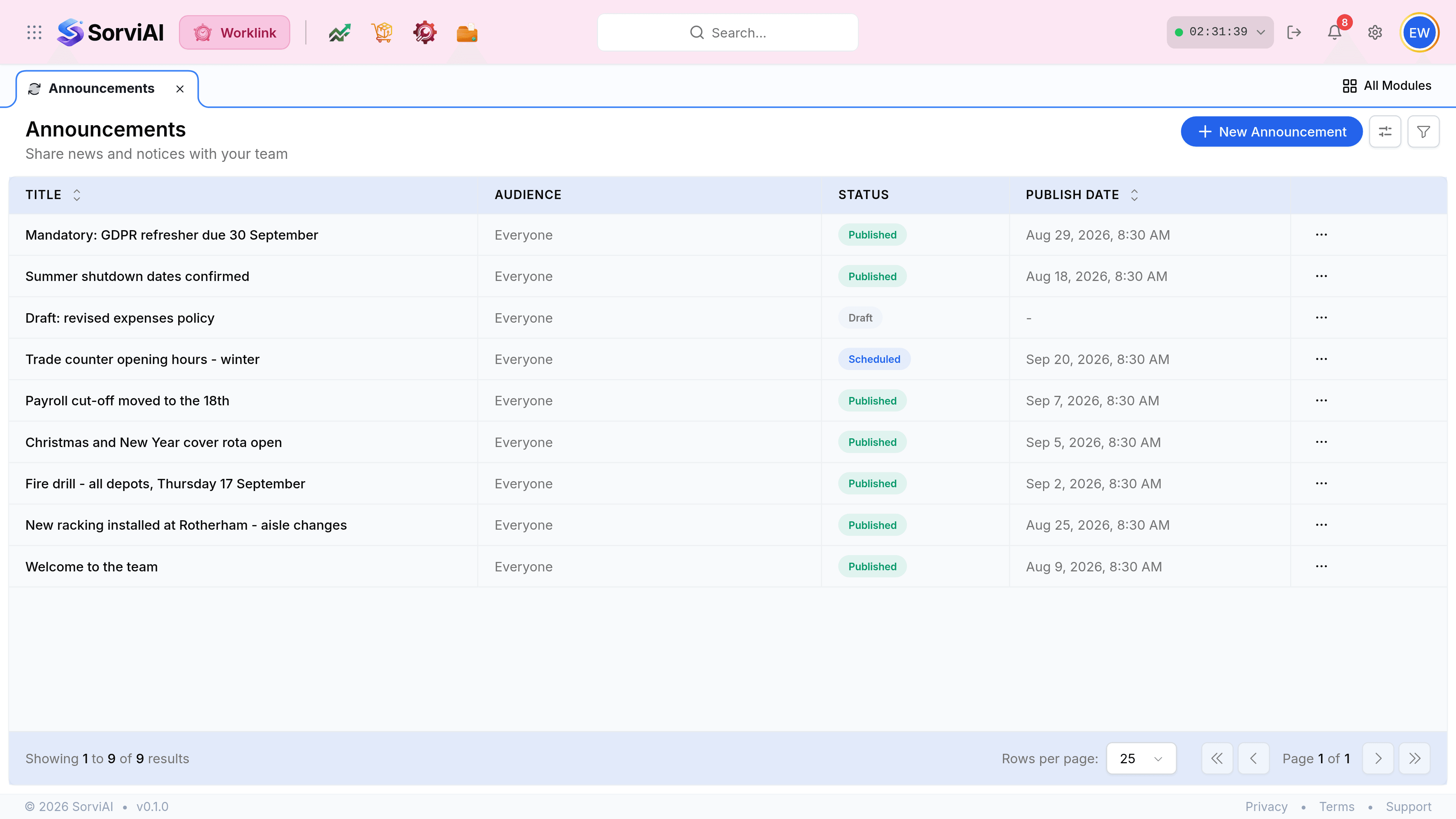
An announcement is a short notice that appears on the Worklink overview for everybody it targets. It is the one place in the app that pushes information at people rather than waiting to be opened.
The three states
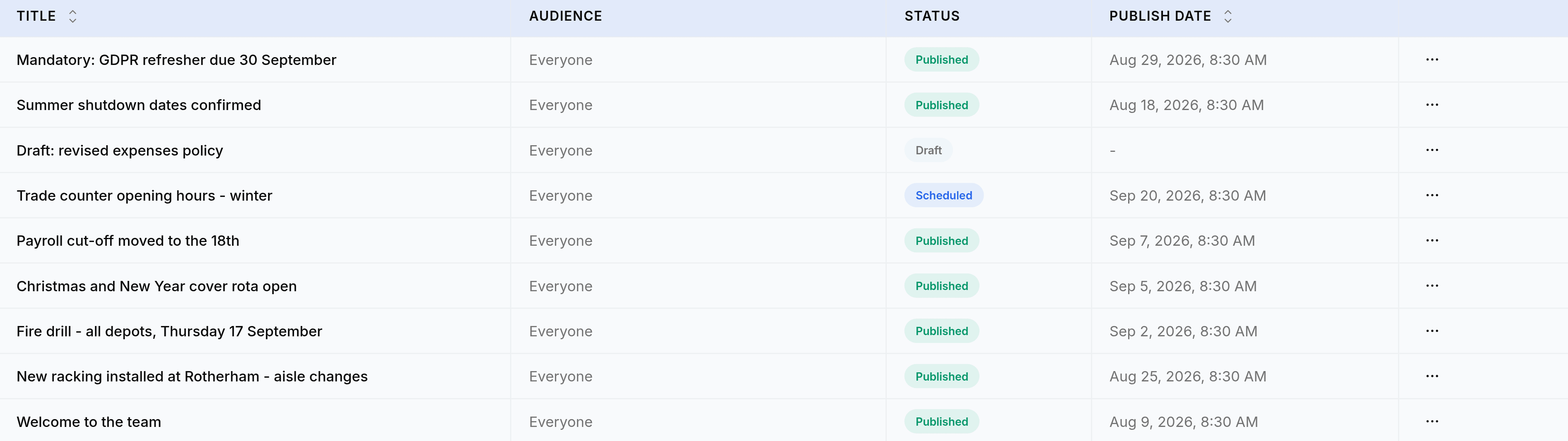
- Draftnot going anywhere
- Written and saved, visible only to whoever can open this screen. It carries no publish date.
- Scheduledwaiting for its date
- Finished and dated for the future. It will publish itself without anybody pressing anything.
- Publishedlive
- On the overview of everybody in its audience, newest first.
Where people actually see them
An announcement appears in the Announcements card on the Worklink overview, which is the screen most people open first. That card shows the title, the date and the opening line, and expands in place.
| Column | Means |
|---|---|
| Title | The notice itself. It is what people read on the overview, so it should say the thing rather than tease it. |
| Audience | Who it targets. Everyone is the commonest choice, but every announcement is targeted deliberately: there is no default audience. |
| Status | Draft, Scheduled or Published. |
| Publish date | When it went live, or when it will. A dash means it is a draft. |
| Expires | When it stops showing, if a date was set. |