
Introduction - Shifts
The working pattern every attendance day is judged against, and the roster of who is on it.

A shift is the expectation. Without one, a check in is only a timestamp; with one, Worklink can say whether the day started late, ran short or earned overtime.
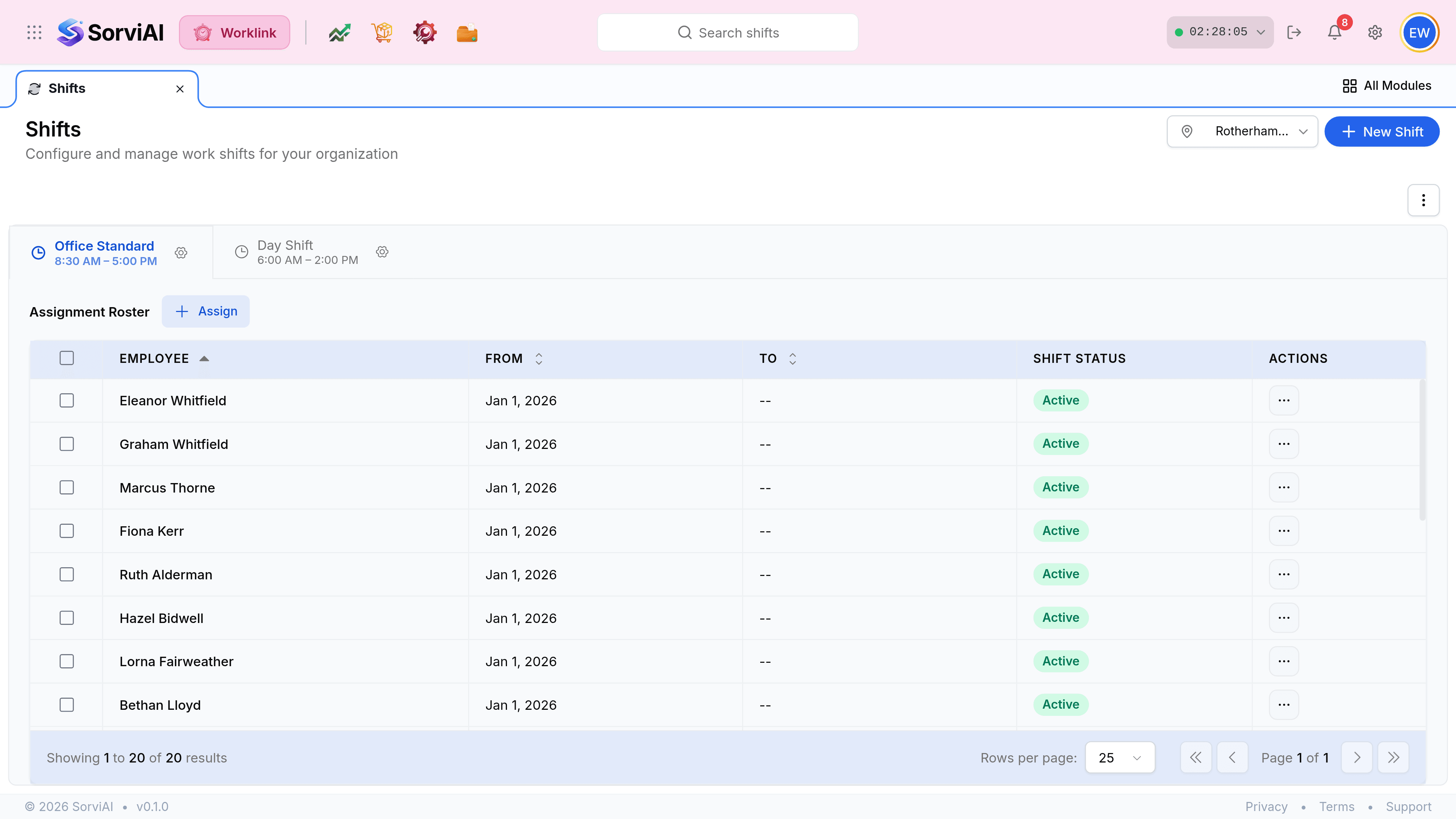
The screen is a tab per shift
Each pattern your organisation runs is a tab. Selecting one changes the roster below it, so the list is always "who is on this shift" rather than "everybody".

What a shift decides
| Field on the shift | What it decides |
|---|---|
| Start and end time | Whether a check in is on time, early or late. |
| Break duration | How much of the day is subtracted before net working hours are counted. |
| Total work hours | The target the Remaining countdown on My Attendance runs against. |
| Work days | Which days produce a record at all. Everything else is a weekend for that person. |
| Effective period | When the pattern starts applying, and when it stops. |
An assignment is dated, not permanent
The roster is a list of assignments rather than a list of people. Each row carries a From date and an open or closed To date, which is what lets somebody's pattern change in March without rewriting January.
- Fromwhen it starts
- The date this person began the shift. Attendance before it is judged against whatever they were on then.
- Towhen it ends
- Usually a pair of dashes, meaning open-ended. Setting it closes the assignment on that date.
- Shift Statusactive or not
- Whether the assignment is currently in force.