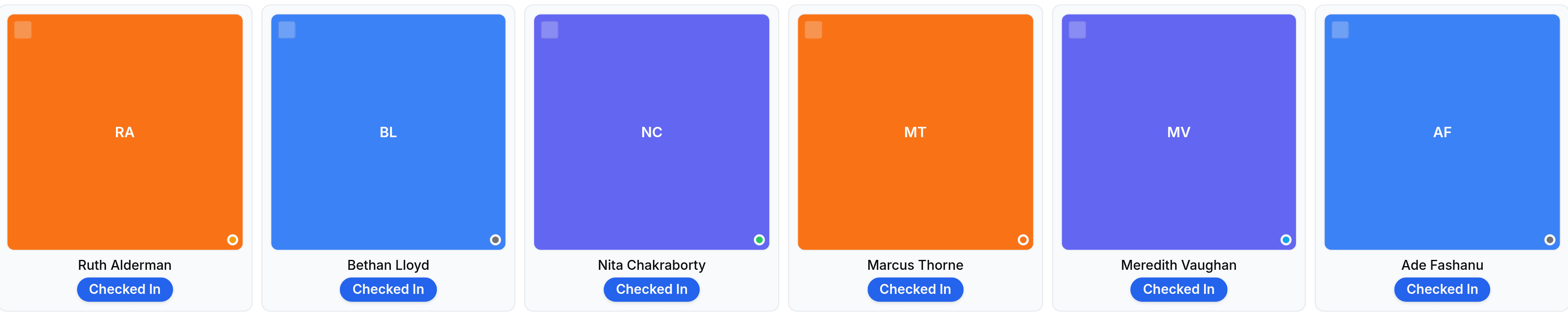
Introduction - Presence
Who is at work right now, at one depot, refreshed as people check in.

Presence answers a question no other screen in Worklink can: who is at work at this moment. The records list is history and the calendar is a month; this is now.
The screen is headed Who's In, which is worth knowing because the menu calls it Presence and the page does not.
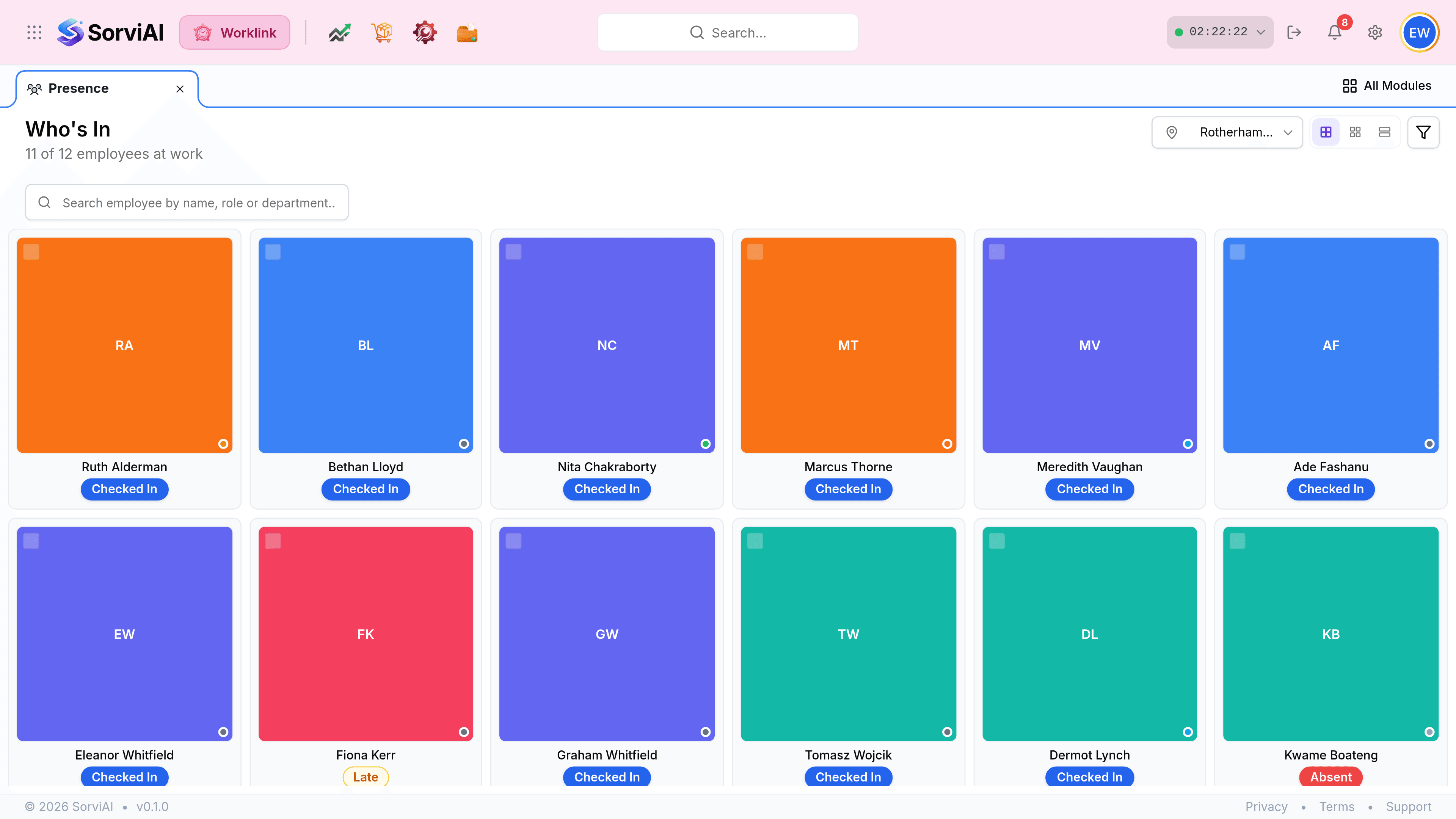
The count in the subheading
5 of 13 employees at work is the whole screen in one line: how many are currently checked in, out of everybody expected at this depot today. It is the figure a supervisor actually wants, and it moves as people arrive.

The seven states
Everybody on the screen is in exactly one of these. The first two mean somebody is here.
| State | Means |
|---|---|
| Checked In | At work now, clock running. |
| On Break | Checked in, currently on a logged break. |
| Yet to Check In | Expected today and has not started. |
| Checked Out | Worked today and has finished. |
| On Leave | Approved leave covers today. |
| Holiday | The holiday calendar covers today for their site. |
| Absent | A working day with no record and no approved leave. |