
Approve or Reject a Regularization
Decide a correction request, and what the final approval writes back to attendance.
Deciding is one press per row. Knowing which of the two stages you are at is what tells you whether the attendance record is about to change.
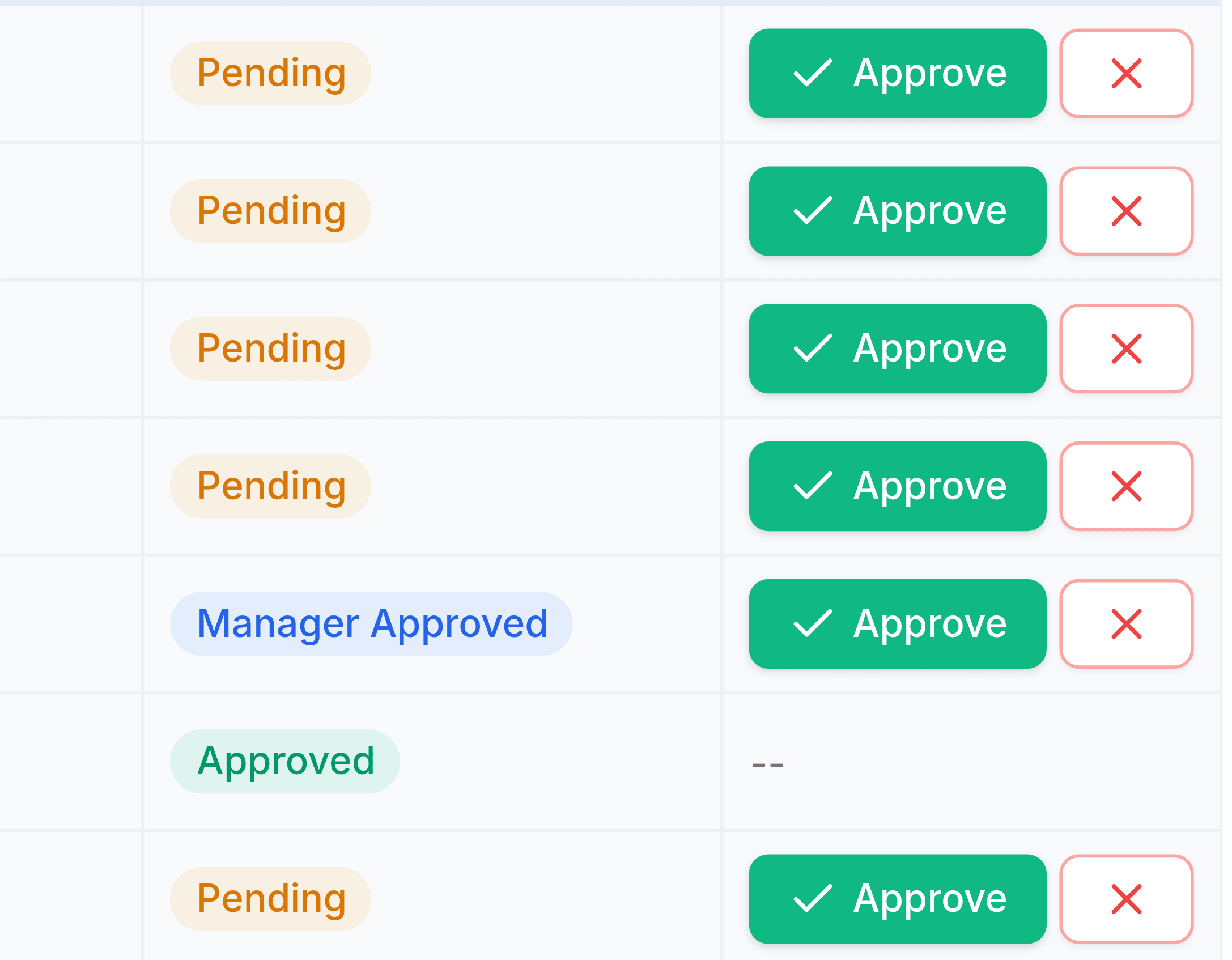
Open Regularizations and read the Status column first. It tells you whether your decision is the first or the last.
Compare the Requested Times against the Reason. A claimed 17:30 finish with "went straight to a customer site" is a different judgement from the same time with no explanation.
Select Approve, or the red button to reject. The row updates in place.
What your decision does depends on the stage
| You are deciding a | Approving moves it to | The attendance record |
|---|---|---|
| Pending request | Manager Approved | Does not change yet. |
| Manager Approved request | Approved | Is rewritten with the requested times. |
| Either, rejecting | Closed | Never changes. The day stands as recorded. |
What to check before approving
- The dateis it the right day
- People routinely raise a correction against the day they noticed rather than the day it happened.
- The times against the shiftis it plausible
- A claimed finish long after the shift end is an overtime question rather than a clock-out correction.
- The patternis this the third one this week
- Repeated corrections from one team usually point at a broken terminal rather than at forgetfulness.
After approval
The corrected times appear on the attendance record and the day's status is recalculated against the shift, so a day that read Late may no longer. The request itself stays in the list as Approved, with no further actions, as the evidence of who agreed to the change.