
Introduction - My Training
The courses assigned to you, where you are in each, and the certificate at the end.

My Training lists every training program an administrator has assigned to you, and nothing else. You do not choose courses here; you work through the ones you have been given.
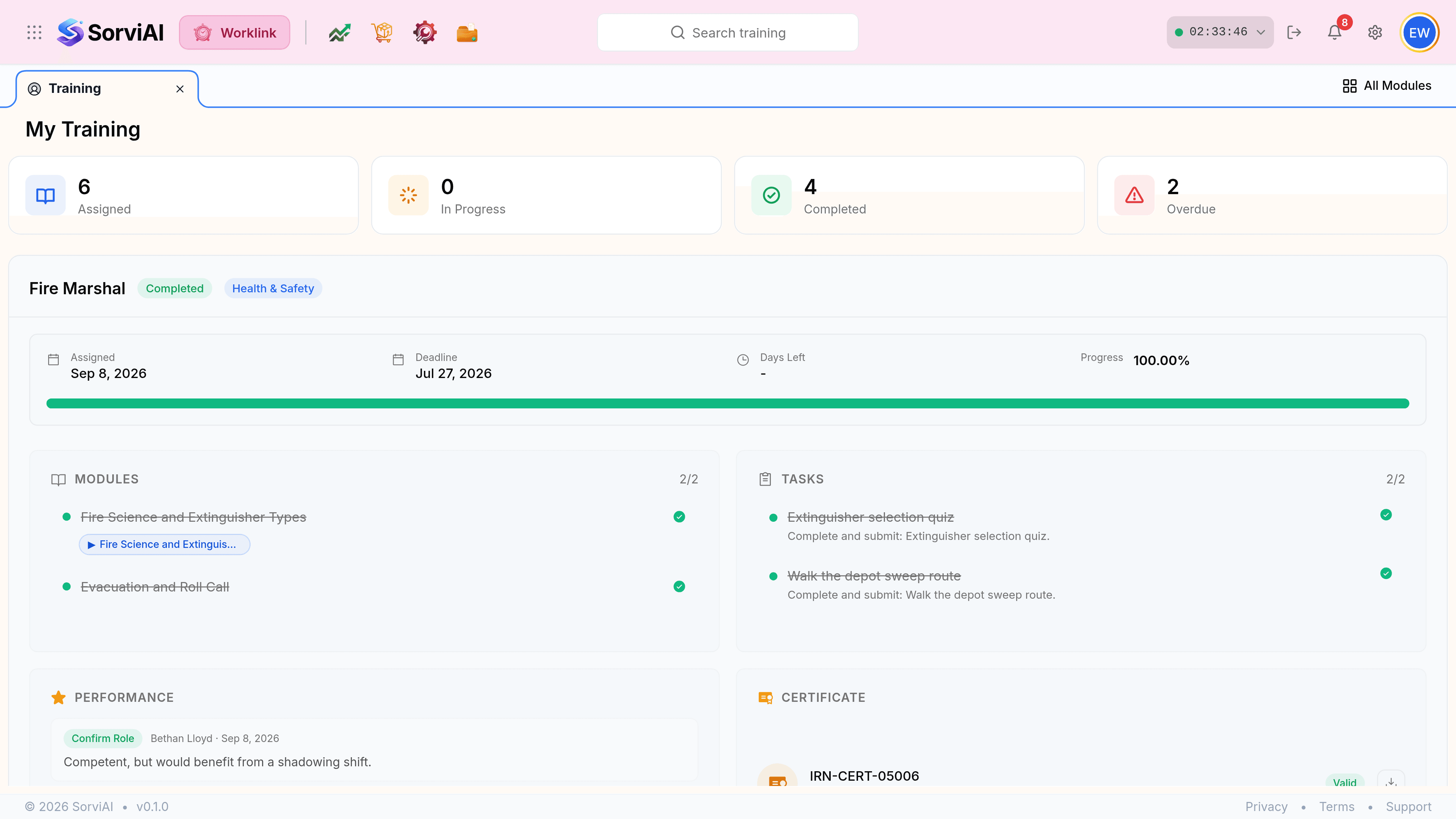
The four counts
- Assignedthe total
- Every course given to you, in any state. The other three counts are subsets of this one.
- In Progressstarted
- Courses where at least one module or task is done but not all of them.
- Completedfinished
- Every module and task ticked off. A certificate is issued where the program carries one.
- Overduepast the deadline
- Not finished, and the deadline has gone. These are the ones to open first.
What a course holds
Each assigned course expands into four panels. Two of them are yours to work through; two record what happened afterwards.
| Panel | What it is | Who fills it in |
|---|---|---|
| Modules | The material to work through, ticked off as you go. | You. |
| Tasks | Things to do or submit outside the material, such as a quiz or a practical. | You. |
| Performance | An assessor's note against the course. | Your assessor, after you finish. |
| Certificate | The certificate number, its issue date and whether it is still valid. | Worklink, on completion. |