
Admin Profile
Your own employee record across seven tabs, and the difference between what you may edit and what only HR may.
The first row in the rail is your own employee record, shown the way everybody else's is shown in Employees. Administrators open it as Admin Profile; everybody else finds the same screen under My Profile.

What sits on each tab
| Tab | What it holds |
|---|---|
| Personal | Your basic details, identification numbers, education and dependents. |
| Work | Your role, department, reporting line, shift and previous employment. |
| Contact | Work and personal contacts, both addresses, and your emergency contact. |
| Documents | Identity and employment documents held on your record. |
| Assets | Company equipment currently assigned to you. |
| Bank & Salary | Your bank account and compensation. |
| Timeline | A dated history of changes and events on your employment record. |
Read the record, edit the parts that are yours
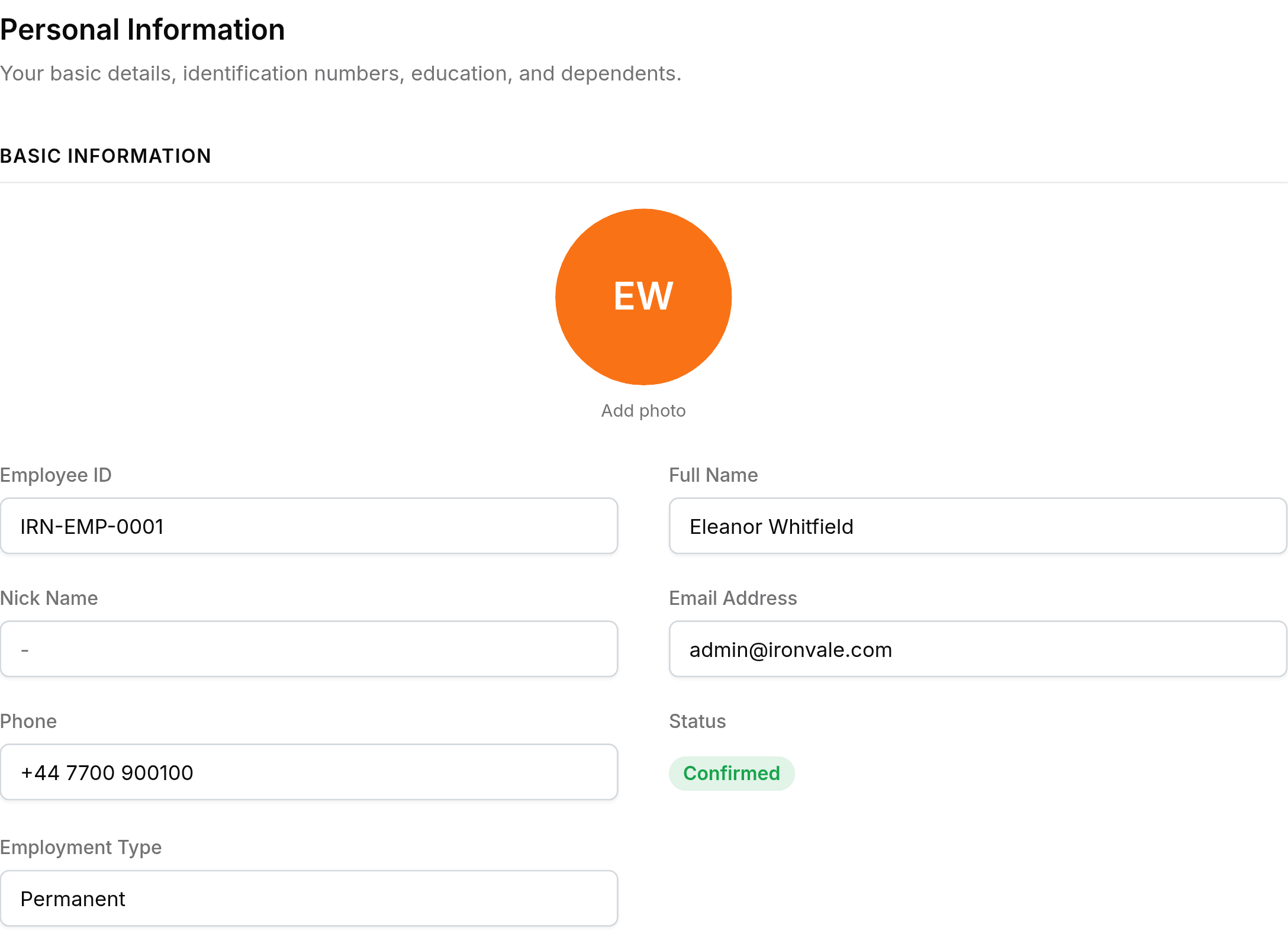
A section with a pencil beside its heading opens a slide panel and saves back to your record. A section without one is read-only here, and changing it is an HR job.
| Yours to edit | Read-only on this screen |
|---|---|
| Personal details, education, dependents | Employee ID, name, status, employment type |
| Work experience | Department, designation, reporting manager, shift, date of joining |
| Personal contact, present and permanent address | Work phone, work email, seating location |
| Emergency contact | Documents, assets, bank details, salary |
Work is the clearest example of the split: everything about your job is set by somebody else, while the previous employment listed under it is yours to keep current.
Identification and bank numbers are masked
Social security, tax and national ID numbers appear as masked values, and so does your bank account number. They are stored in full and shown in part, so an open settings panel gives nothing away to the room.