
Create a Training Program
Set up a course once, with its modules, its category and the window people get to finish it.
Last reviewed
A program is built once and assigned many times, so the effort goes in here rather than at each assignment.
Select Create Training on the Training Programs screen.
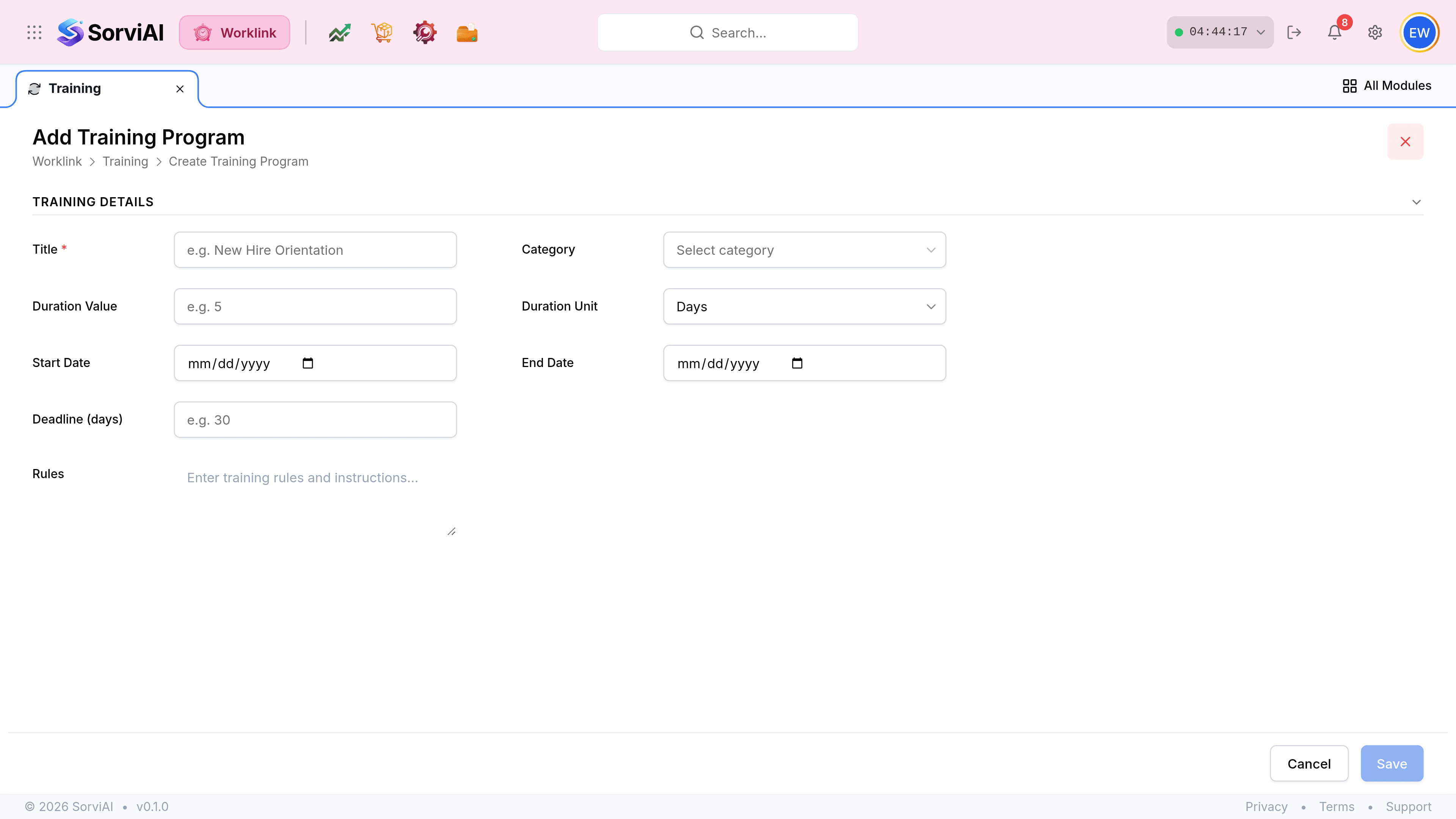
Give the program a Title and pick a Category. The category is what the filters and any compliance reporting group by, so it is worth getting right rather than leaving on a default.
Set the Duration Value and Duration Unit, which say how long the course itself takes, then Deadline (days), which is how long somebody has to finish it once it lands with them.
Add Start Date and End Date if the course runs between fixed dates.
Write the Rules. This is the text everybody assigned will read before they start.
Select Save. The program exists with no modules and no assignments against it yet.
Duration and deadline are different things
Duration
how long it takes
- YesThe length of the course itself, such as 2 Days.
- YesDescriptive; it helps people plan.
- NoNothing enforces it.
Deadline
how long they have
- YesA window in days from each person's assignment date.
- YesWhat makes an assignment go overdue.
- YesRelative, so two people assigned a month apart get the same window from different dates.