
Attendance Policy
The rules a day is judged by: grace periods, overtime, auto clock-out, working from home and the rest, per office or company-wide.
A shift says when somebody is expected. The attendance policy says what to make of it when they arrive fifteen minutes late, work past six, or forget to check out. It is the longest screen in the panel and nearly all of it is optional.
Choose whose rules you are editing
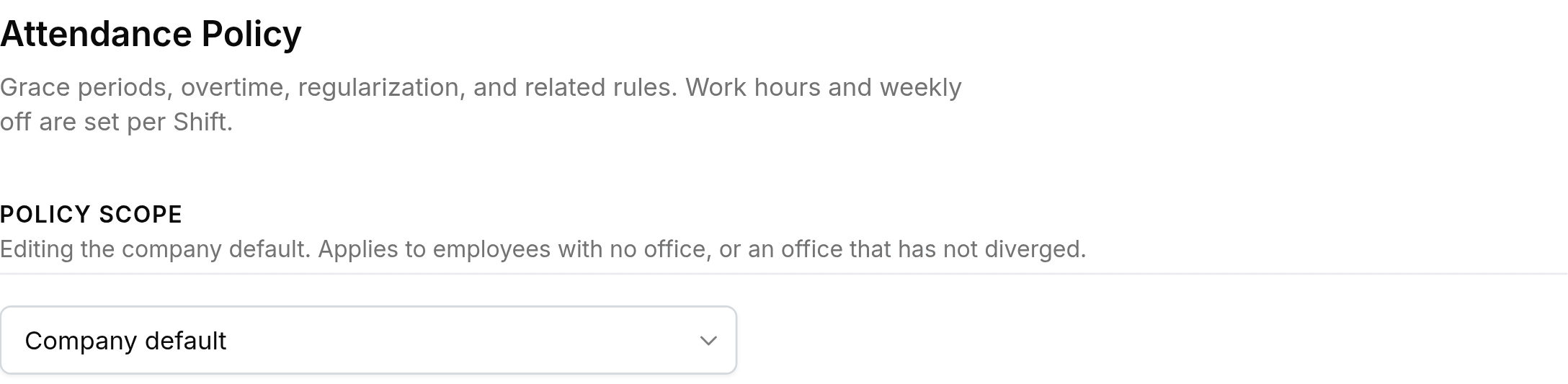
Company default governs employees with no office and every office that has not diverged. Pick an office and you are editing that office alone; the others carry on with the default until they are edited in turn.
The timezone is shown, not set

Attendance resolves a zone in a fixed order, and the first one set wins.
| Order | Where the timezone comes from |
|---|---|
| 1 | The employee's own timezone override. |
| 2 | The timezone on their work location. |
| 3 | The organisation profile. |
| 4 | UTC, if none of the above is set. |
Change it on the work location or on the organisation profile. An amber warning appears here when nothing is configured, because attendance counted in UTC reads every recorded hour against the wrong working day.
What each group of rules decides
| Group | What it decides |
|---|---|
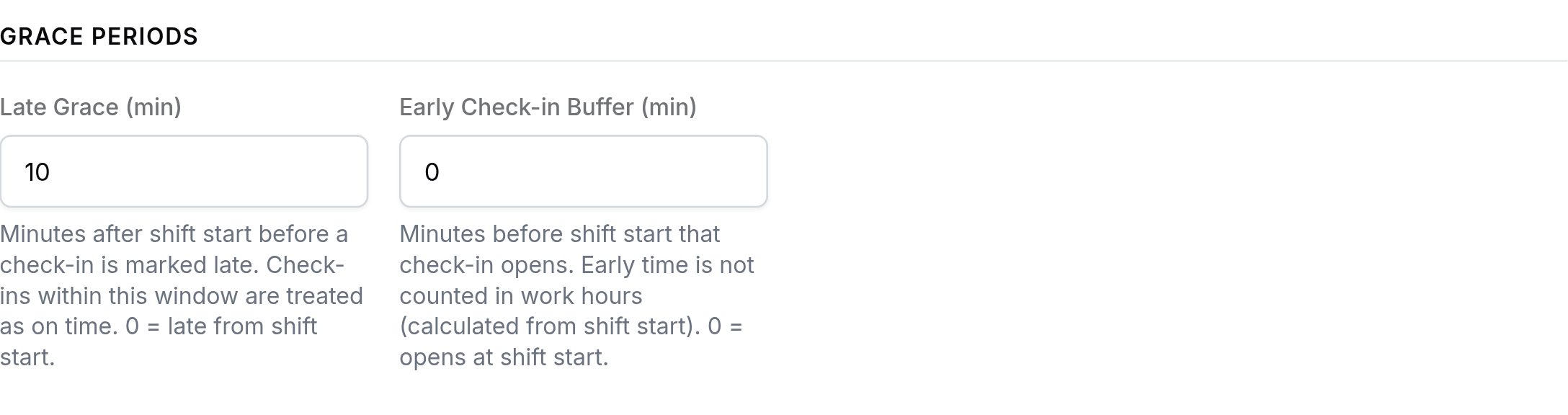
| Grace Periods | How many minutes after shift start a check-in still counts as on time, and how many minutes before it check-in opens at all. |
| Half Day | Whether people may request half a day off. The half comes from their shift, so it is unavailable on a day with no shift. |
| Late-Arrival Reminder | Sends an in-app nudge to anyone who has not checked in by a set number of minutes past their shift start. |
| Auto Clock-Out | Closes a session automatically a set number of minutes after the shift ends, for people who forget. |
| IP Restriction | Limits check-in to approved addresses, entered as IPs, CIDR blocks or start-to-end ranges. |
| Overtime | Tracks time worked beyond the standard hours, once it passes the threshold you set. |
| Regularization Rules | Whether corrections may be raised at all, how many each person gets a month, and how far back they may reach. |
| Work From Home | Whether people may pick WFH at check-in, how many days a month, and whether a manager approves it first. |
| Compensatory Off | Whether overtime or holiday working earns time back, the minimum that qualifies, and how long it lasts. |
| Leave Policy | The sandwich rule, the longest run of consecutive days allowed, the lock period, and what probation restricts. |
| Attendance Lock Period | Blocks edits to records older than a set number of days. |
The settings with a trap in them
- Late Graceminutes
- Check-ins inside this window count as on time. Set it to 0 and somebody is late from the first second past shift start.
- Early Check-in Bufferminutes
- How early check-in opens. It lets people arrive early; it does not pay them for it, because hours run from shift start.
- Sandwich Leave Ruleon or off
- Counts the weekend or holiday sitting between two leave days as leave. Off by default, and switching it on changes what a Friday-and-Monday request costs.
- Max consecutive leave days0 = unlimited
- A zero is not a ban, it is no limit at all. The same reading applies to the lock periods.
Visitor settings belong to the default only
Host notifications, visitor auto check-out and the overstay flag appear when the scope is Company default and are hidden on an office policy. A visitor is not attached to an office, so a per-office version of these would have nothing to resolve against.