
Check a Visitor Out
Close a visit, and find the ones nobody closed.
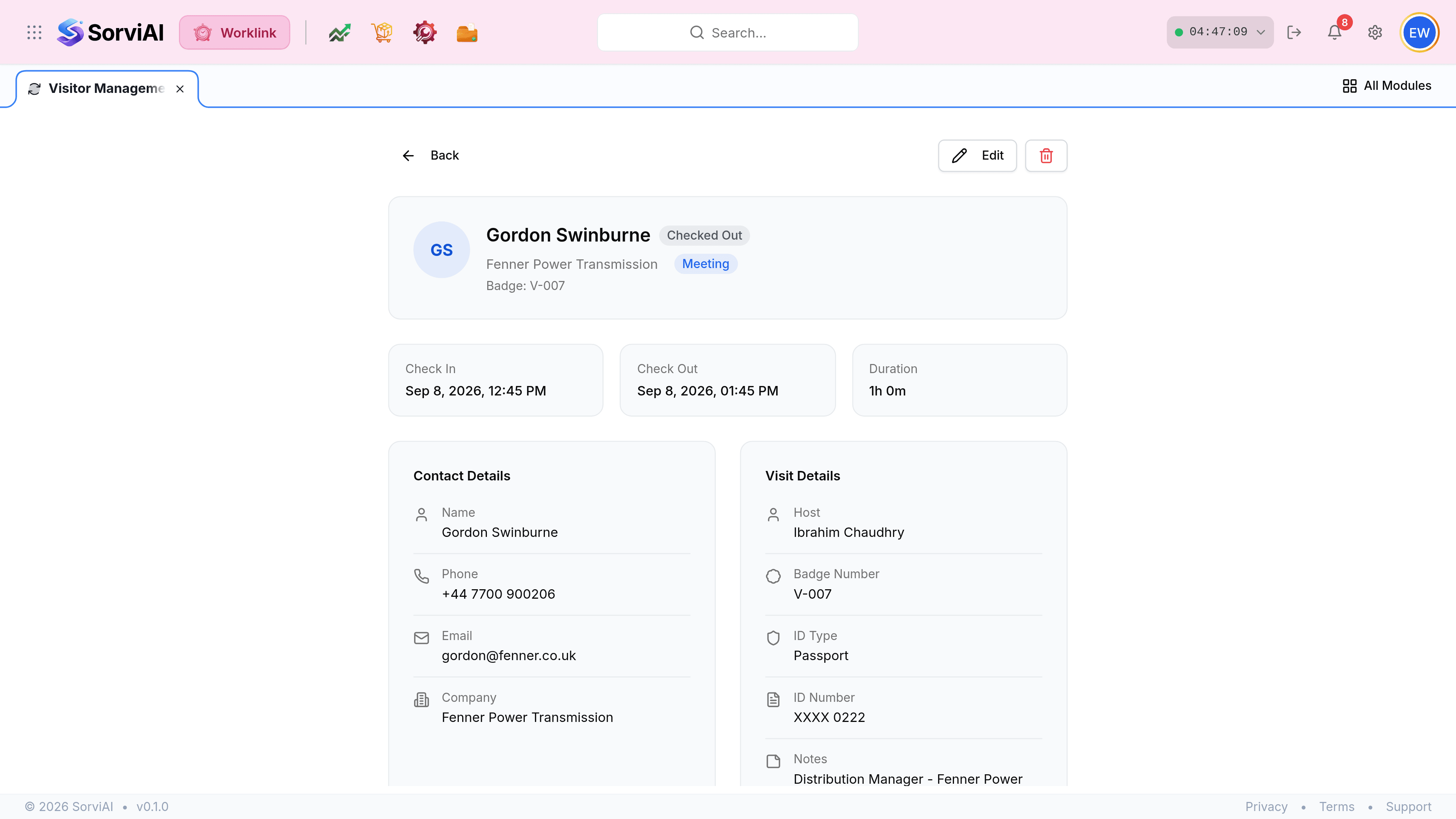
A visit stays open until somebody closes it. An open visit at the end of the day is either a person still on site or a missed sign-out, and the log cannot tell those apart for you.
Find the visit in the log. Filtering the status to In narrows it to the ones still open.

Open the visit, or use the three-dot button on the row, and check them out. The time is stamped as you do it.
Finding what was never closed
| Symptom | Likely cause | What to do |
|---|---|---|
| Overstay above zero | A visit past its expected end. | Check whether they are still on site before closing it. |
| Currently In above zero at close of business | Somebody left without signing out. | Close the visit with the time they actually left, if anybody knows it. |
| A visit open from last week | A missed sign-out nobody caught. | Close it and consider whether reception needs a nightly check. |
Why the accuracy matters
The visitor log is one of the few things in Worklink that has a use outside reporting. During an evacuation, Currently In is the count of non-employees on site, and the log is the list of who they are and who to ask about them. That only works if sign-outs happen.