
Training
The categories every training programme is filed under, and the colour that makes a long course list readable.
Training holds one list: the categories a programme is filed under.
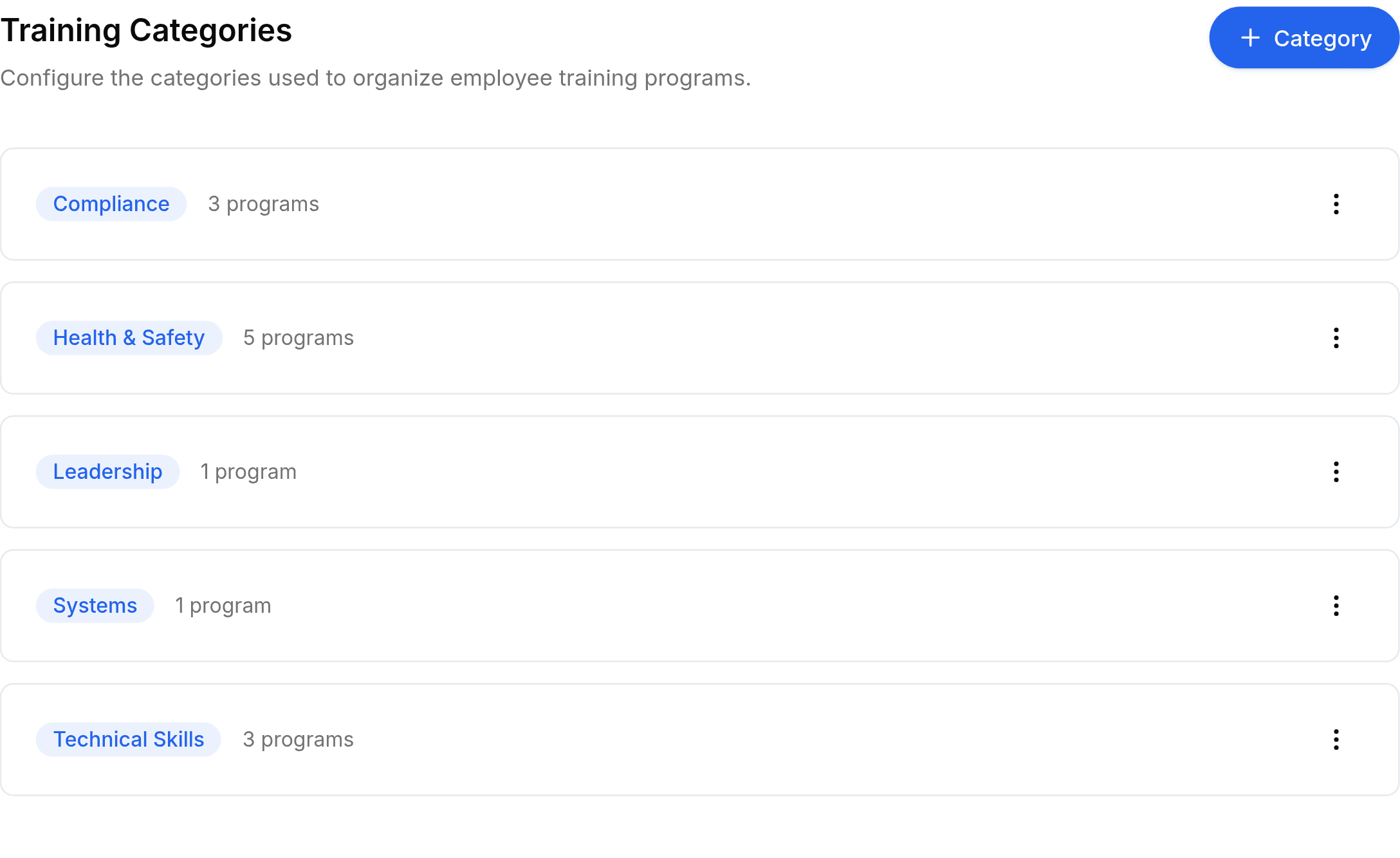
Go to Worklink Settings > Training, then select + Category at the top right.
Enter a Name, such as
Compliance.Pick a Color, then select Save.
Each row shows how many programmes use the category, which is what tells you whether retiring one is safe.
The colour is not decoration
A category's colour is the badge it wears on every programme, on the training list and on an employee's assigned courses. Two categories in similar colours make a long list harder to read, so spend the moment choosing.