
Add an Employee
Put somebody on the roster, with the handful of fields that matter on day one.
The form is long and almost none of it is required. Two fields are, and a third decides how the person is reported on from then on.
Select Add Employee on the Employees screen.
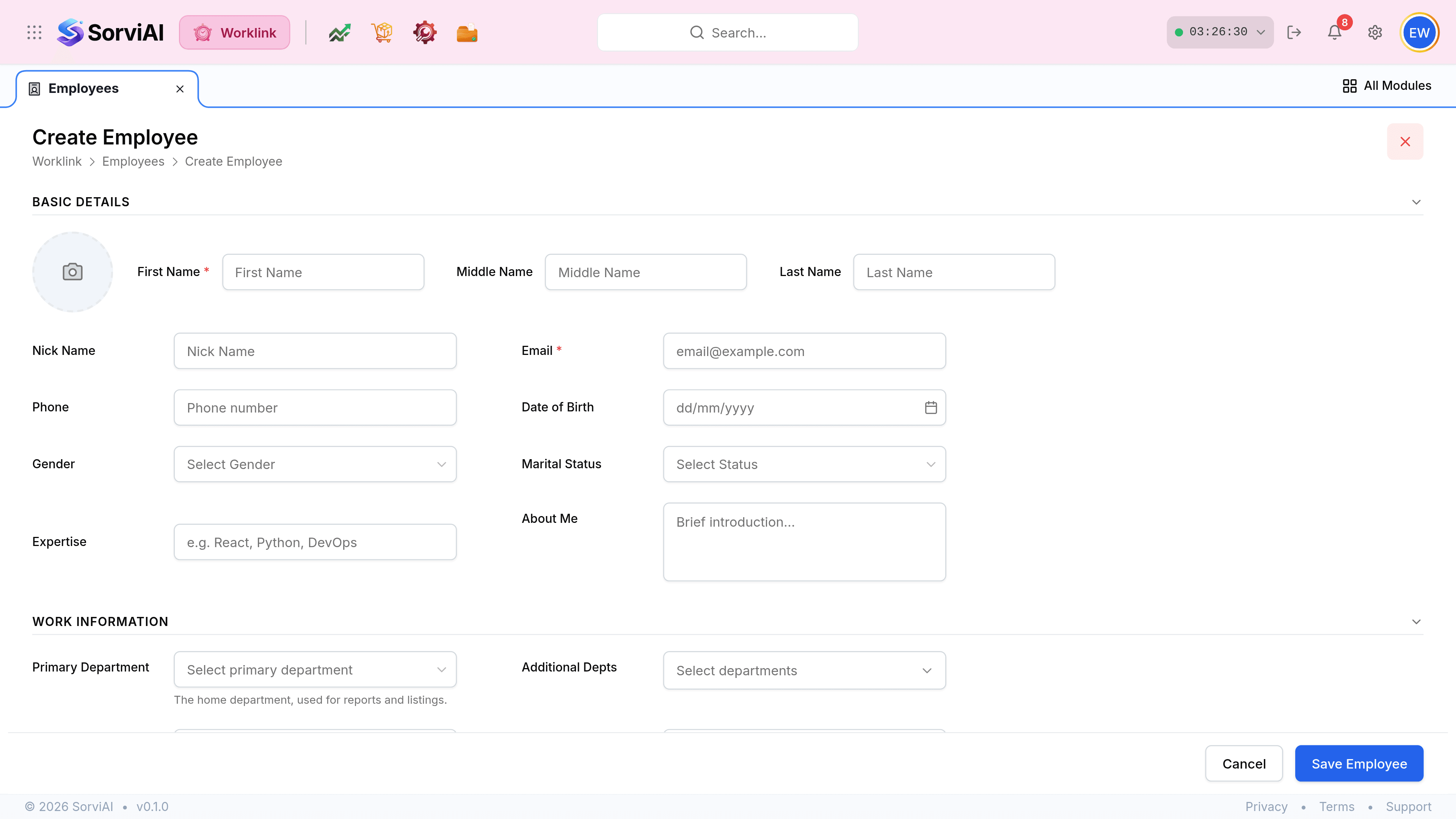
Fill in First Name and Email. They carry the red asterisk and they are the only two the form insists on.
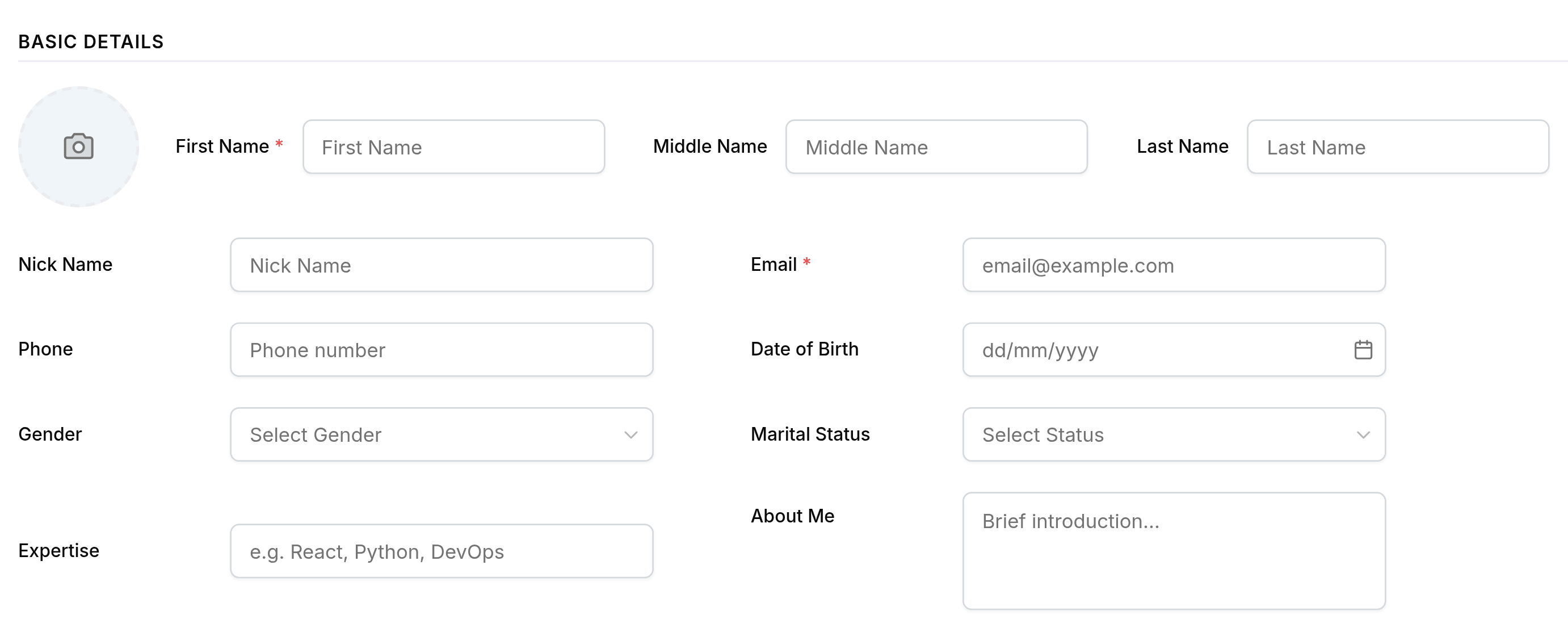
Set the Primary Department. Worklink calls this the home department and uses it for reports and listings, so it is the field that decides where the person is counted.
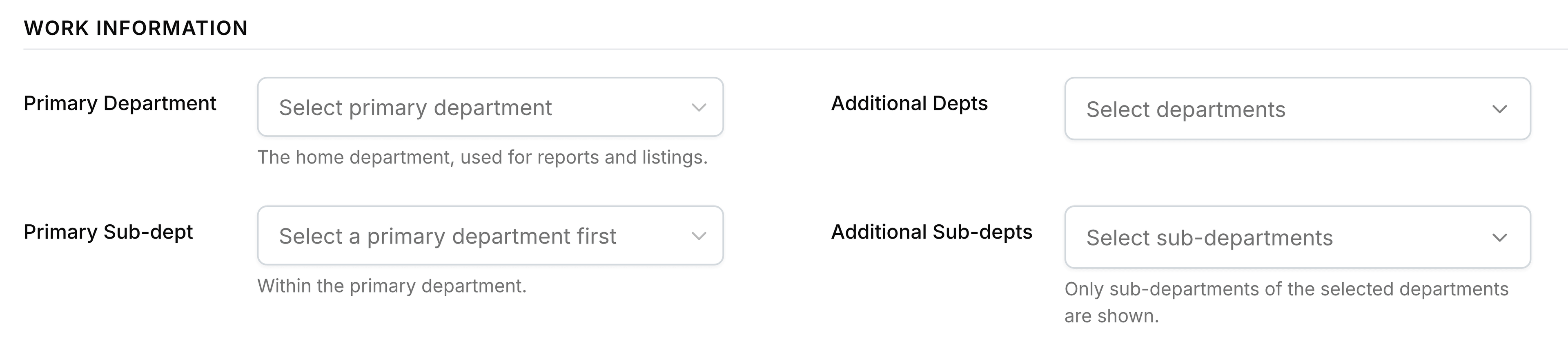
Add a Primary Sub-dept if the department has any. The list stays disabled and reads "Select a primary department first" until the department above it is set.
Select Save Employee. Everything else can be filled in later from the employee record.
Primary and additional are different things
Somebody can belong to more than one department. Only one of them is home.
- Primary Departmentthe home one
- Where reports count them and where listings put them. Every employee has exactly one.
- Additional Deptsthe others
- Departments they also work in. They appear in those departments' member lists without being counted as belonging to them.
- Primary Sub-deptwithin the home department
- The team inside the department, such as Workshop within Engineering and Maintenance.
- Additional Sub-deptsthe others
- Any further teams they work across.