
Employees
Employment types, employee statuses and asset categories: the three lists every employee record is built from.
Three tabs, three lists, all of them feeding the employee form. Fill them in before you add people and you will not be editing records later to correct a category that did not exist yet.

Employment Types

The categories offered when adding somebody. Each carries a Name, a Code and a colour, and the code is what the rest of Worklink matches on, so keep it short and stable. Types that arrived with the tenant are badged System.
Employee Statuses
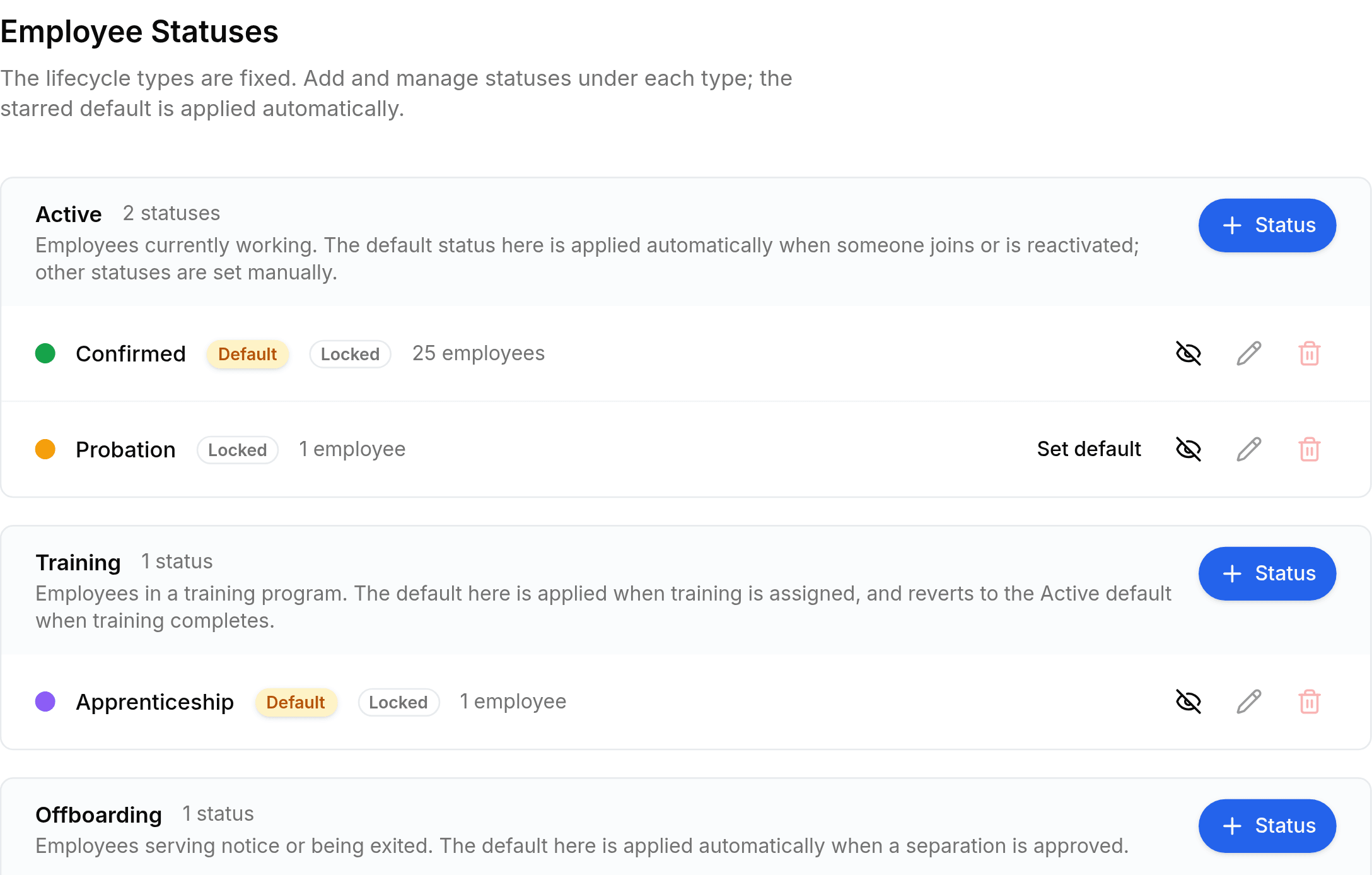
Something like Serving Notice is a status, not a lifecycle of its own. Each group carries its own add button, and any status that is not currently the default offers Set default.
- Defaultthe starred one
- Applied automatically to a new employee under that lifecycle type. Exactly one status per type carries it.
- Lockedseeded
- A status Worklink relies on. It can be seen and used but not edited or deleted.
- Inactiveretired
- Kept for the records that already hold it, but no longer offered on the form.
Asset Categories
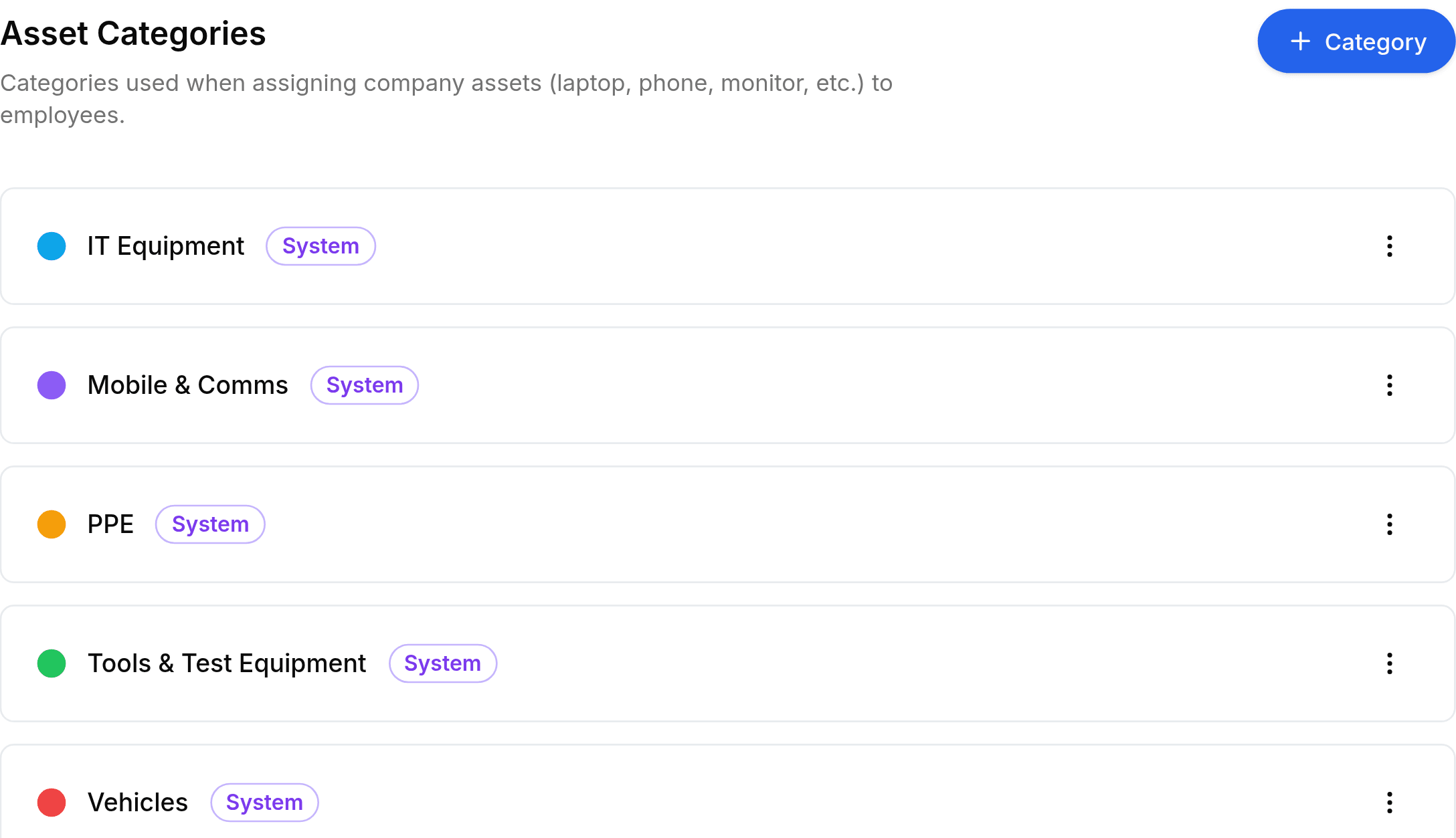
Assigning the equipment itself is not done here. That happens on the employee record, or in bulk from the employee list.