Complete an Assigned Course
Work through the modules and tasks, and collect the certificate at the end.
A course is finished when every module and every task is ticked. Progress is recorded against your assignment, not against the program, so it is yours alone and it is what reporting counts.
Open My Training and start with the Overdue count. Those are the courses already past their deadline.

Work through Modules in order. A module carrying a video chip opens it in place; select the module to mark it done, and it is struck through with a tick.

Do each entry under Tasks. These sit outside the material, so a task stays open until you have actually done and submitted the thing it names.
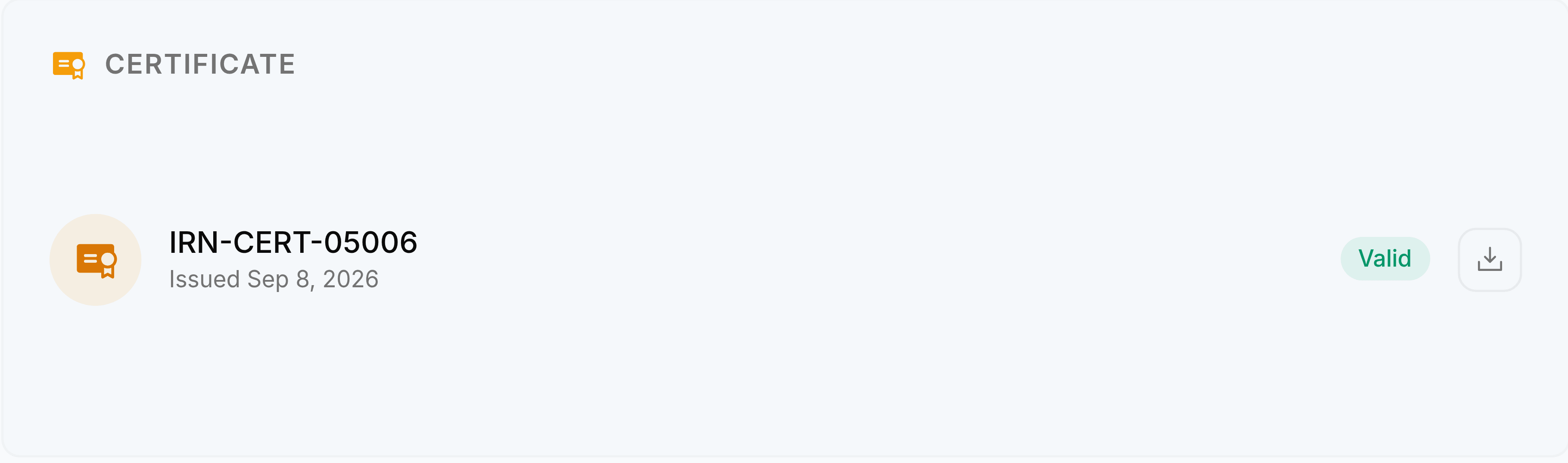
When the bar reaches one hundred per cent, collect the certificate. Select the download button to save a copy.