
Raise Leave for an Employee
File a request on somebody else's behalf, for phoned-in absence and backdated sick leave.
Not every absence arrives through the app. Somebody rings in sick, a manager agrees a day off in a corridor, a fit note turns up a week later. Raising the request yourself is how those end up on the record instead of showing as unexplained absence.
Select Apply Leave on the Leaves screen. Opened from here the form carries an extra field that the Self Service version does not.
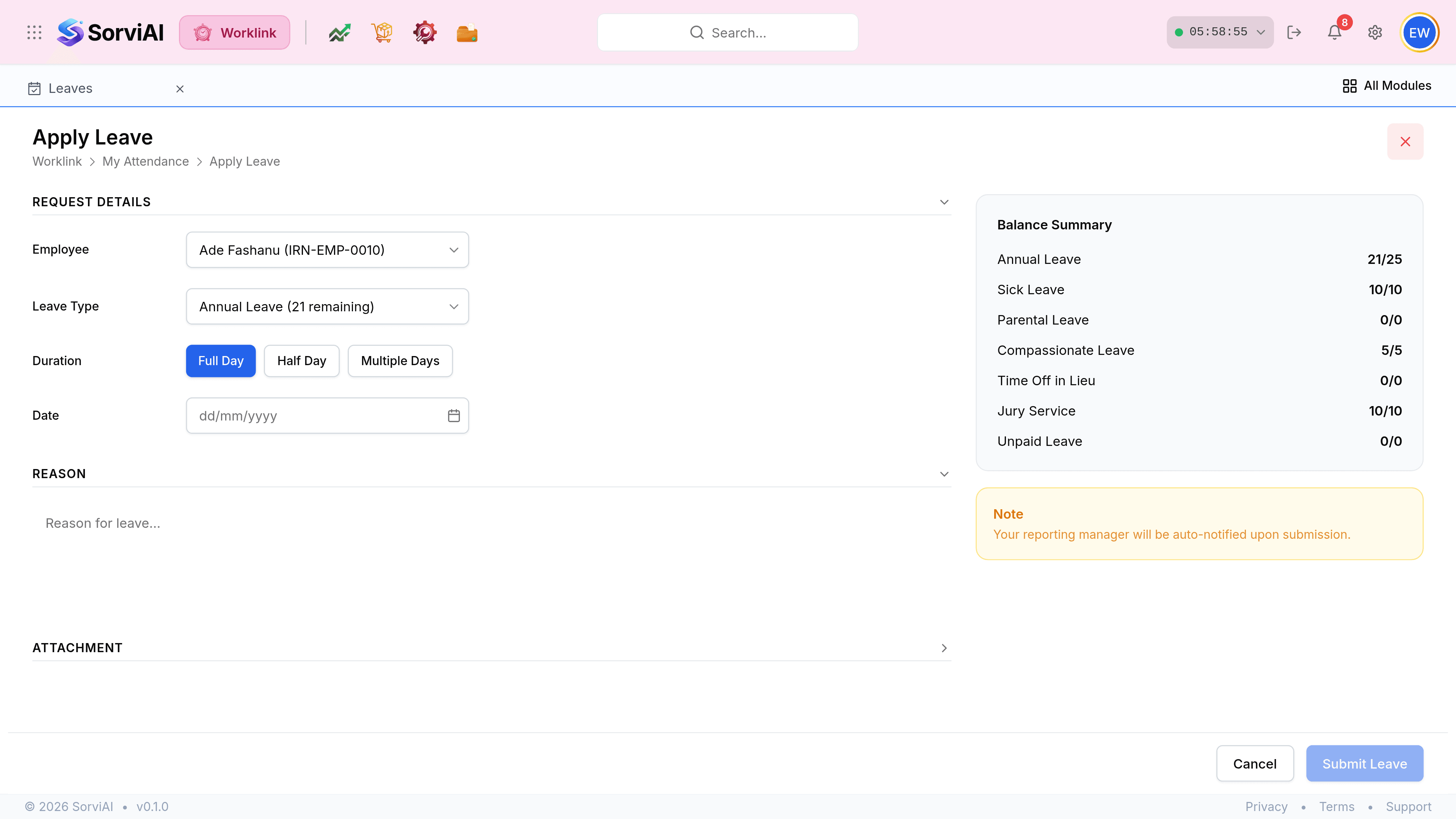
Choose the Employee. The list shows each person with their employee reference, which is what tells two people of the same name apart.
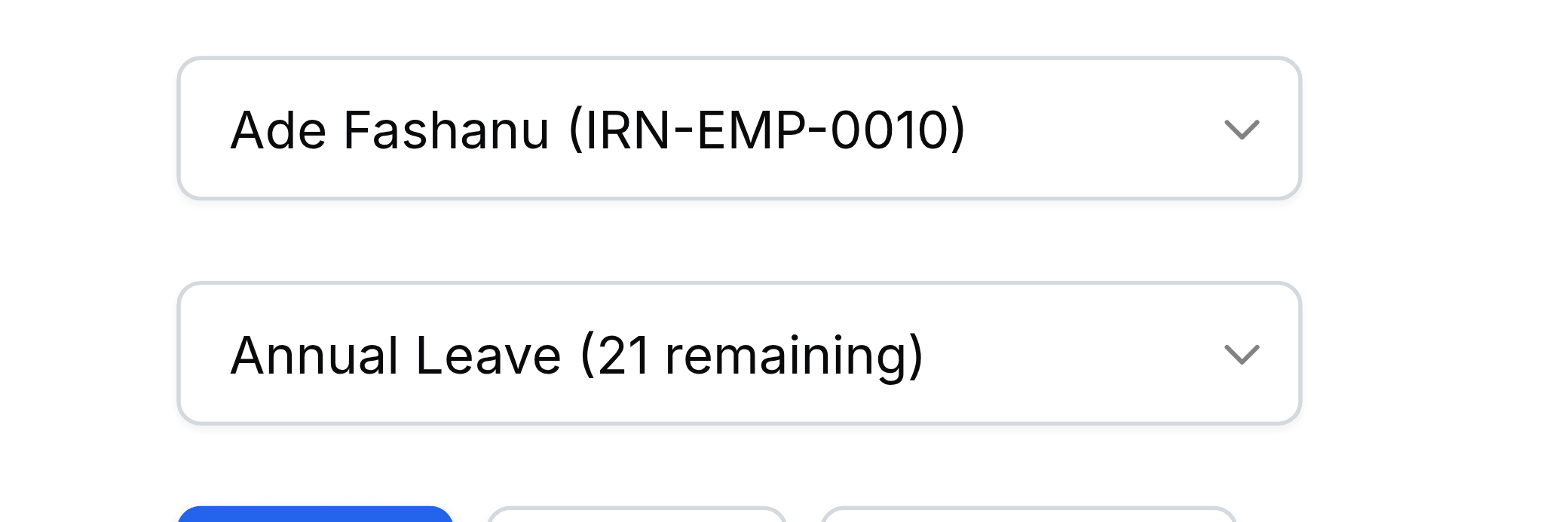
Pick the Leave Type. The remaining figure in brackets is now that employee's, not yours, and the Balance Summary on the right follows the same person.
Set the Duration and the dates, write the Reason, and attach a fit note if you have one.
Select Submit Leave. It enters the queue as a pending request like any other.
Choosing the employee is the only real difference
Everything below the Employee field behaves exactly as it does when somebody applies for themselves, including the balance checks and the manager notification.