
Apply and Refund
Set it against the next bill, or get the money back.
A vendor credit is a balance in your favour and ends one of two ways.
Apply it to a bill
Open the credit
Its unapplied balance shows against the supplier's open bills.
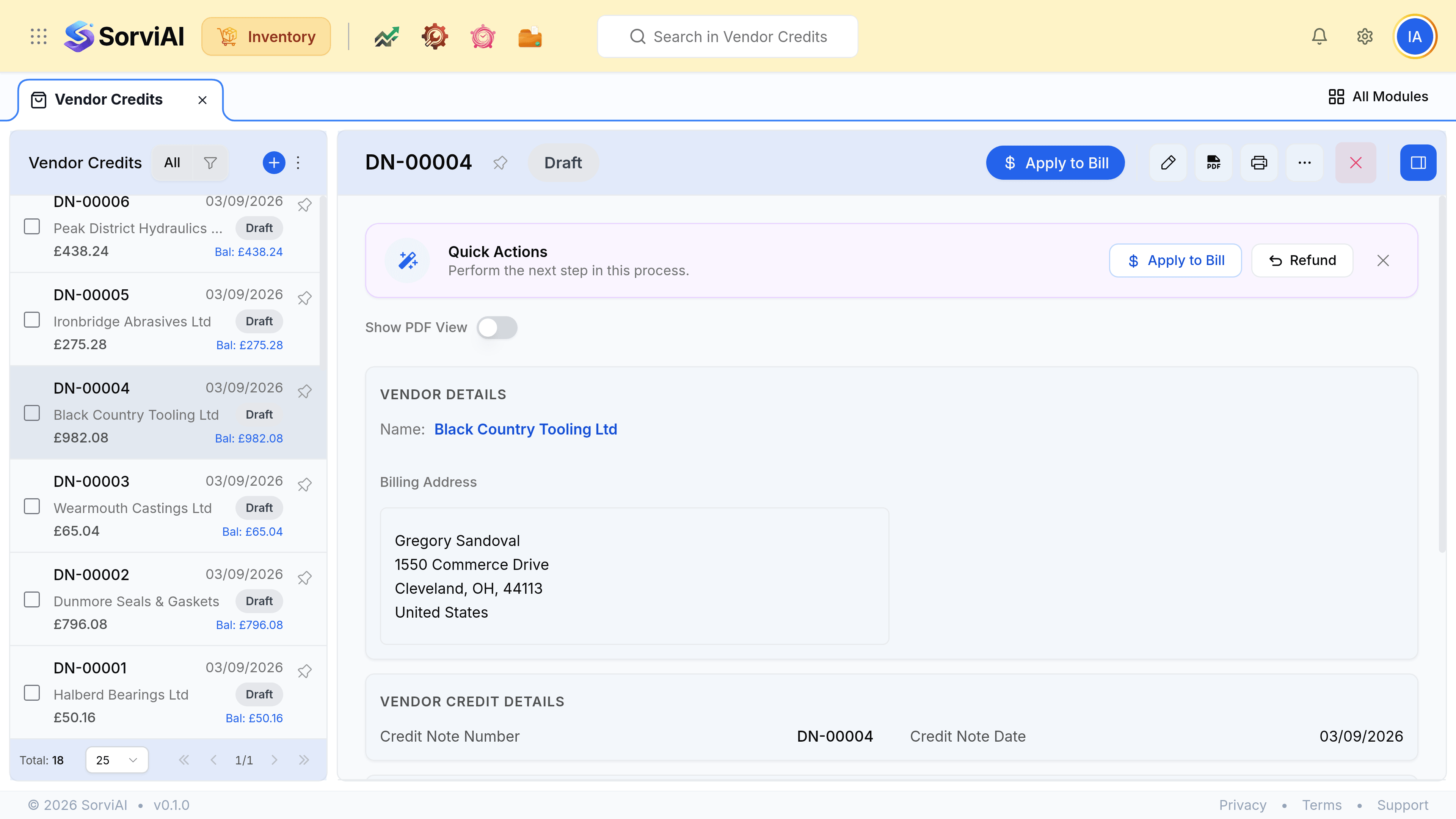
Enter an amount against a bill, and save
What you owe on that bill drops, and your next payment is smaller. No money moves.
Or ask for a refund
Record a refund against the credit
The amount, the date and the account it is coming into.
Save
Real money arrives, and the credit's balance falls to match.
Apply
the common case
- YesReduces what you owe
- NoMoney moves
- YesNeeds an open bill
Refund
- YesReduces what you owe
- YesMoney moves
- NoNeeds an open bill