
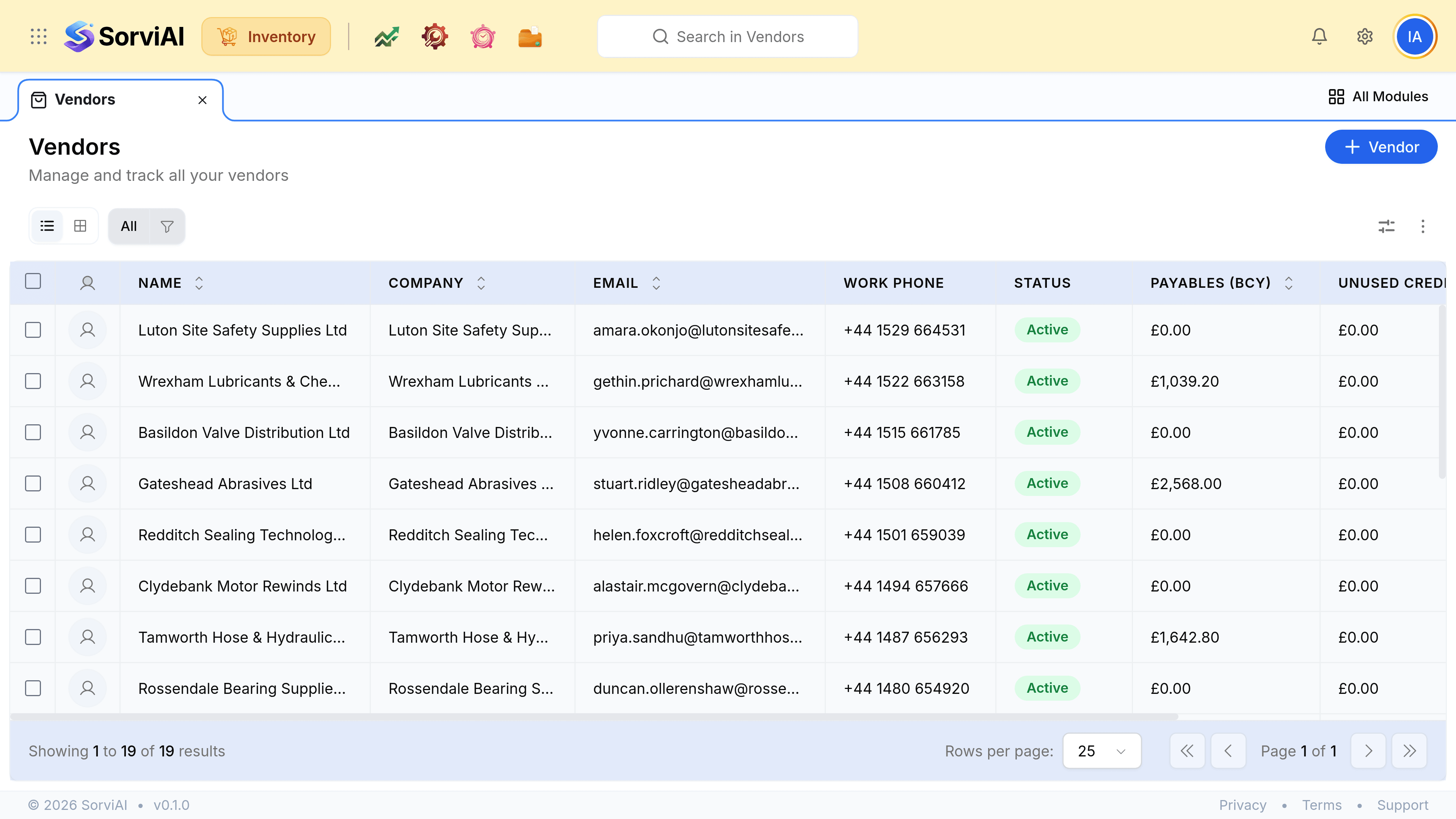
Create a Vendor
The fields that decide what you can promise: lead time, terms, and the pricing they gave you.
A vendor record is a replenishment input as much as a contact. What you can promise a customer next month depends on what is on it.
Add one
Go to Vendors and add one
Name, address and the contact you actually place orders with.
Record the lead time
The gap between issuing a purchase order and the goods arriving. This is the number that turns a reorder point into a date.
Set the payment terms
They carry onto every bill, so a purchase does not need them retyped and the due date is worked out for you.
Attach a purchase rate list, if you have negotiated pricing
Their purchase orders and bills then fill in at the agreed rate.
Preferred vendors, on the item
An item can name a preferred vendor, which is what fills in first when somebody raises a purchase order for it. It is a default and not a restriction.