
Record a Vendor Payment
Pay a supplier, and say which of their bills the money clears.
The mirror of a payment received, and like it, this step touches no stock.
Record one
Go to Vendor Payments and record one
Or pay from the bill itself, which fills in the supplier and the amount.
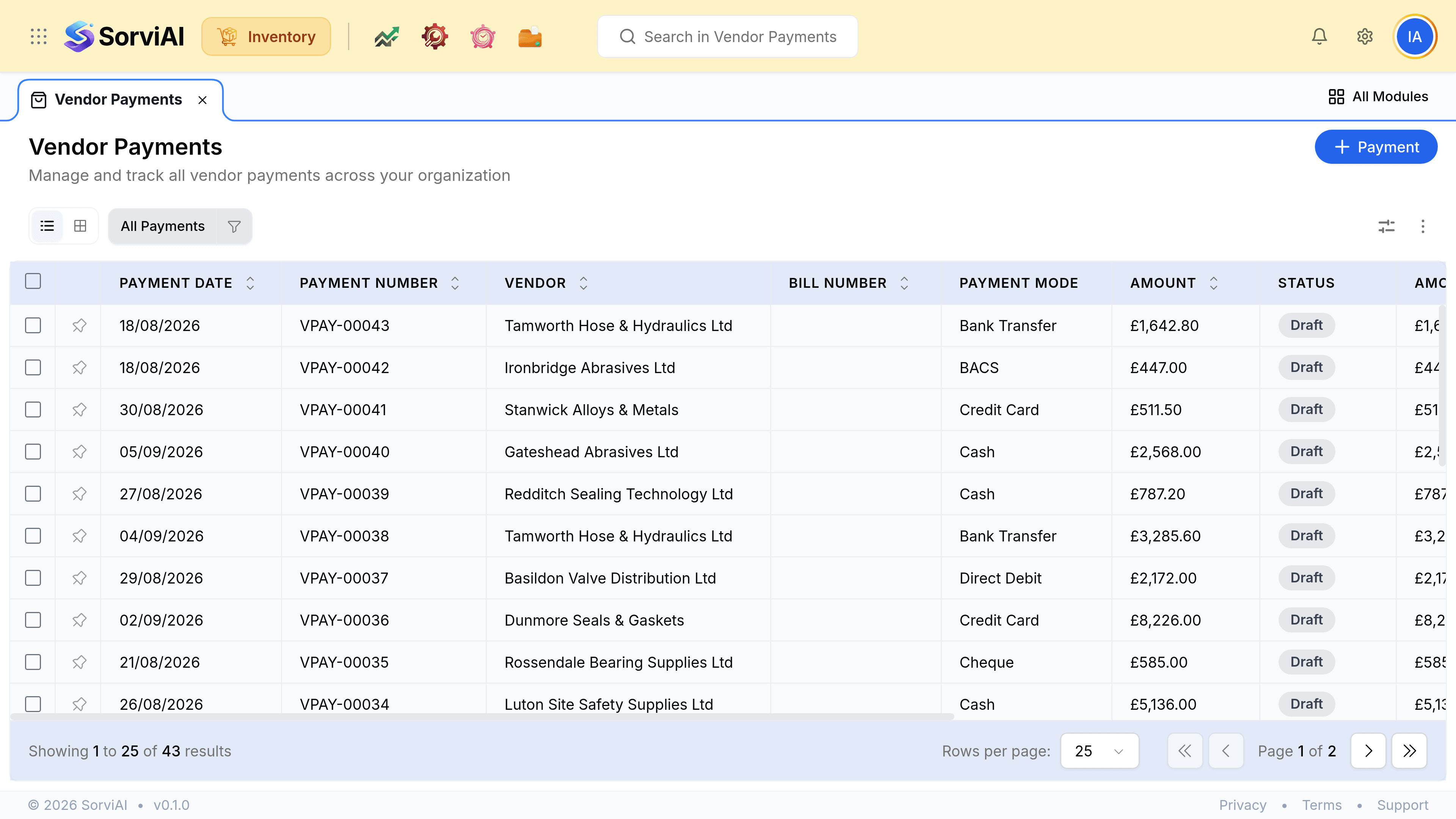
Choose the vendor and enter the amount
Their unpaid bills load once the vendor is chosen.
Set the date, the payment mode and the account it came out of
The date the money actually left. BACS, CHAPS, Direct Debit and Cheque sit alongside Bank Transfer and card.
Allocate it across their bills, then save
One payment can settle several bills, and part of one.
Part payments and payments on account
| What you sent | What to record |
|---|---|
| One bill in full | Record and allocate to it |
| Part of a bill | Allocate what you sent; the bill reads Partial |
| A round sum against several bills | Record once and allocate across them |
| Money on account | Record it unallocated and apply it when the bills arrive |