
Taxes
The rates every document line can carry, and why Inventory has one tax tab where the finance side has four.
Inventory documents carry tax like any other, so the rates live here. What does not live here is anything about filing a return: that belongs to the app that files it, and Inventory does not offer it.
Go to SettingsTaxes. One usable tab, Tax Rates. Construction Industry Scheme is listed beside it and is not selectable.
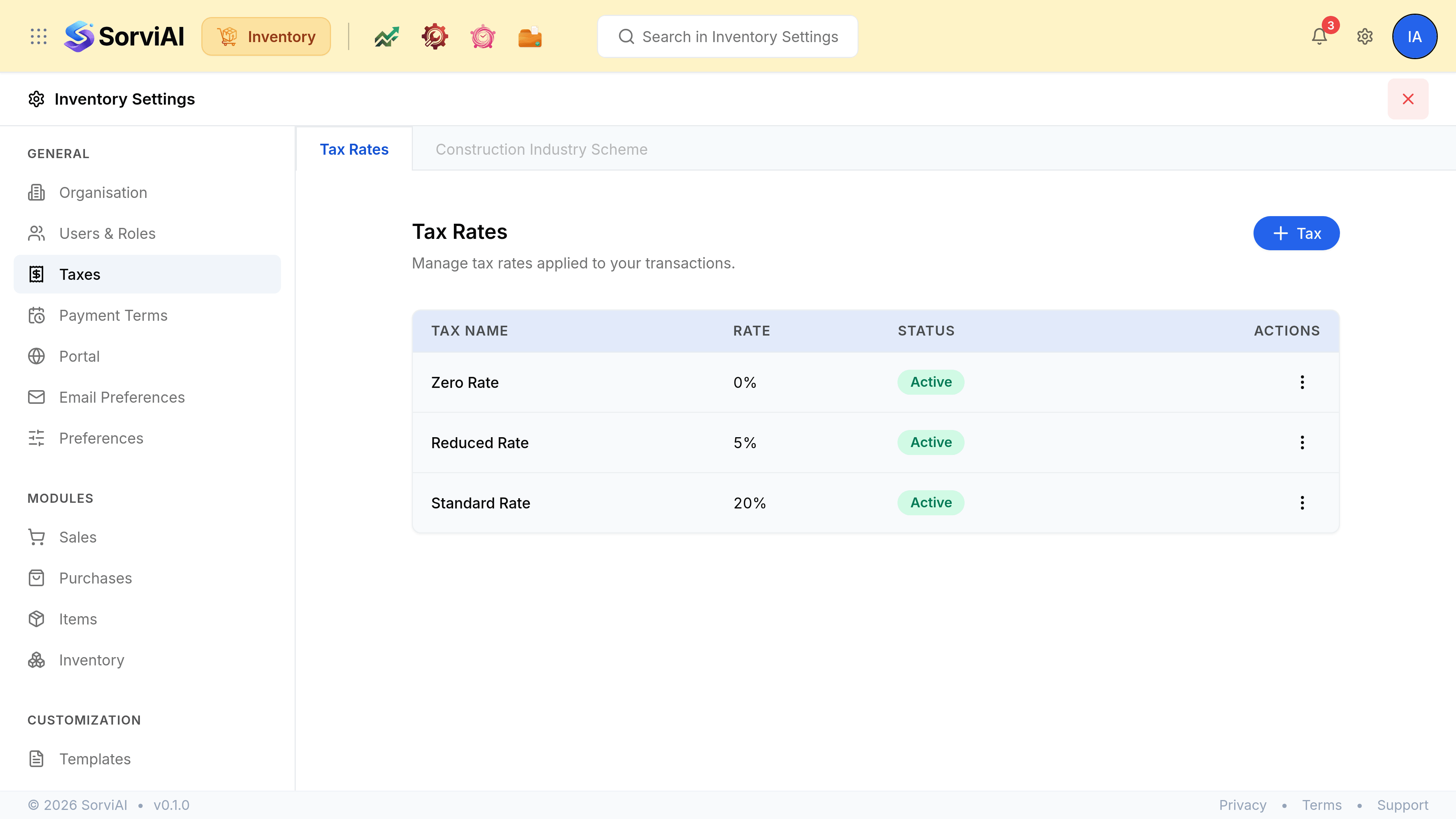
Tax Rates
The rates a document line can be charged at, each with a name, a percentage and a status. Making a rate Inactive keeps it off new documents while leaving it on the documents that already use it, which is what you want when a rate changes rather than disappears.
What is deliberately absent
Registration details, the accounting basis, the filing frequency and the return itself are all configured in the app that prepares your return, not here. Inventory charges tax and records it; it does not file it.