
Folders and Permissions
Filing into folders, who can see a file, and what deleting one actually does.
Folders are the one piece of organisation this module has, and they are yours to invent rather than a fixed structure.
Filing into a folder
Select Add to folder on the row
The Move to folder popover opens. It searches the folders you already have.
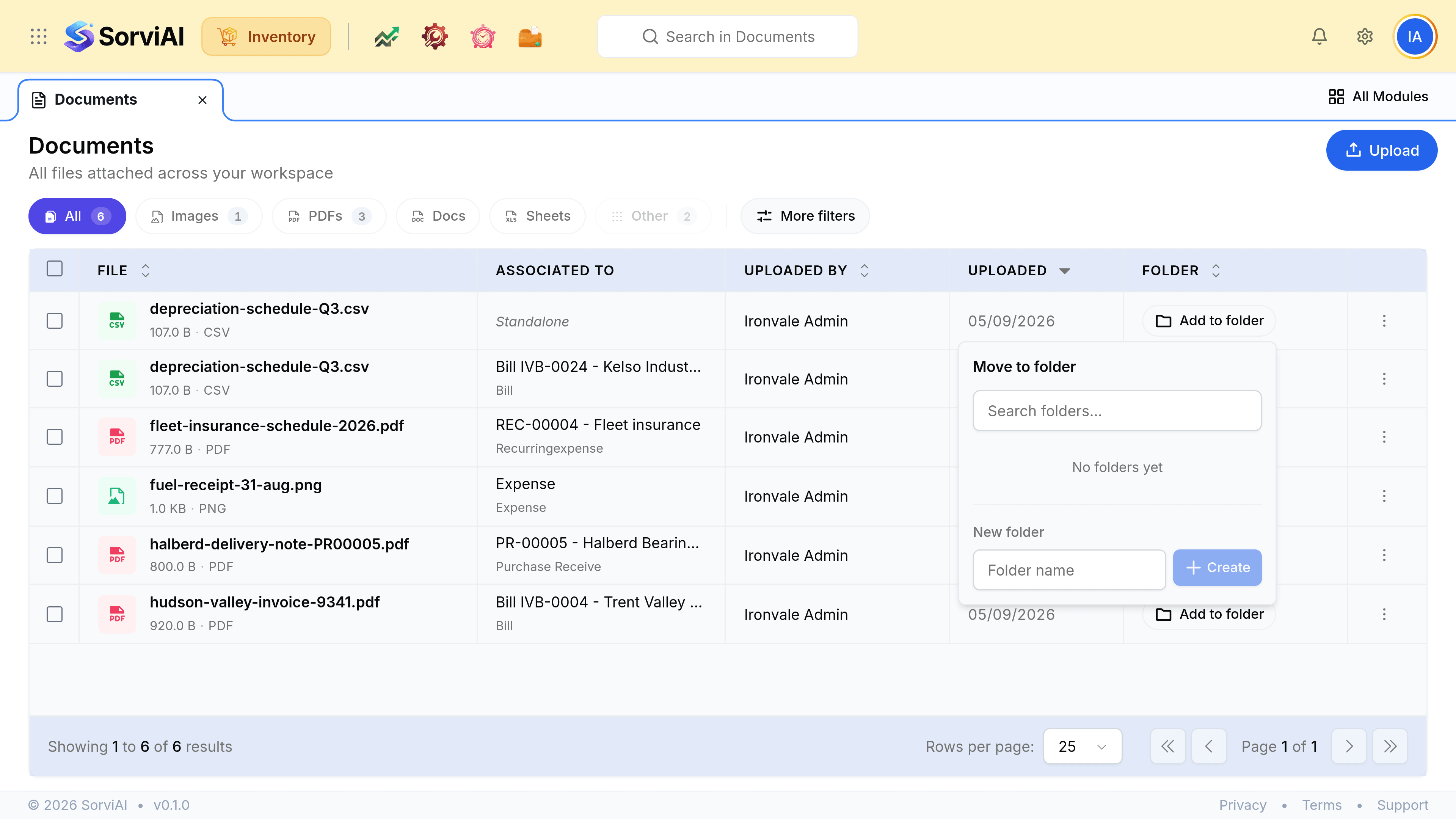
Create one if none fits
Enter a name under New folder and select Create. A workspace with no folders yet says so plainly rather than showing an empty list.
What you can do to one file
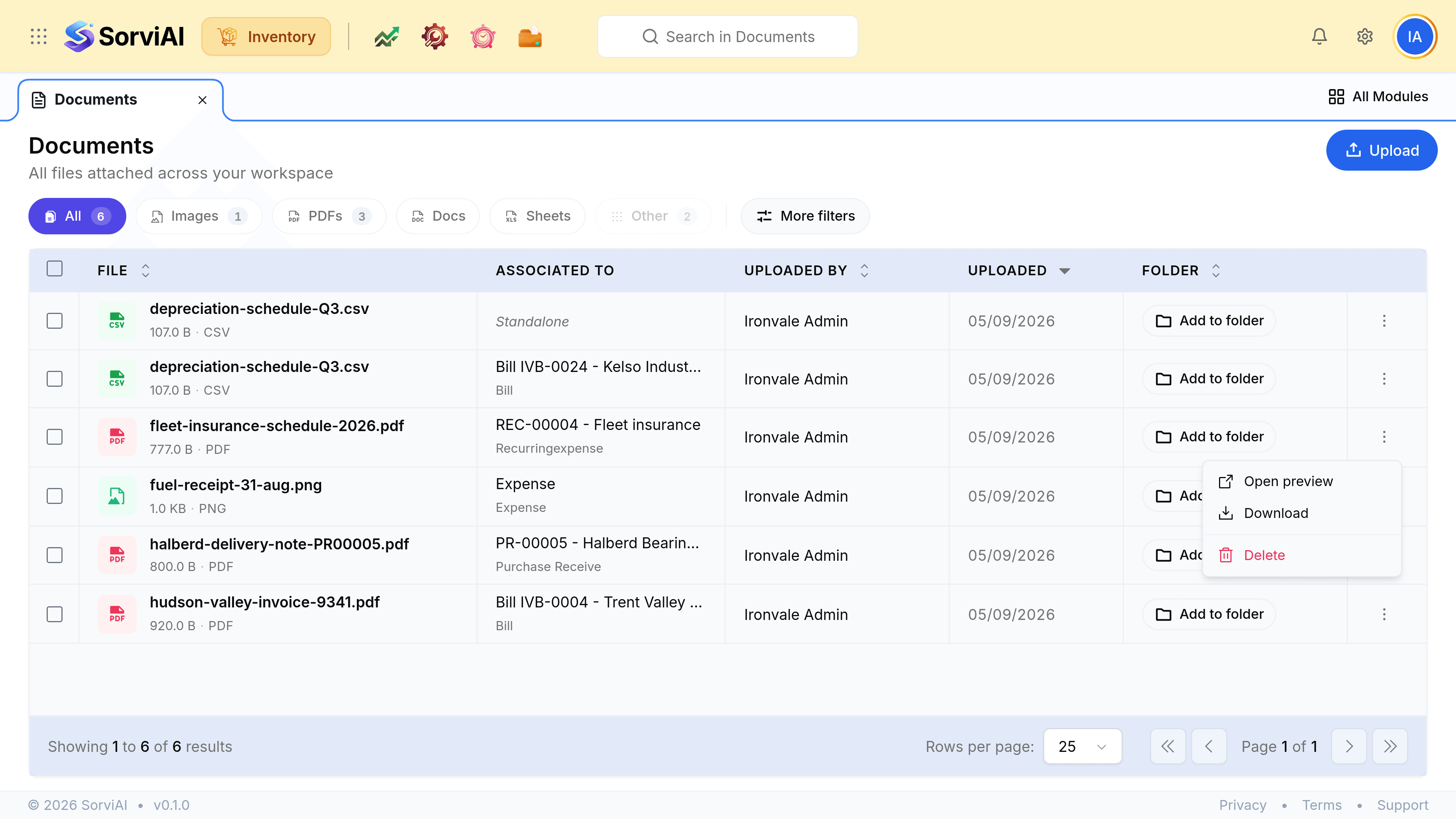
| Action | What it does |
|---|---|
| Download | Takes a copy. The stored file is untouched |
| Delete | Removes the file permanently, from this list and from the record it was attached to |
| Add to folder | Files it, or moves it between folders |
Who can see a file
An attachment inherits the visibility of the record it is attached to: somebody who cannot open purchase receives cannot see the delivery notes on them. A standalone file has no record to inherit from, so it is visible to anybody who can open Documents.
What not to put here
- Anything personal
- Attachments are visible to everyone who can open the record, which in this module is currently everyone.
- The only copy of something
- This is a record store attached to documents, not a backup.
- Working files
- A spreadsheet somebody is still editing does not belong against a posted receive. Attach it when it is final.