Introduction - Expenses
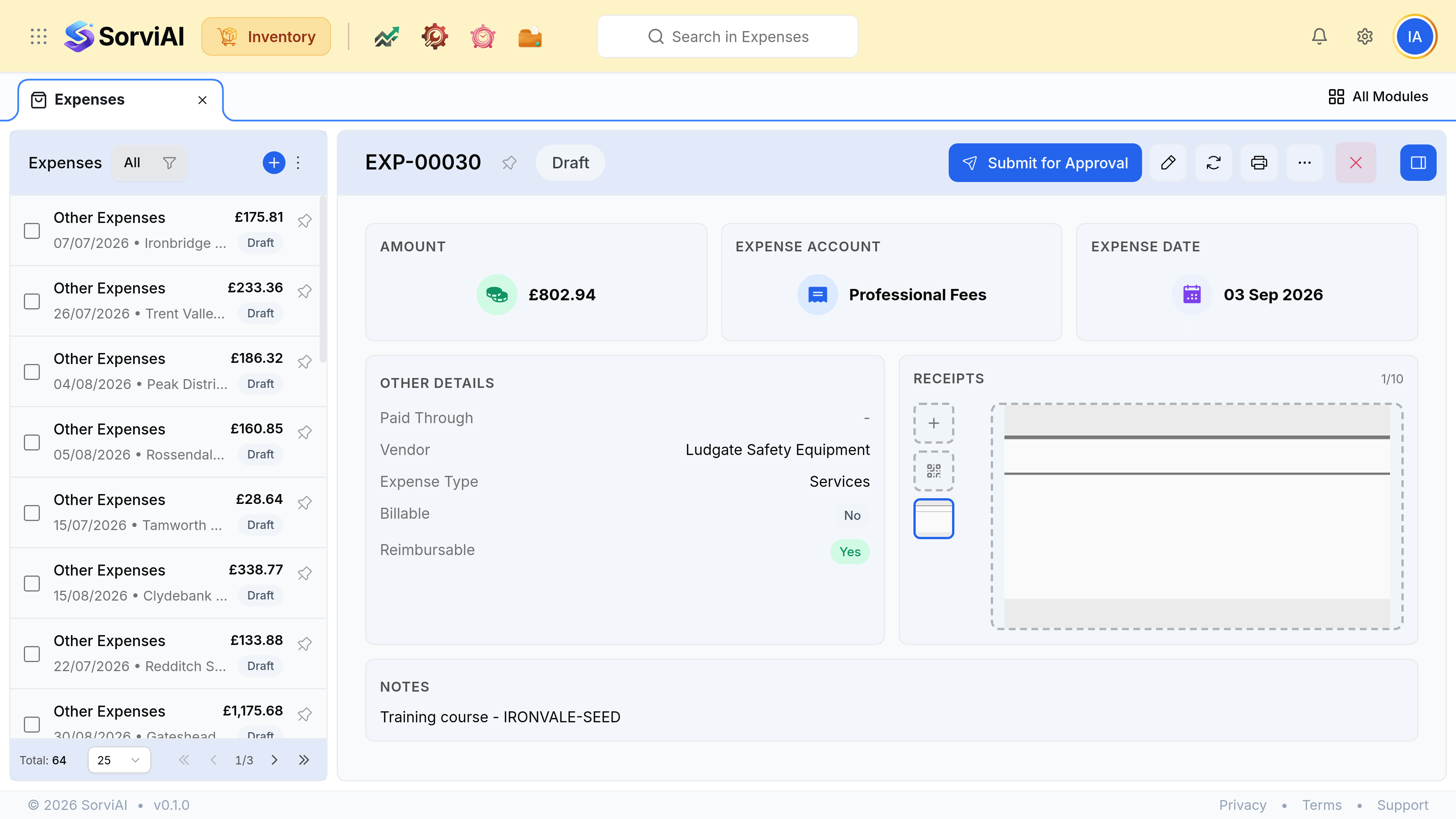
An expense is a cost with no purchase order behind it, recorded in one step with its receipt.
It is the short version of the purchase chain. Where a purchase order, a receive and a bill describe goods arriving in stages, an expense records that money was spent and moves straight on.
When an expense is right
| What you spent on | Expense or the full chain |
|---|---|
| Carriage on an inbound delivery | Expense |
| Insurance, utilities, professional fees | Expense |
| Warehouse consumables nobody counts | Expense |
| A one-off tool for a job | Expense |
| Stock you will hold and sell | Purchase order, receive, bill |
| Goods arriving in more than one delivery | Purchase order, receive, bill |
The dividing line is whether you need to know what arrived. If the answer matters to a count, the goods deserve a receive; if it does not, an expense is one document instead of three.
Billable expenses
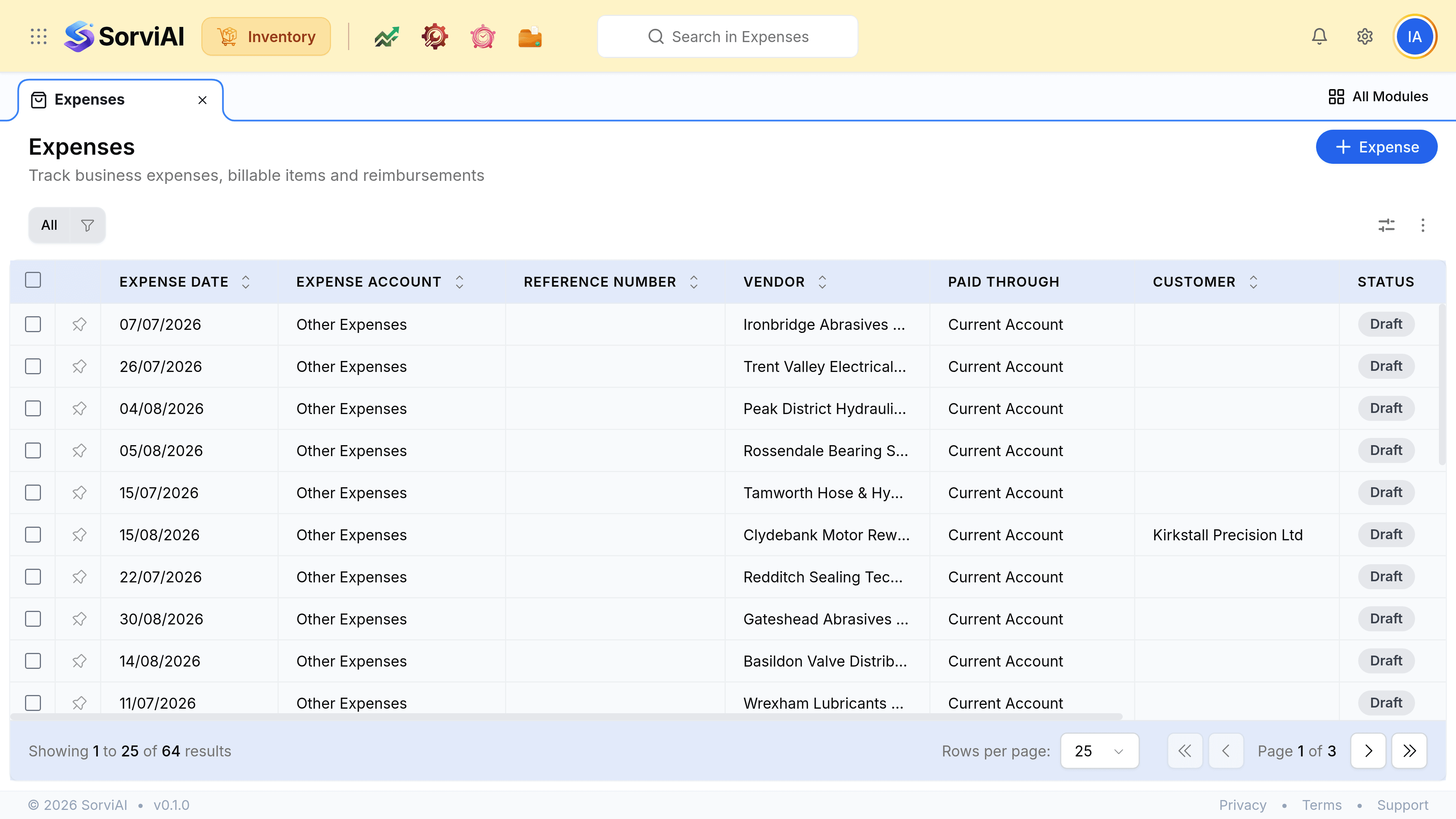
The Customer column is what makes an expense rechargeable. Naming a customer marks the cost as theirs, so it can be passed on rather than absorbed.