
Record an Expense
One document instead of three, for costs that never touch a shelf.
An expense is the short version of the purchase chain: money was spent, here is the receipt, move on.
Record one
Go to Expenses and add one
Enter the date and the amount.
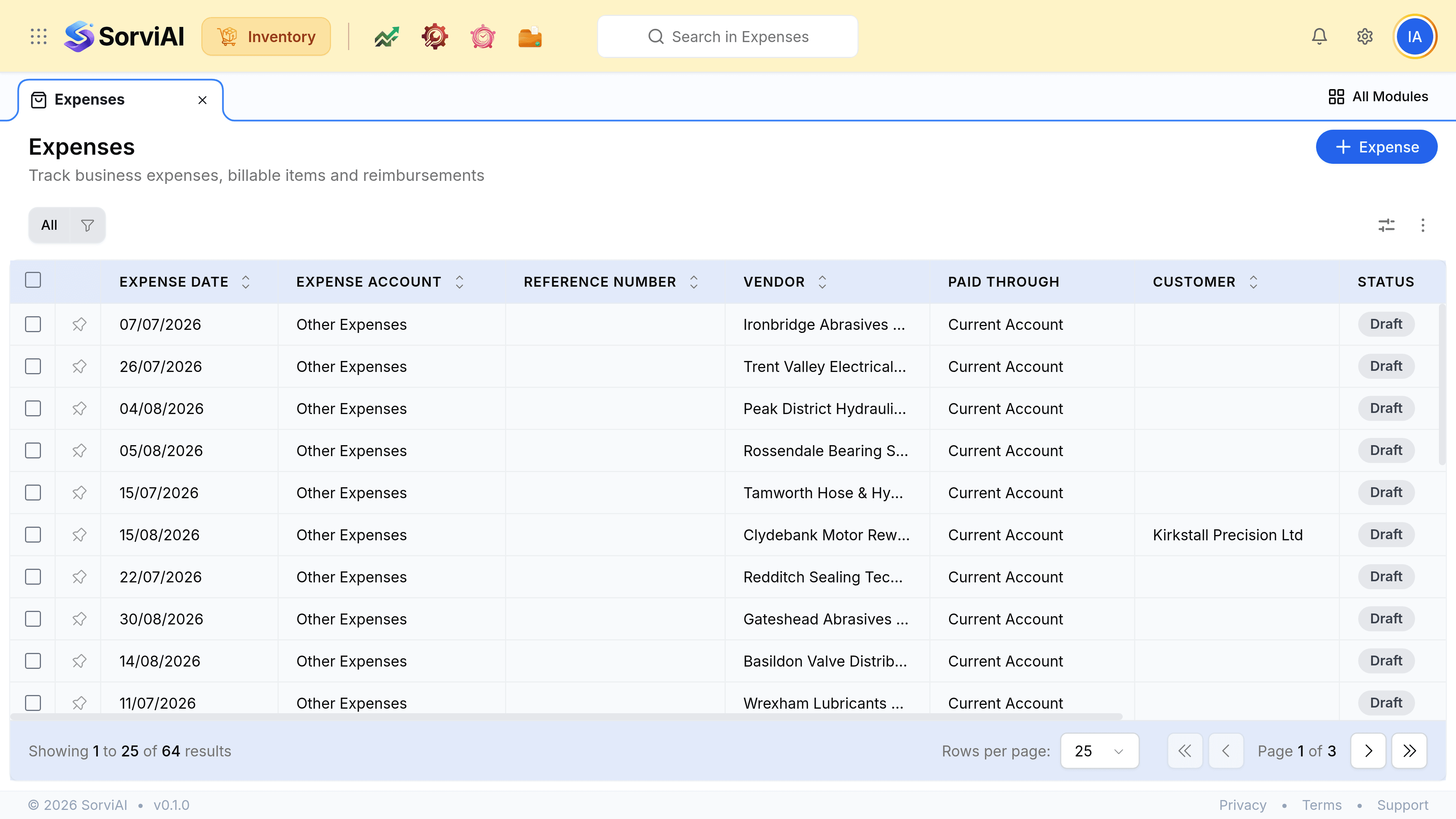
Choose the expense account
This is the classification, and it is what every report of your spending groups by. Professional Fees, Insurance, Utilities and the rest are your own chart.
Set Paid Through
The account the money actually left. It is a different question from what the spending was for.
Name the vendor, and the customer if it is rechargeable
Both are optional. A named vendor makes the spend visible on their record; a named customer marks the cost as billable to them.
Attach the receipt, and save
At the point of entry, while the record is already open.
The two accounts are different questions
- Expense Accountwhat it was for
- The classification. Utilities, Rent, Professional Fees. This is what your spending reports group by.
- Paid Throughwhere the money came from
- The bank or card account it left. Two expenses on the same account can have been paid entirely differently.