
Apply and Refund
A credit note ends one of two ways, and only one of them moves money.
A credit note is a balance in the customer's favour. It sits there until you either set it against something or pay it out.
Apply it to an invoice
Open the credit note
Its unapplied balance is shown against the customer's open invoices.
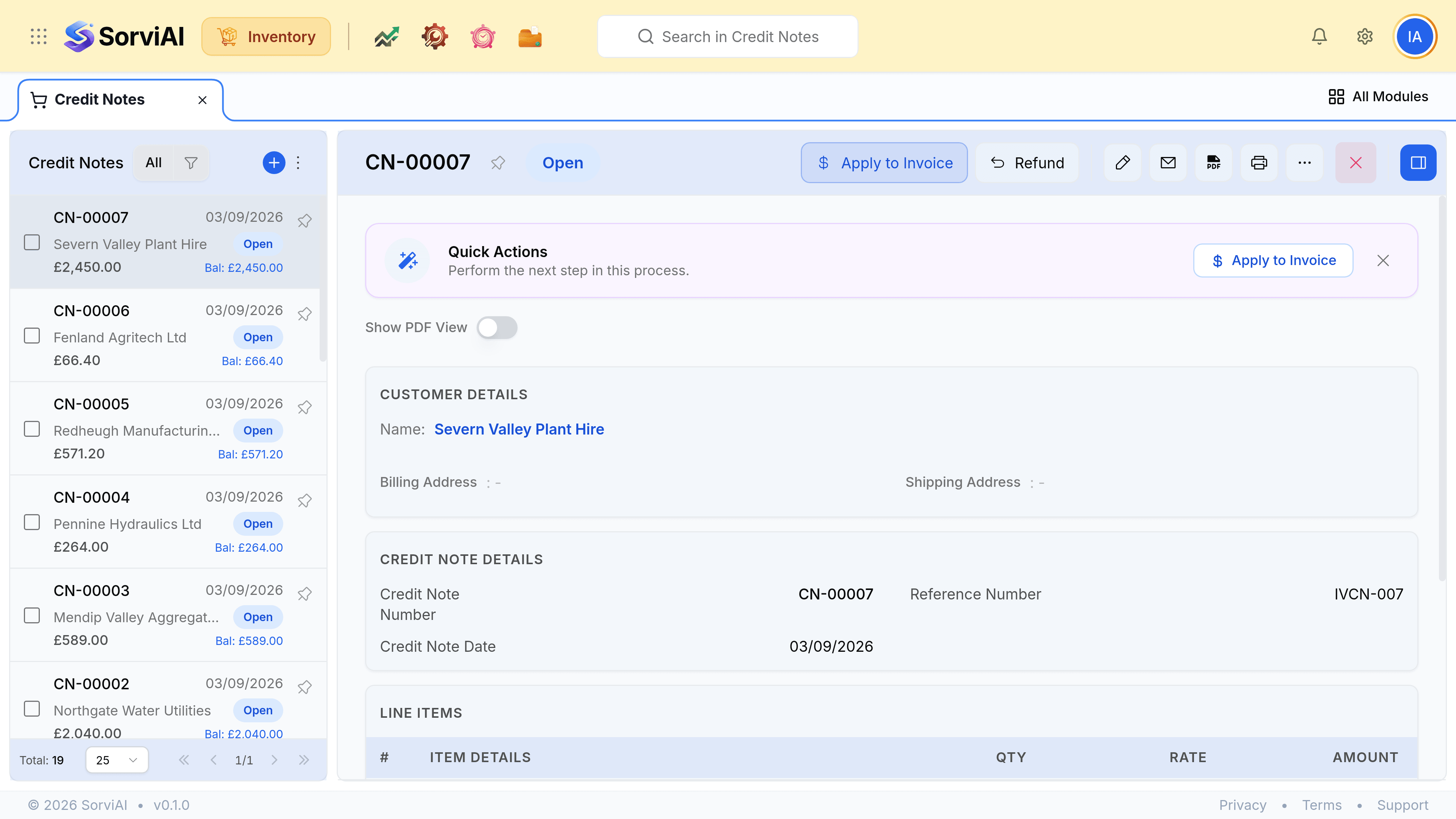
Enter an amount against an invoice, and save
That invoice's balance due drops. No money moves anywhere.
Or refund it
Record a refund against the credit note
Enter the amount, the date and the account it is going out of.
Save
Real money leaves. This is the deliberate one.
Apply
the common case
- YesReduces what they owe
- NoMoney leaves your account
- YesNeeds an open invoice
Refund
- YesReduces what they owe
- YesMoney leaves your account
- NoNeeds an open invoice