
Pick and Complete
Record what was actually taken, including when it is less than the list asked for.
Completing a picklist is where the warehouse tells the system what it found, and the honest answer is more useful than the tidy one.
Work through it
Open the picklist
Its status starts at Yet to Start. The line items show what was asked for, and what has been taken so far.
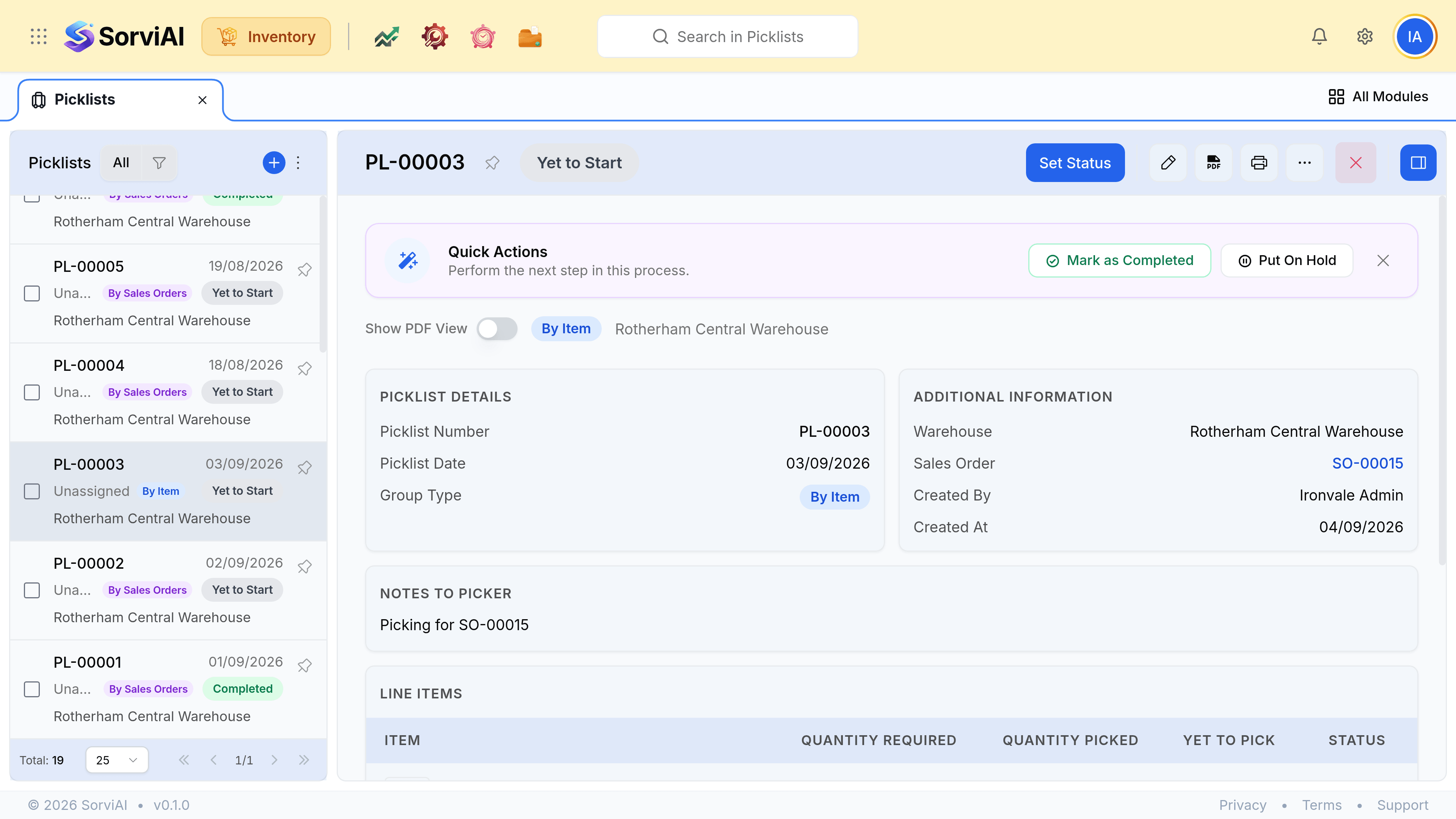
Record the quantity picked per line
Not the quantity requested. If four of the five were on the shelf, four is what goes in, and Yet to Pick works out the rest.
Complete the list
A list completed short stays visibly short rather than closing as though it were full.
What a short pick means next
| What was found | What to do |
|---|---|
| Fewer units on the shelf than recorded | Complete short, then raise a stock adjustment with reason Physical Count Discrepancy |
| The units are at another depot | Complete short and raise a stock transfer |
| The units are damaged | Complete short, then adjust with reason Damaged goods |
| The line should not have been ordered | Amend the sales order rather than the picklist |
Then package it
A completed picklist is the input to a package: what was actually pulled is what goes in the box. The Packages tab on the picklist is where that link shows up afterwards.