
Record a Transfer
Send stock from one depot to another, and leave it visibly in transit until it lands.
A transfer is two steps because a van takes time. Sending it is the first.
Send stock
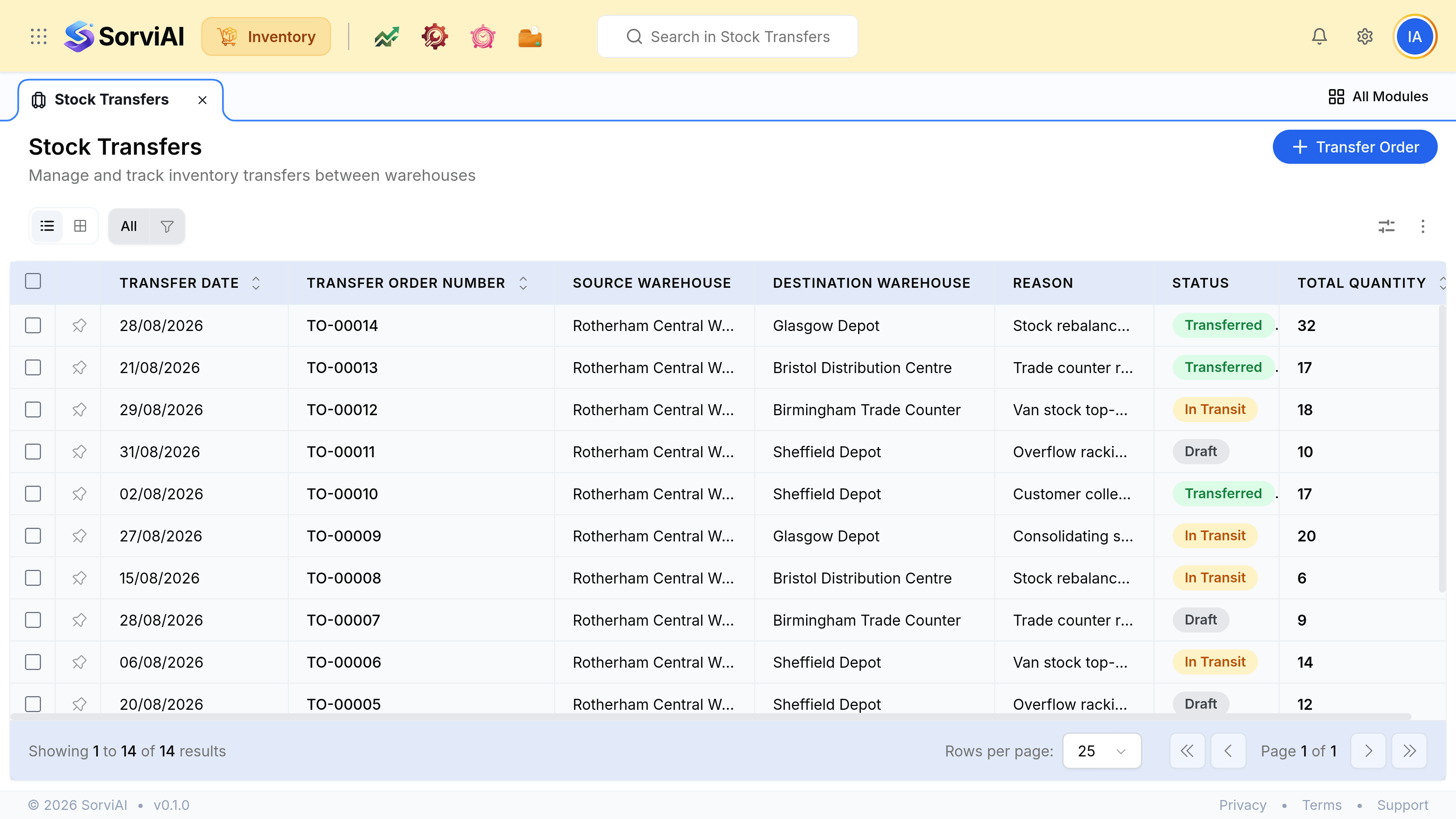
Go to Stock Transfers and select Transfer Order
Choose the source and destination warehouses. They cannot be the same.
Add the items and quantities
Every line resolves to a variant, because that is what stock belongs to.
Write a reason
It is free text and it is the only thing that will explain the movement later. "Van stock top-up for the trade counter" beats "transfer".
Check the source actually holds them
A transfer cannot send stock that is not there. If the source is short, that shortage is a stock adjustment, not something to work around here.
Send it
The units leave the source depot and the transfer moves to In Transit. They are still in your total and available at neither end.