
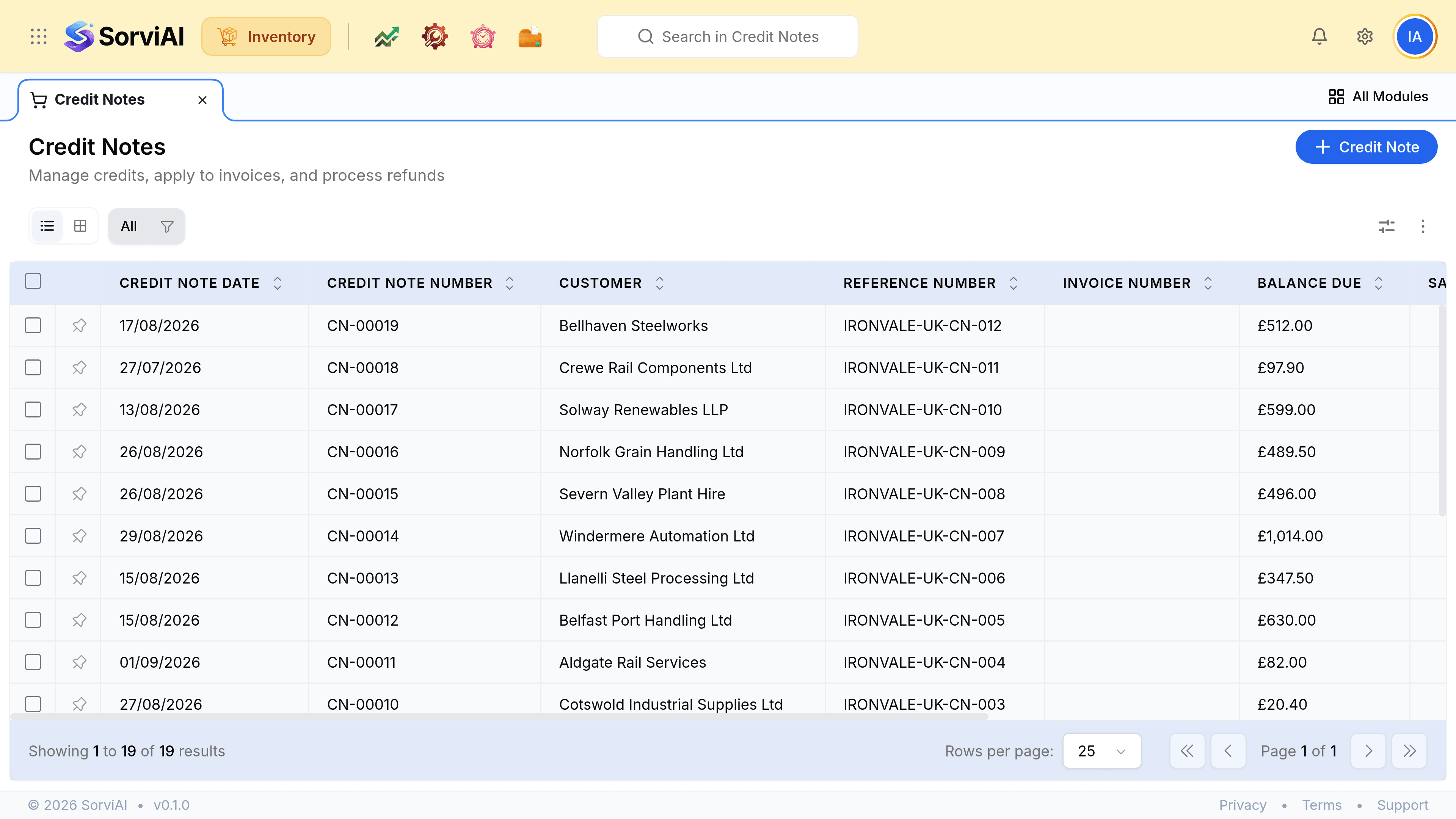
Create a Credit Note
Raise it against the invoice that was wrong, and check first that no goods are coming back.
A credit note is the money-only correction. If anything physical is returning, the document you want is a sales return.
Raise one
Open the invoice and create a credit note from it
The customer and the lines carry across, and the two documents stay linked.
Trim to what is actually being credited
A whole invoice, one line, or part of one. Crediting more than was invoiced is not allowed.
Say why, in the description
A credit note with no reason is a number somebody will query at year end.
Save and send it
The customer should have the correction as well as the original.
Which document fits
| Situation | Document |
|---|---|
| The invoice priced it wrong | Credit note |
| A goodwill discount after the fact | Credit note |
| Damaged, and the customer is keeping it | Credit note |
| A duplicate invoice | Credit note |
| The goods are coming back | Sales return |