Other Actions in Invoices
Sending, correcting, and reconciling invoices against what actually left the building.
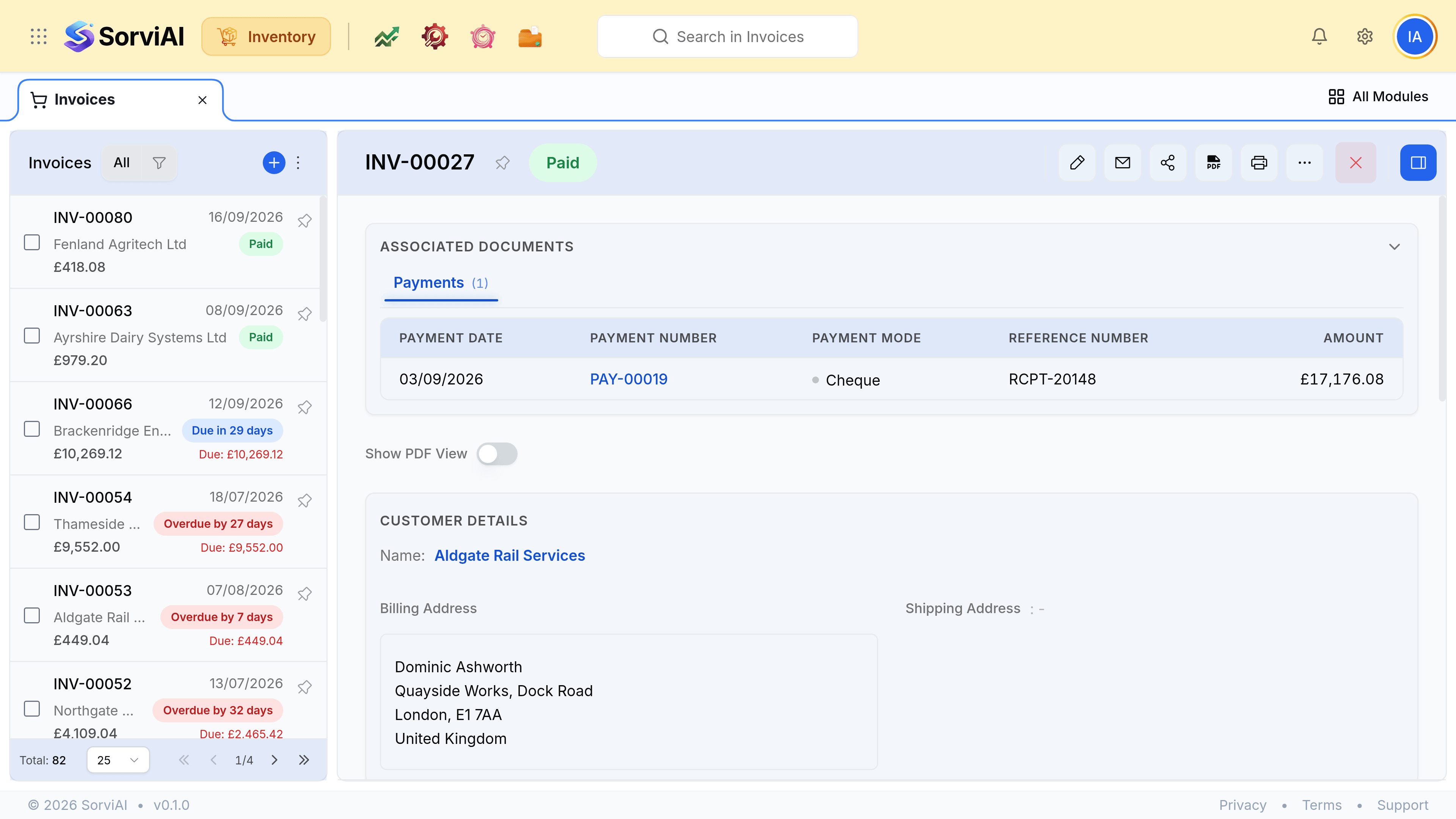 Everything you can do to an invoice depends on whether it has been sent, which is what the status is telling you.
On one invoice
| Action | When it is available |
|---|
| Send by email | Once it is out of draft |
|---|
| Download the PDF | Always |
|---|
| Record a payment | Once it is sent |
|---|
| Raise a credit note | When the amount was wrong and no goods are returning |
|---|
| Edit | Only in draft. A sent invoice is corrected with a credit note |
|---|
| Attach a document | Always |
|---|
Correcting, by what went wrong
| What was wrong | What to raise |
|---|
| The price or the quantity billed | Credit note against the invoice |
|---|
| The goods are coming back | Sales return against the sales order |
|---|
| It was raised for the wrong customer | Credit note, then invoice the right one |
|---|
| It duplicates another invoice | Credit note, keeping the audit trail |
|---|
On the list
| Filter | What it answers |
|---|
| Overdue | What to chase, sorted by how late it is |
|---|
| Partially Paid | Something arrived and did not cover it, often after a short delivery |
|---|
| Draft | Invoices that reach nobody and appear in no balance |
|---|
| By customer | One account's billing history |
|---|
Was this document helpful?
