
Introduction - Reports
Sixty-nine reports in thirteen categories, read from documents you have already posted.
Last reviewed
Nothing in here can change a figure. Every number is derived from records that already exist, which makes a report safe to run at any time, on any period, as often as you like.
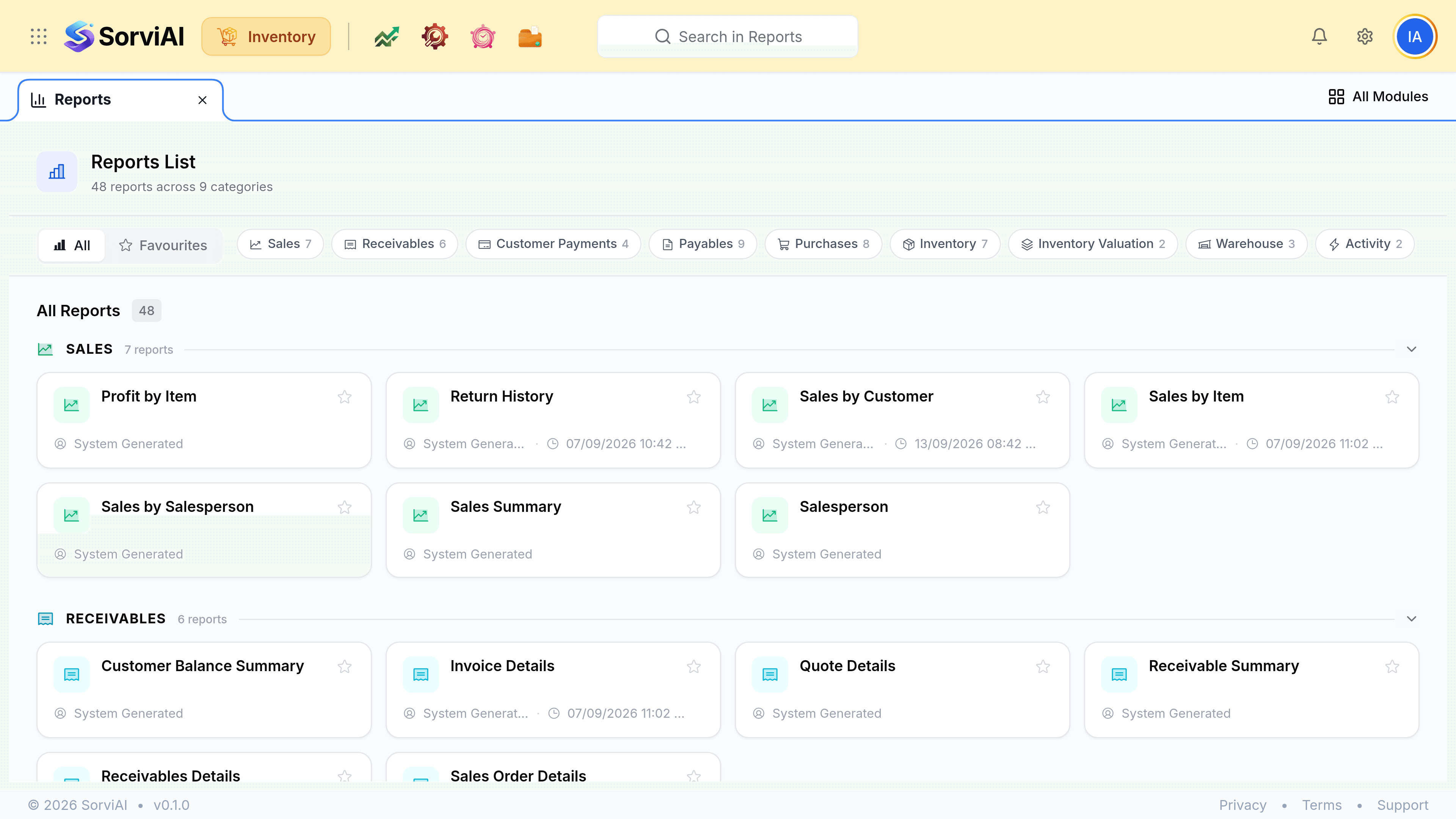
The catalogue is the whole suite's, not just Inventory's
The same thirteen categories appear here as in Finance, because a report reads records and the records are shared. That means Accountant, Budgets and Business Overview sit in this list too, alongside the stock reports you came for.
The three categories that are Inventory's own
- Inventoryten reports
- What you hold and what moved it: Stock Summary, Inventory Summary, Committed Stock Details, the two Inventory Adjustment reports, Packing History and Shipment Details.
- Inventory Valuationthree reports
- What the holding is worth: Inventory Valuation Summary and FIFO Cost Lot Tracking.
- Warehousethree reports
- Stock by location and the transfers between depots: Warehouse Details, Transfer Order Summary and Transfer Order Details.
Three more carry stock questions without being stock categories: Purchases has Purchases by Item and Receive History, Sales has Sales by Item and Sales Return History, and Activity holds the Activity Logs and the Exception Report.
Reports never write
There is nothing you can change from a report, which is what makes it the thing to trust when a dashboard widget and a screen disagree. Run the report and check its date range first.