
Introduction - Purchase Orders
A purchase order is what you asked a vendor for, and the stock it is expected to bring in.
It is the start of the inbound chain. Nothing on your shelf changes when you raise one, but the units become expected, which is what stops the same shortfall being ordered twice.
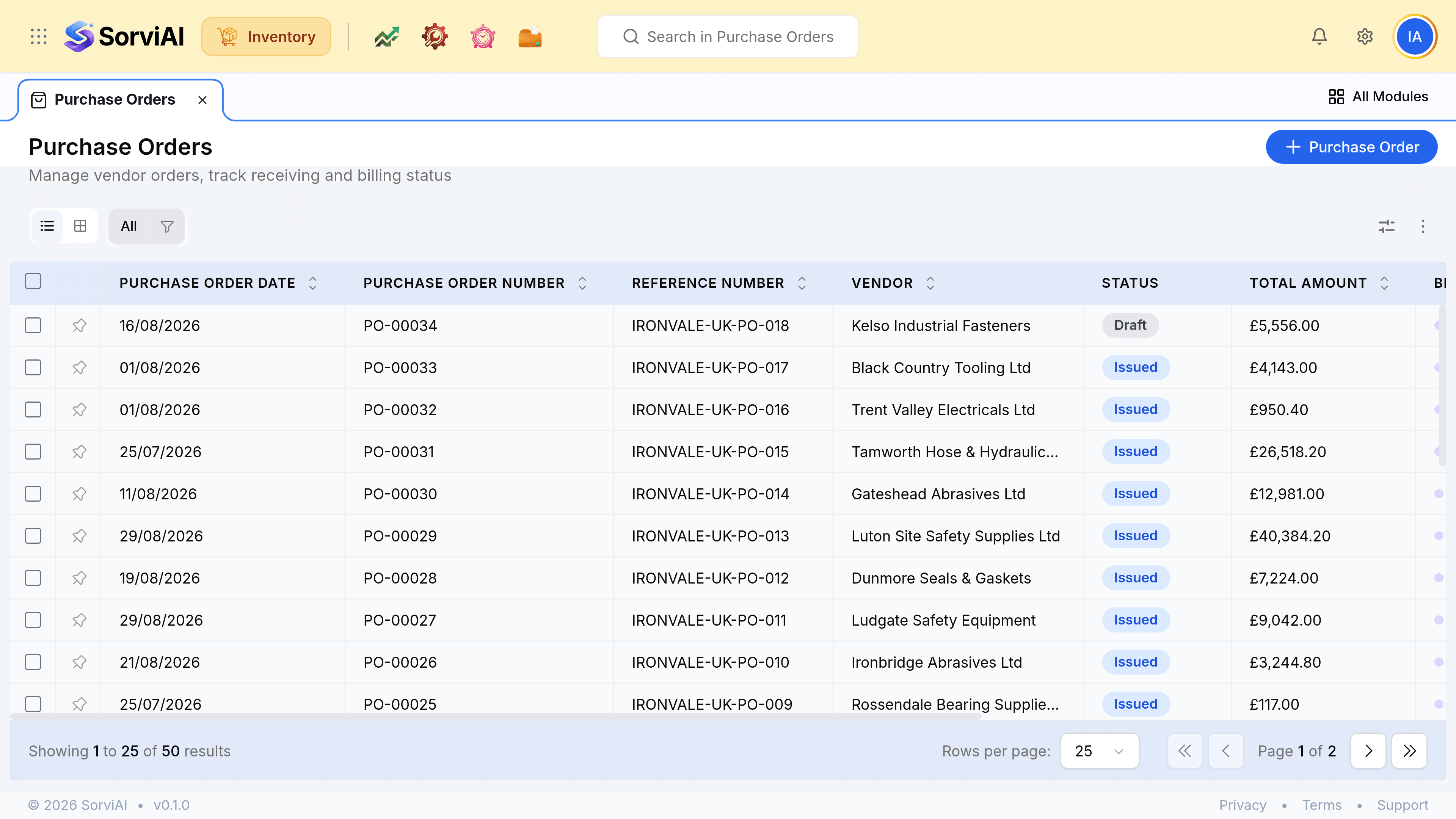
Draft and issued
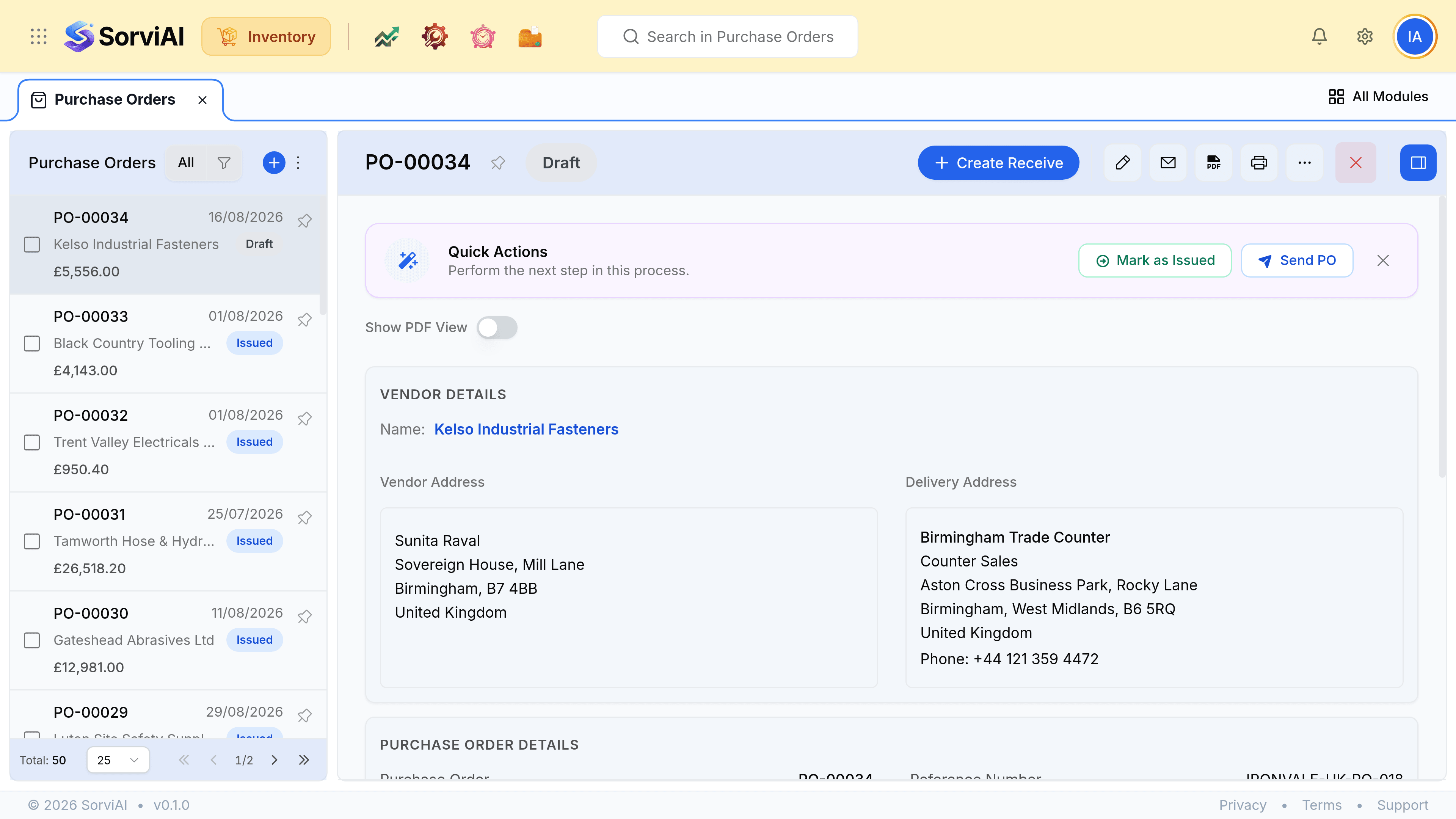
- Draftnot sent
- Nothing is expected. The order is a note to yourself while a price or a quantity is still being agreed.
- Issuedsent to the vendor
- The quantity is on order and shows in your expected figure.
Two columns that answer different questions
- Purchase OrderExpected
- Purchase ReceiveArrived, and counted
- BillCharged
The Expected Date is what the vendor's lead time promised. The Billed column is whether their invoice has arrived yet. Those two moving apart is normal, and watching the gap is most of what this list is for.
Deciding what to order
| Read | Where |
|---|---|
| What you hold | The item, per depot |
| What is already committed to customers | Reserved, on the item |
| What is already coming | On order, from open purchase orders |
| When it will land | The vendor's lead time, and the order's Expected Date |
| When you will run out | The reorder point, and Stock Status on the dashboard |