
Receive Goods
Count what arrived, land it in a depot, and set the value it will be carried at.
This is the document that increases your stock, and the rate on it is what the goods are valued at from then on.
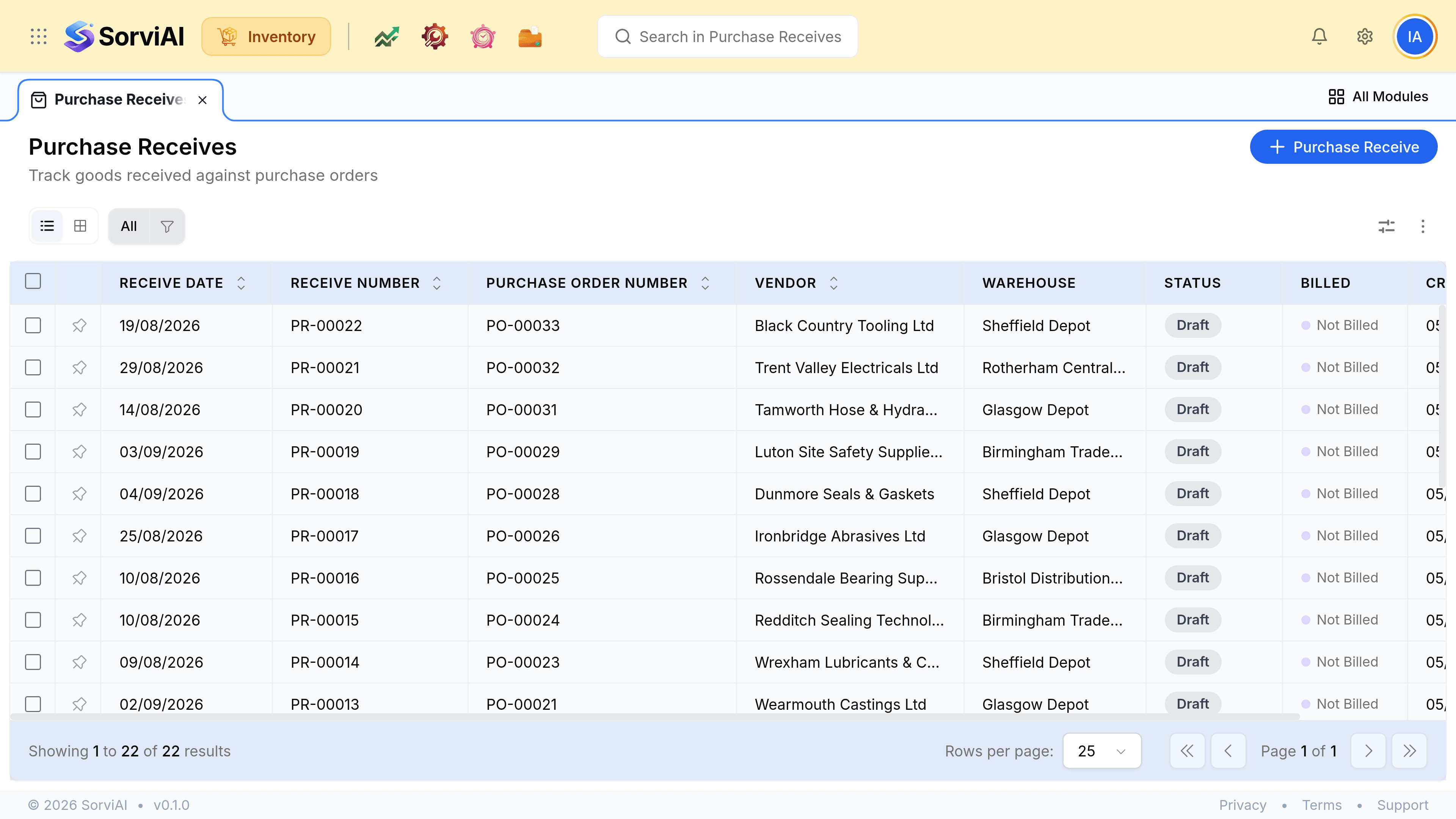
Receive a delivery
Open the purchase order and create a receive
Its lines come across as the starting point.
Count what actually arrived, line by line
Not what was ordered. This is the whole discipline of the step.
Confirm the depot
It defaults from the order. A delivery split across two sites is two receives.
Check the rate
It becomes the valuation for these units, so it matters more than the cost price on the item.
Save
Stock rises at that depot, the balance stays on order, and the units become available immediately.
What changes
| Figure | Before | After |
|---|---|---|
| On order | Includes the units | Reduced by what arrived |
| Stock on hand | Does not include them | Includes them |
| Available | Unchanged | Up by what arrived |
| Stock asset value | Unchanged | Up by quantity times rate |
| Billed | Not Billed | Still Not Billed. The bill is a separate document |