What each widget is counting, and which of them obey the date range.
Sixteen widgets ship in the default arrangement. They fall into three groups and a set of rankings, and the Manage Widgets panel files them under Stock and Charts.
Value
Widget
What it counts
Total Stock Overview
The whole holding, split into available and reserved
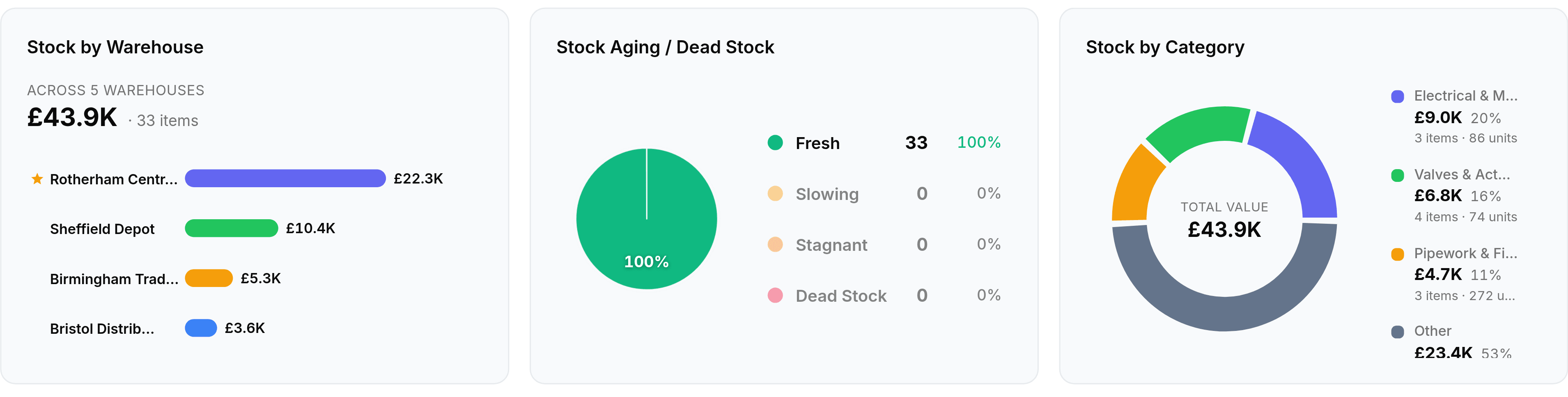
Stock by Warehouse
A total distributed across depots, with your primary one starred
Stock by Category
The same total grouped by item category, with each category's share
Health
Stock Aging has four buckets, and the two on the right are the ones worth acting on.
Widget
What it counts
Stock Status
The catalogue split into in stock, low stock, out of stock and inactive
Stock Aging / Dead Stock
Holdings bucketed as Fresh, Slowing, Stagnant or Dead Stock
Low stock is decided by each item's reorder point, so Stock Status is only as useful as those numbers are.
Rankings
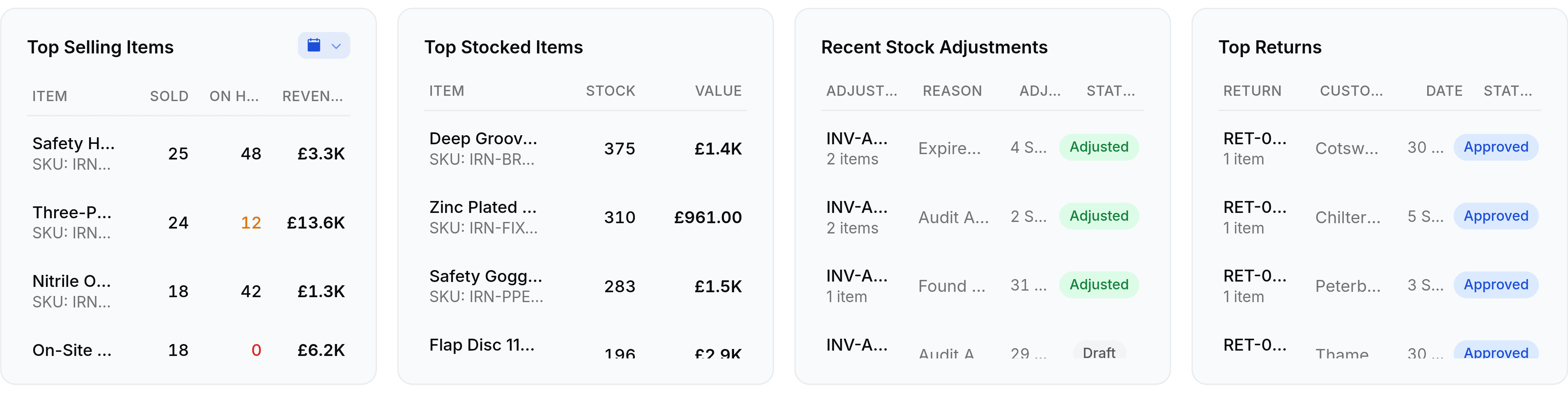
Top Selling Items shows quantity on hand beside units sold, so a fast mover running low is visible in one row.
Widget
Ranked by
Top Selling Items
Units and revenue over the period, with stock on hand alongside
Top Stocked Items
Quantity on hand
Top Returns
Recent sales returns
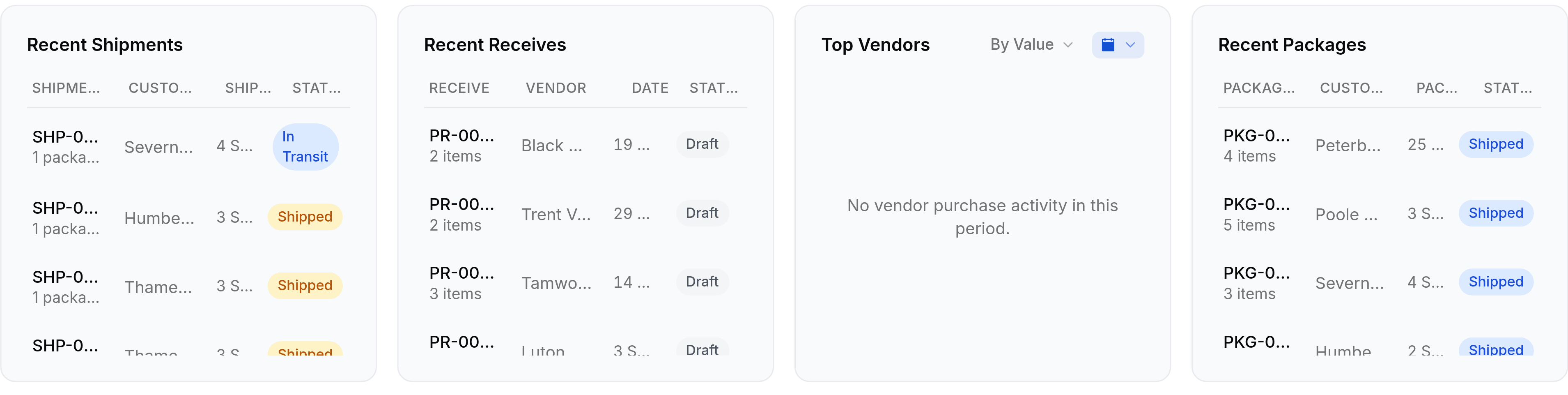
Top Vendors
Purchase value or units received, switched with a By Value control
Activity
An empty widget says why it is empty rather than showing nothing, which is usually the date range talking.
Widget
What it lists
Stock Movement
Stock in against stock out over the period, with in, out and net totals
Recent Stock Adjustments
The latest corrections, with reason and status
Recent Shipments
The latest outgoing shipments, with customer and status
Recent Receives
The latest purchase receives, with vendor and status
Recent Packages
The latest boxes prepared, with customer and status
Recent Activity
All of those in one feed. Switched off in the default layout
Which widgets obey the date range
Obeys the range
Stock Movement, Top Selling Items, Top Vendors and the four recent lists. They count events, so a period is meaningful.
Ignores it
Total Stock Overview, Stock Status, Stock by Warehouse, Stock by Category, Stock Aging and Top Stocked Items. They read the position now.
Carries its own
Stock Movement and Top Vendors have a second picker beside their title, which wins for that widget alone.